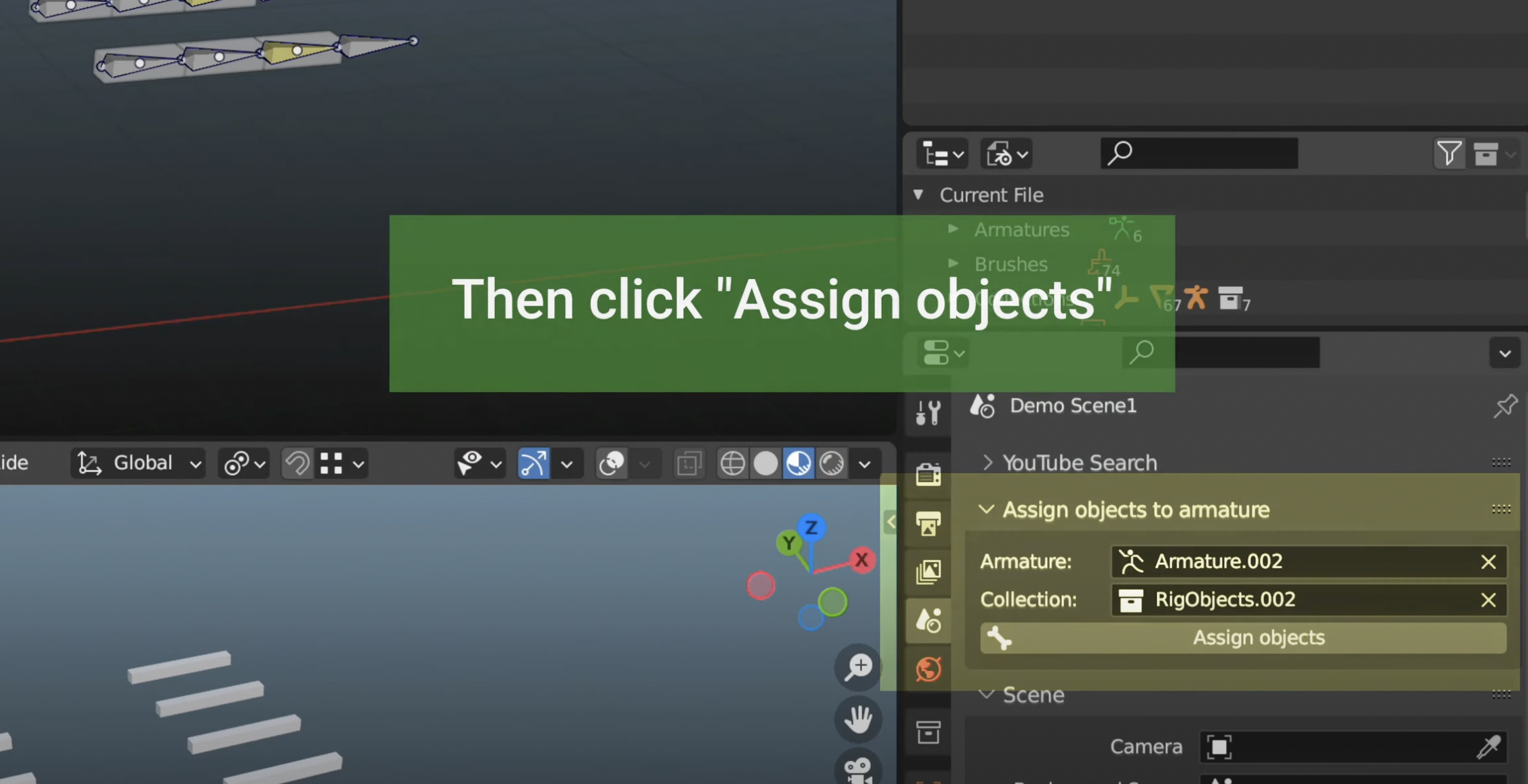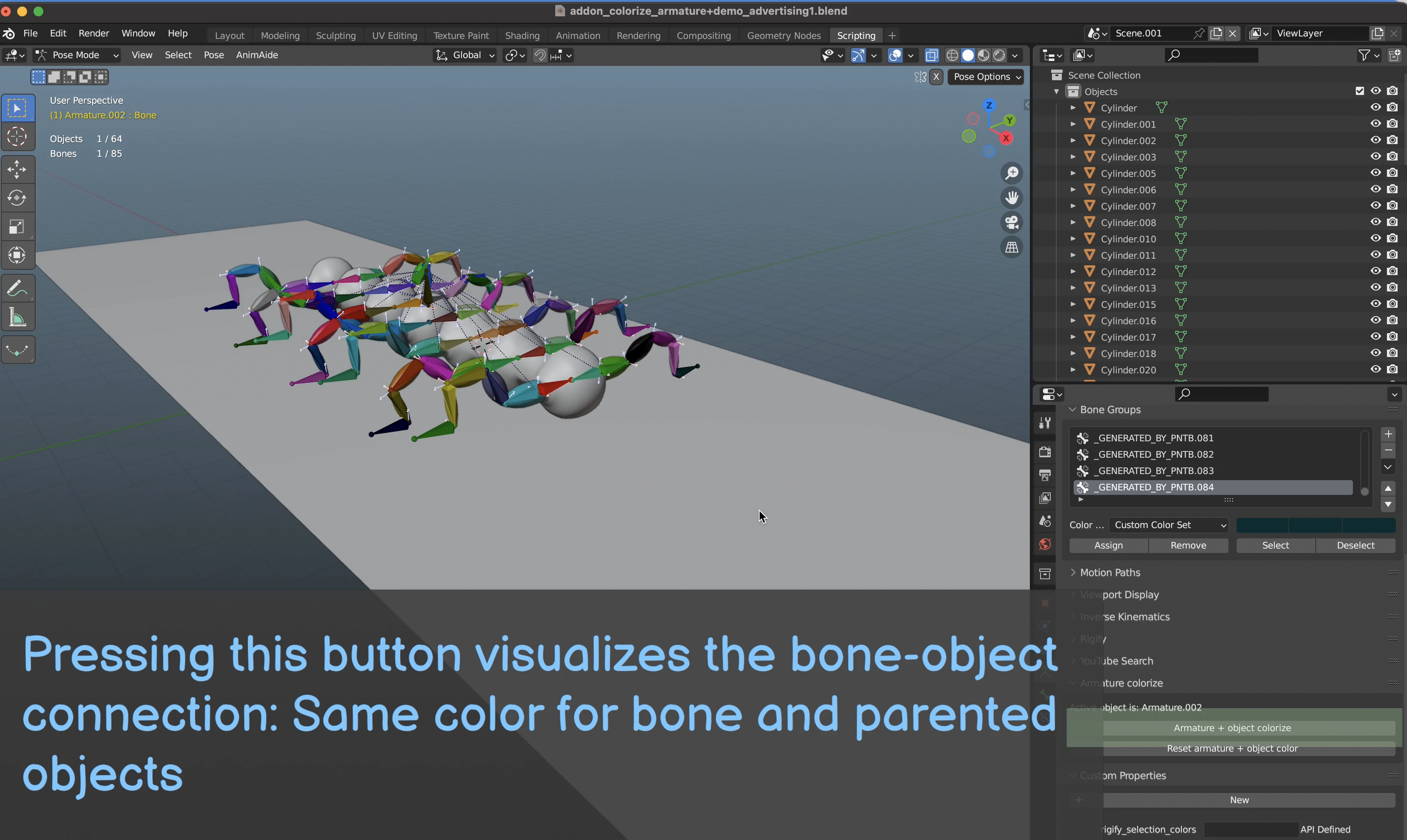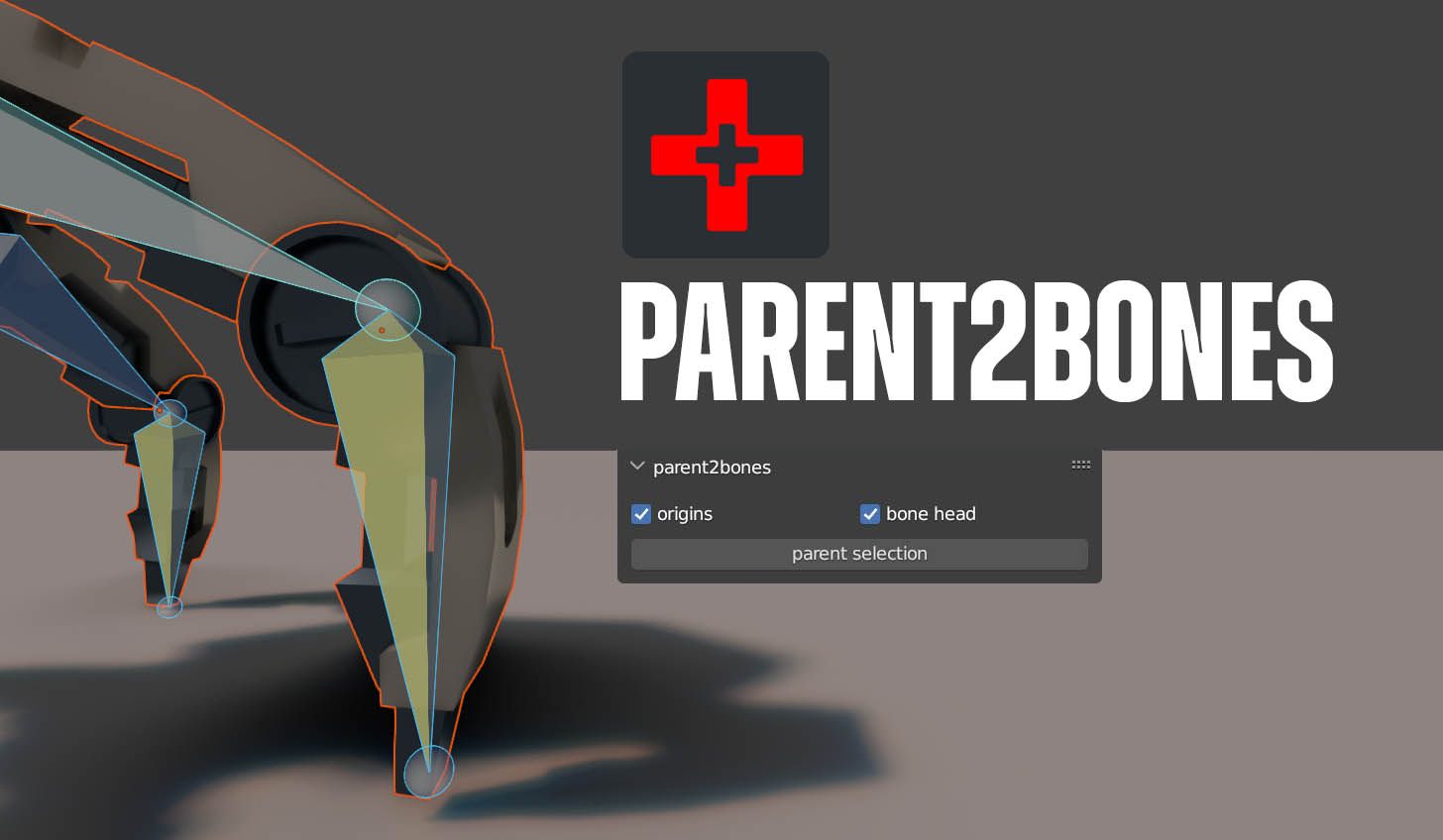
Parent To Nearest Bone is a Blender add-on by Blender.Fun that assigns objects to the nearest bone in an armature with a single click. It targets character animation, game assets, and other rigging work where objects need to be parented to bones. Its features include two parenting modes, Check armature functionality, and hints for common setup problems.
Choose a parenting mode
The two parent options are Bone and Armature deform with automatic weights. The product listing does not explain any further difference between them.
Check armature functionality is included. It cannot be used when Armature deform is selected. In that mode, assigning objects resets the colors automatically.
Find the controls and check setup hints
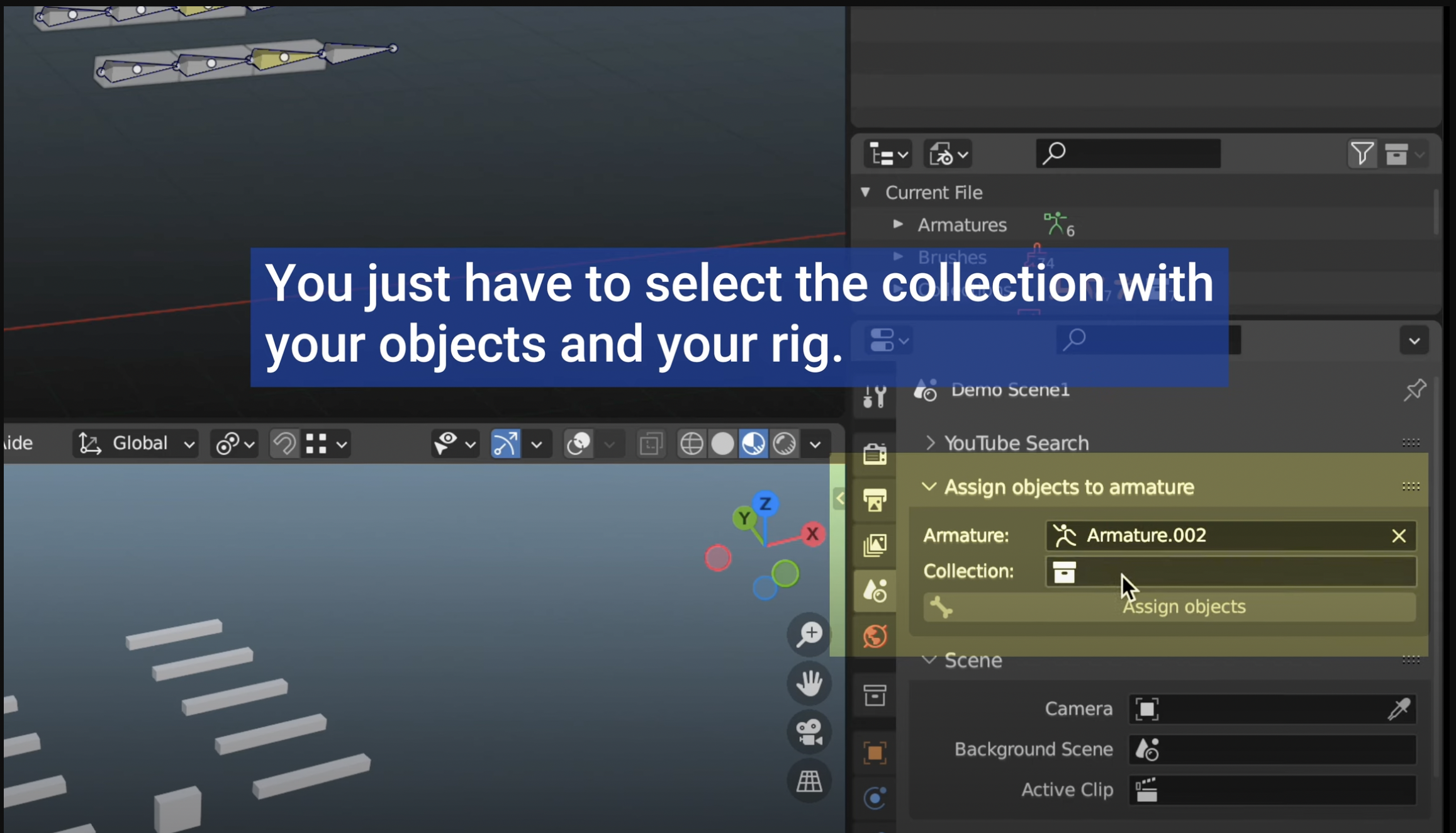
The controls are in the armature properties, not the scene properties shown in the product's older demo video. Built-in hints can flag an unfilled collection field or objects that cannot be used for armatures, such as lights. The listing also describes using the add-on with Quick add.
Check Blender version notes
The product details list Blender versions 2.93 to 5.1. Its version 0.6 note says the add-on runs through Blender 4.2 and directs users on Blender 4.0 and later to use the ver8 file. The listing does not explain support for Blender 4.3 to 5.1 in that note, so check the package details before installing on those versions. The product is marked Blender Extension compatible.
Price and license
The Superhive product listing currently displays a price of $5 and identifies the license as GPL. Check the listing for the current price and package details before downloading.