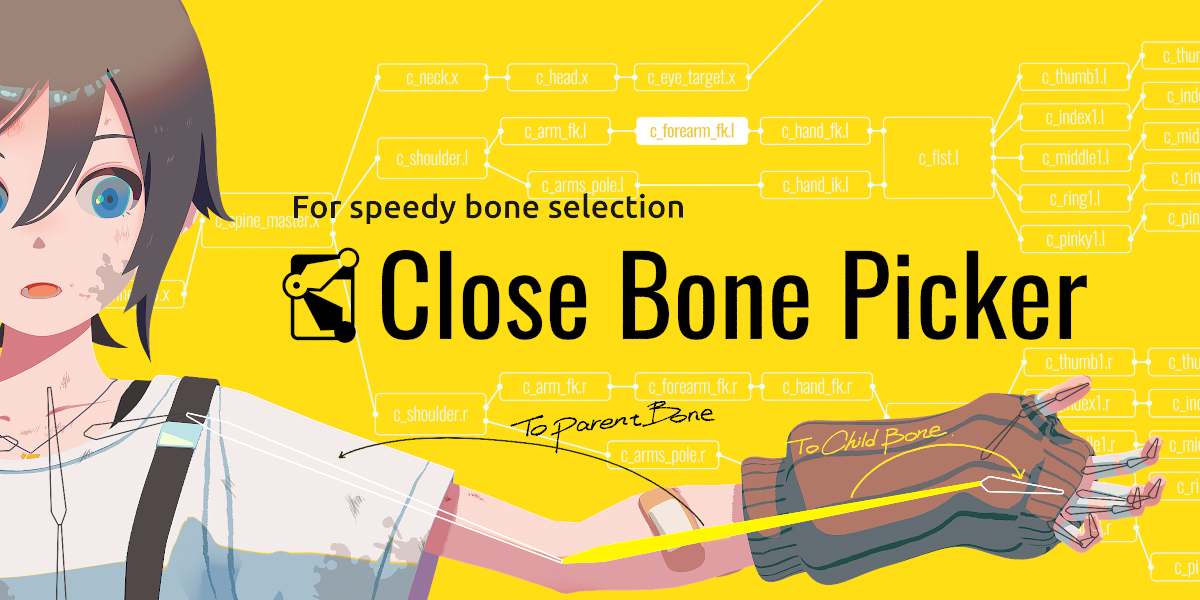
Close Bone Picker is a Blender add-on by POPREQ for character animators who repeatedly select rig bones. It lets you build a custom bone hierarchy, navigate it with keyboard shortcuts, and open pie menus for direct access to frequently used bones.
Build a selection layout for your rig
Set up a hierarchy that fits the controls you use, then move through it with shortcuts while animating. For bones you reach for often, register them in a pie menu for direct selection. Both the hierarchy and pie menus are configured in the dedicated CBP Node Editor.
Pie menus can combine conditional nodes for context-sensitive selection. The developer gives examples such as choosing the bone on the right in the 3D View or selecting the bone with the larger scale. The editor has one node type to learn, though the setup still requires time to understand the add-on’s concepts and workflow.
Manage bones in the 3D View
Close Bone Picker also lets you toggle and filter bone collections in the 3D View, so you can keep collections you do not need for animation hidden without switching to the Properties Editor. It can enter Pose Mode even when other objects are selected. The listing says it supports any armature that functions in Blender, including Rigify, Auto Rig Pro, and custom rigs.
Setup and use
The developer’s documentation describes downloading the add-on ZIP, then using Blender’s Edit, Preferences, Get Extensions, and Install from Disk controls. Detailed settings are available under the Add-ons tab. Configure the add-on in its node editor, then use it in Pose Mode.
The documentation cautions that Close Bone Picker is not designed for immediate casual use and requires learning its concepts and workflow. It is a better fit if you are willing to configure a selection layout for your animation work than if you need a ready-made picker with no setup.
Compatibility and license
The product listing specifies Blender 4.5–5.1, while the documentation says Blender 4.5 or later. Since the stated range differs, check the current listing before installing, especially if you use a newer Blender release. The listing identifies the add-on’s license as GPL.