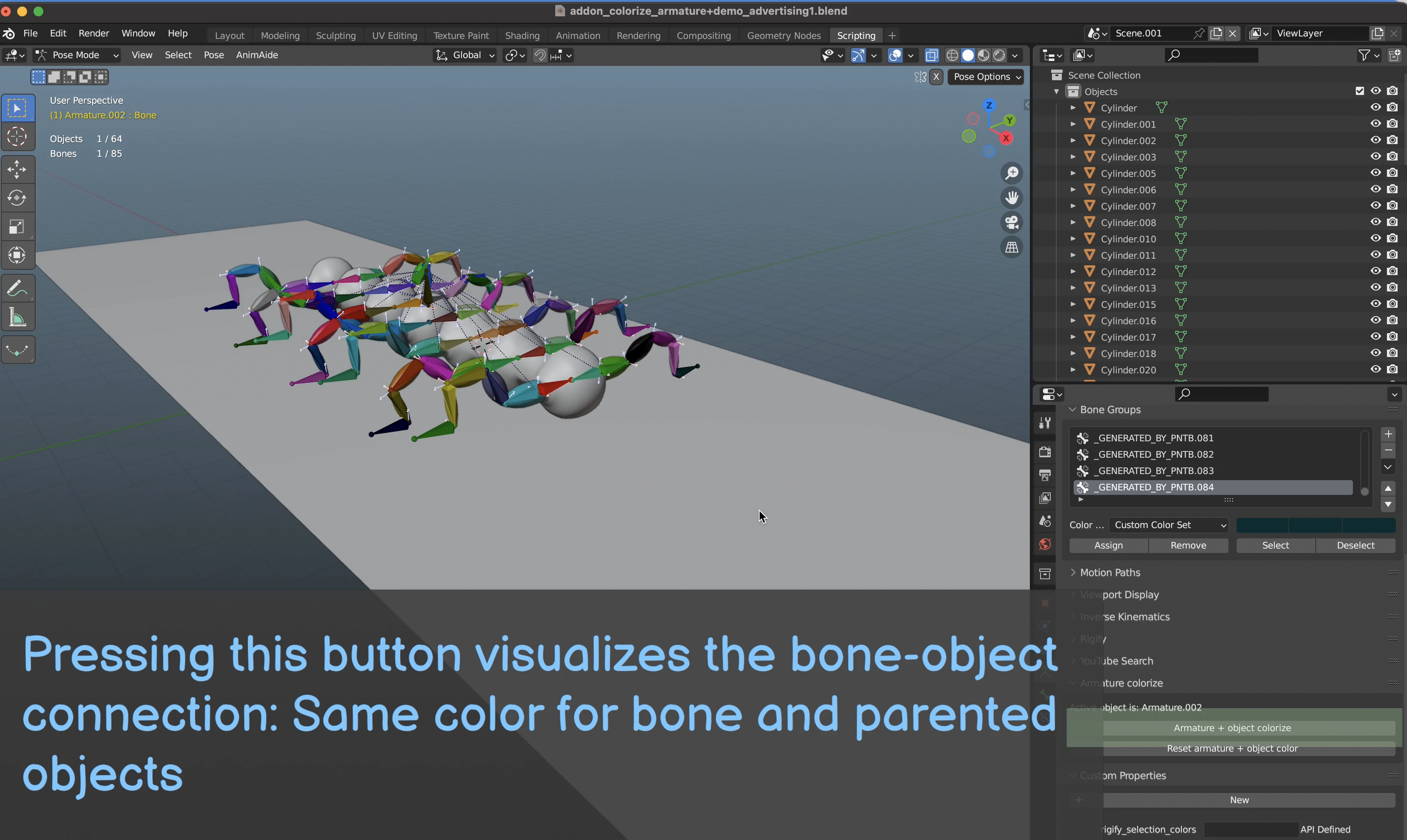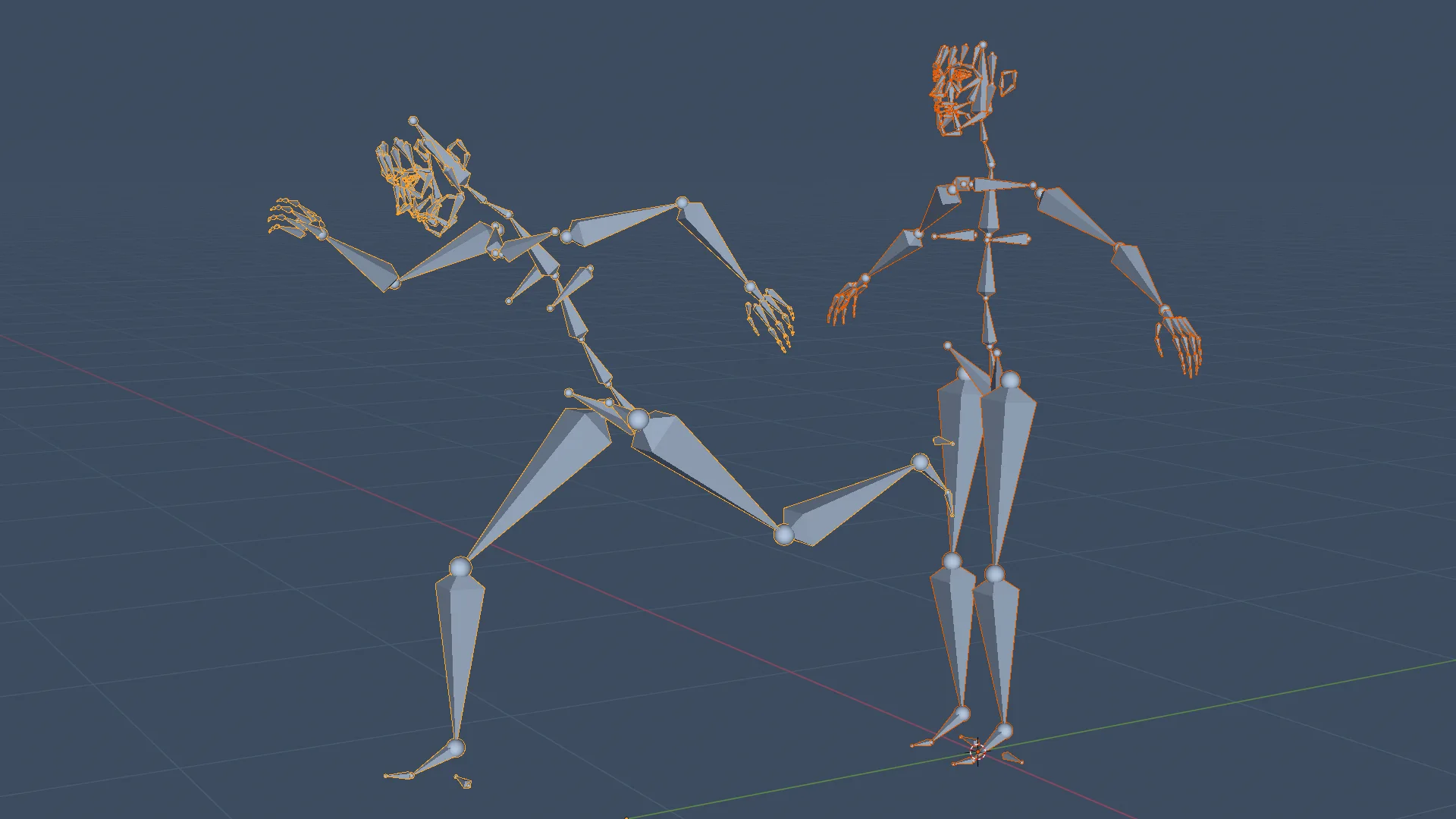
Skin Mesh To Bone is a Blender add-on by darknation. It skins all vertices on selected mesh objects to a bone on the active armature. The developer describes it as a way to handle scenes where several mesh objects need the same bone, without repeating the manual task for each object. Its operator is in the Object menu of the 3D Viewport.
When Skin Mesh To Bone fits
It fits scenes where selected mesh objects share one bone on the active armature. Check the selection first because the operator skins every vertex on those meshes.
The listing does not explain how the target bone is chosen or describe per-object bone mapping and detailed weight controls. If your rig needs different bones or custom weights, review the developer's source repository and test your setup before relying on the add-on. The developer also provides an issue tracker.
Version and Blender compatibility
The Blender Extensions listing identifies version 1.0.2 and compatibility with Blender 4.2 LTS and newer. Its catalogue record sets Blender 4.2.0 as the minimum version. Version 1.0.2 fixed a bug that caused vertex groups to be mirrored incorrectly. The listing also specifies the GNU General Public License v3.0 or later and says the extension does not require special permissions.
Install and check the workflow
The extension page offers drag-and-drop installation or a download you can install from disk. Blender's extension installation instructions explain the latter option. Check your Blender version against the 4.2.0 minimum before installing.
After installation, find the operator in the 3D Viewport's Object menu. The published description does not document every selection detail, so confirm how your intended bone is selected and test the result on a copy of the scene if those details affect your rig.