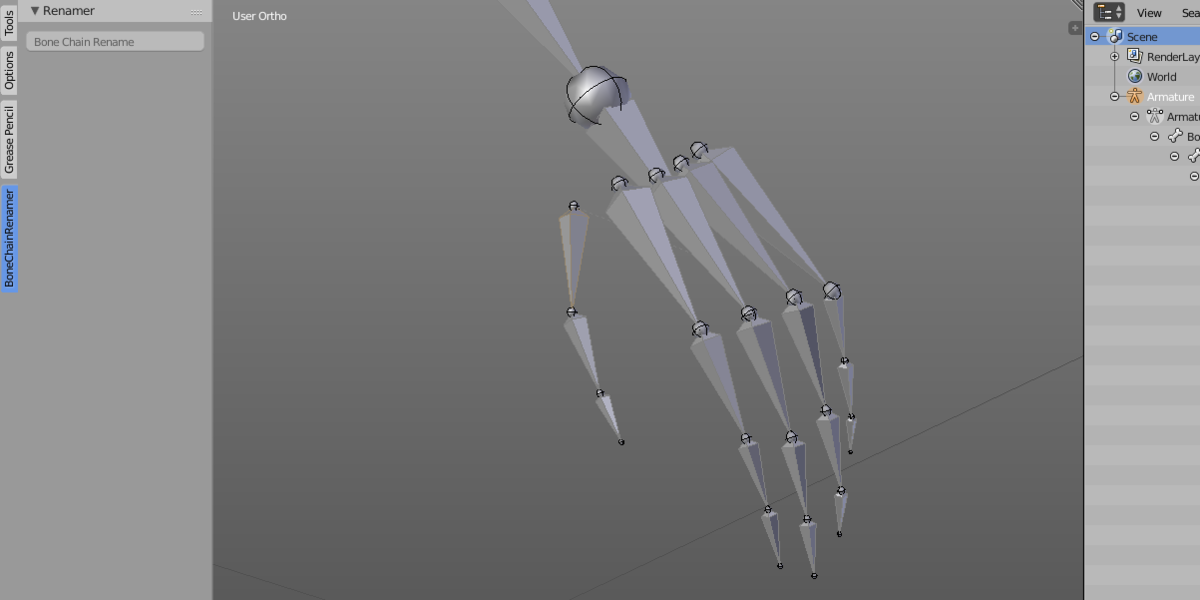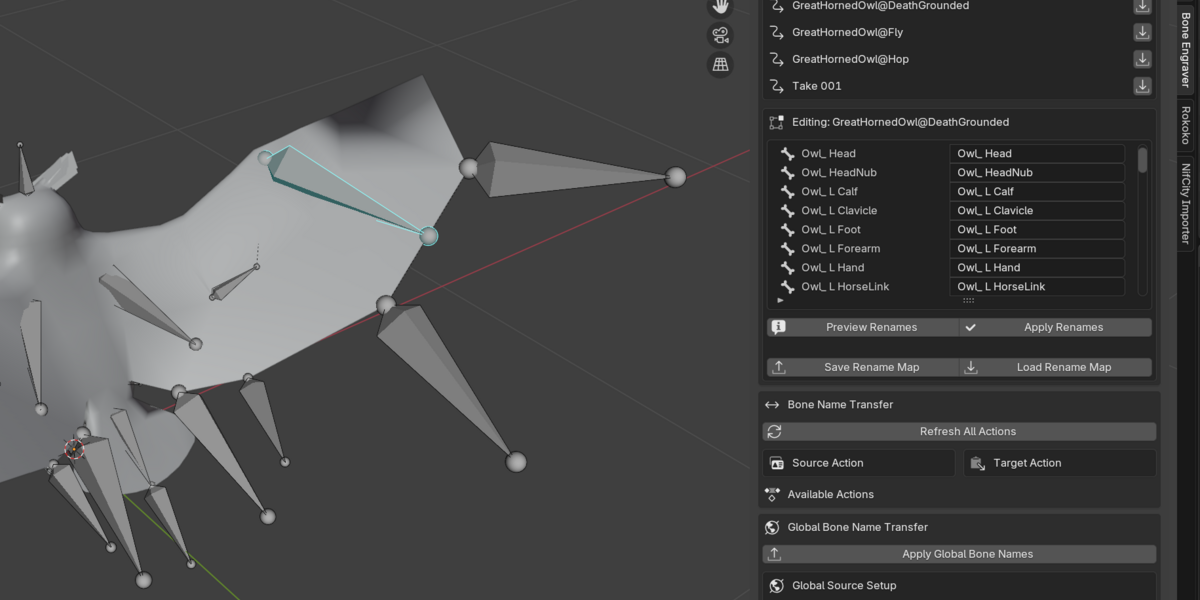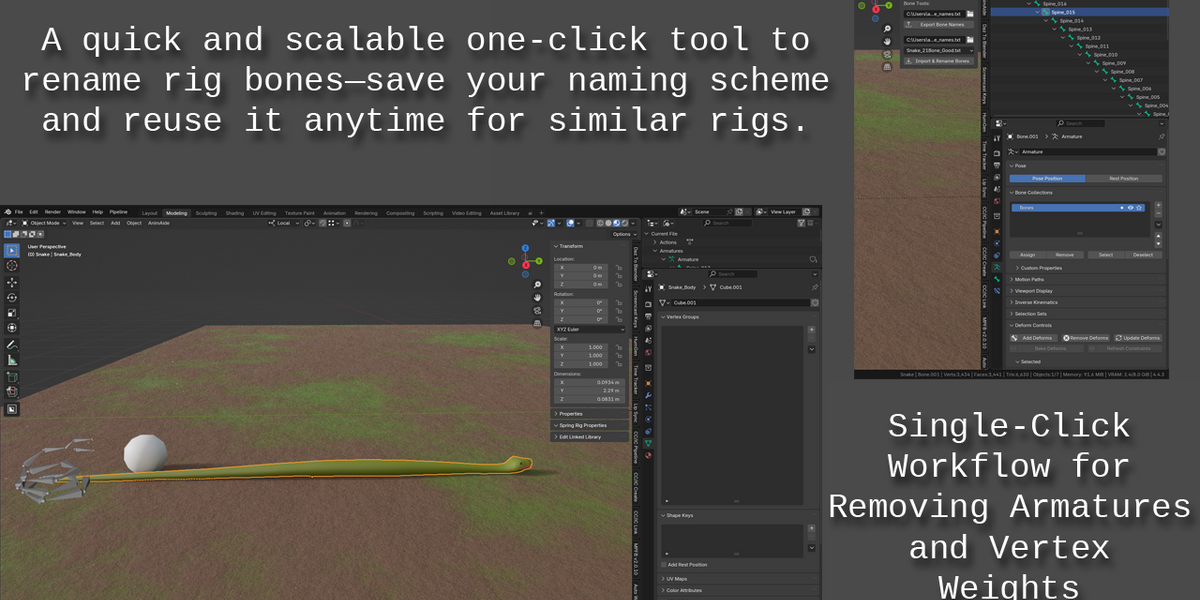
Bone Chain Renamer is a Blender add-on by aesu for naming long bone chains without renaming each bone by hand. Choose a starting bone and the add-on renames the bones parented below it in order, including branching chains. The workflow suits repeated rig elements such as hair strands, skirts, ribbons, tails, and accessories.
Control numbering, sides, and prefixes
Set the chain name, starting number, number padding, and separator. A live example preview lets you check the format before renaming. Padding can produce labels such as 01 and 02.
For left and right rigs, Bone Chain Renamer can detect _L and _R from existing bone names or from 3D position. It can rename the matching chain on the opposite side at the same time. Separate prefix controls apply a prefix to selected bones or remove one, which helps when a set of bones needs a naming adjustment outside the chain operation.
Rename a chain in Blender
- Select an armature and enter Edit or Pose mode. Object mode is also supported.
- Press N to open the sidebar, then choose the AESU tab.
- Select the first bone in the chain.
- Enter the name and adjust the numbering and separator settings. Check the live example.
- Click Rename Chain to rename the chain and, when detected, its mirrored counterpart.
The AESU panel appears when an armature is selected. To batch-edit prefixes, select the bones, enter the prefix, then choose Add Prefix or Remove Prefix.
Compatibility and listing details
The Blender Extensions listing requires Blender 4.2.0 or later. Version 1.0.1 is listed under the GPL-3.0-or-later license. The listing provides a drag-and-drop option or a download for installation from disk; see Blender's Install from Disk instructions. Check the Bone Chain Renamer listing for the current release details and support links.