Rename Blender bones and clean up rig data
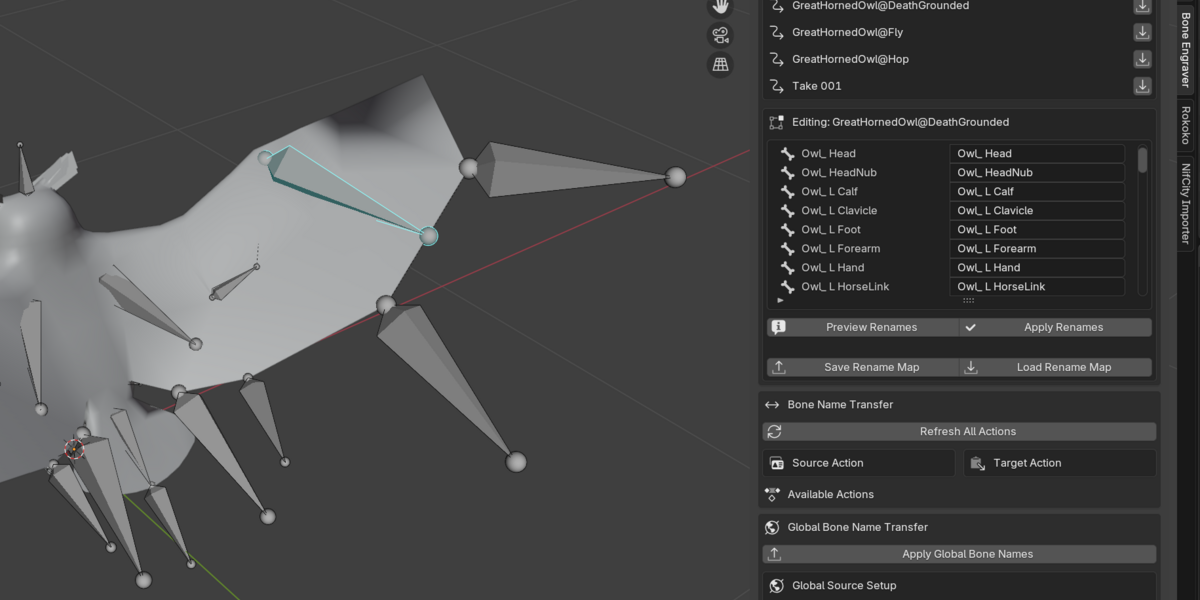
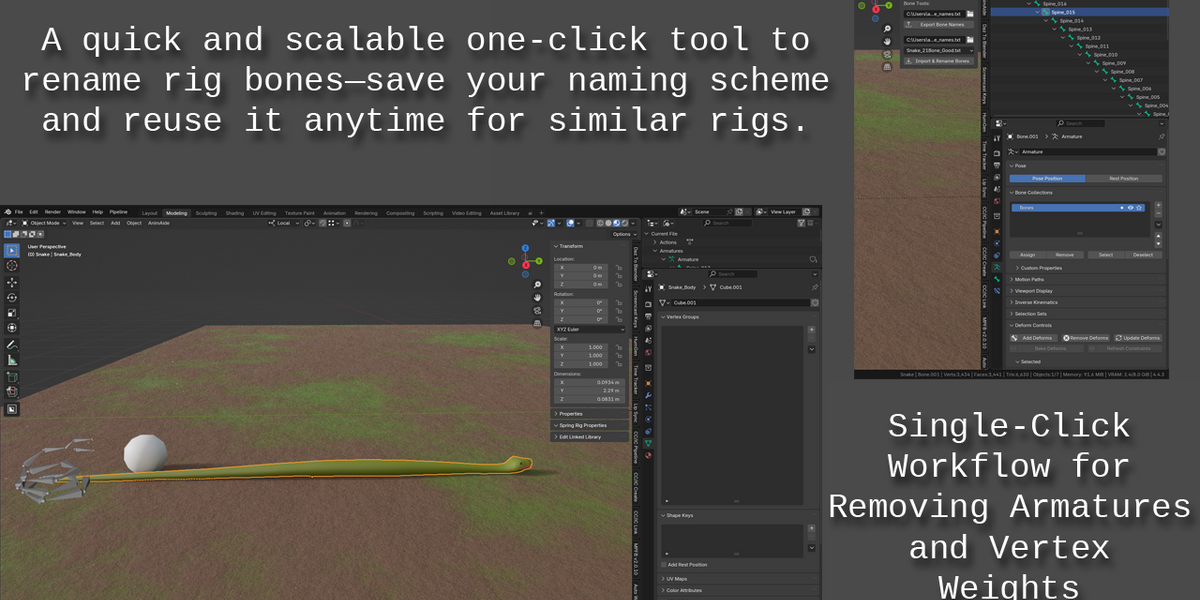
DPL - Them Bones + Mesh Clean Up is a Blender add-on for renaming bones on armatures according to Blender naming conventions. Its creator developed it to address naming issues with rigs from Character Creator, AccuRig, and Mixamo. A built-in Rig List covers several armature types, and bone names can also be imported from a file name. Mesh Cleanup removes an object's Vertex Groups and Armature. The add-on can be used on its own or as part of Dynamic Pose Library Premium.
Import bone names and clean up rig data
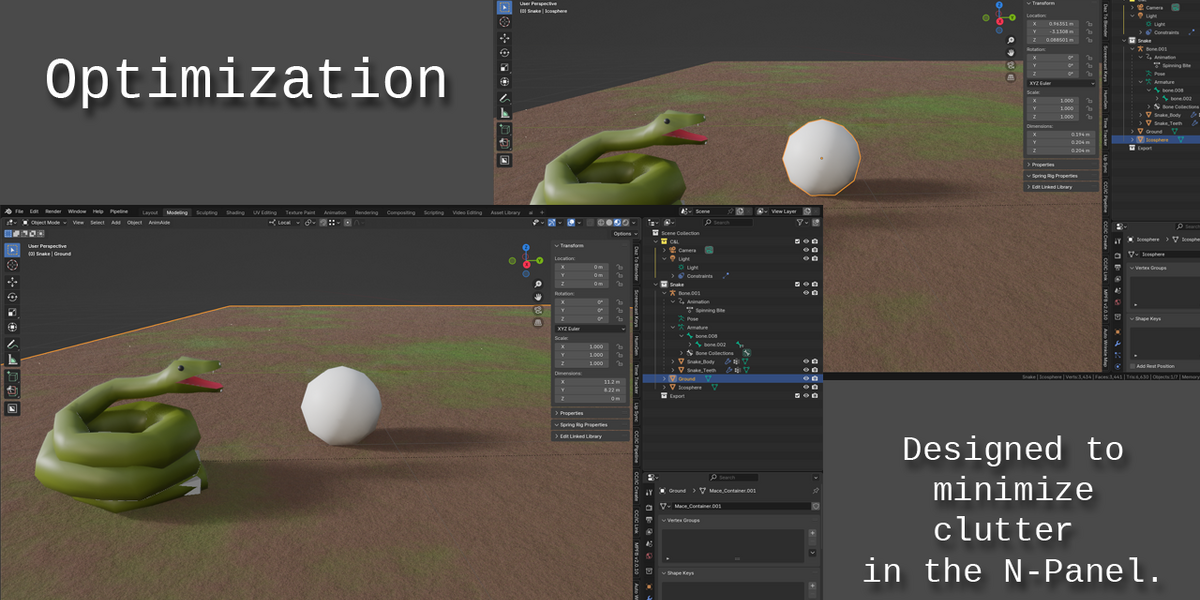
The included snake_bone.txt file supports renaming for the provided Snake Blender file. For mesh cleanup, the add-on can remove an object's Vertex Groups and Armature in one click. Separate Remove Weights and Remove Armature buttons let you handle those operations individually. The cleanup controls stay hidden in the N-Panel unless the selected object has weights or a rig.
The documented cleanup actions remove rig data; the product page does not describe geometry or topology repair.
Blender compatibility and version 1.1.2
The product listing gives a Blender version range of 2.9 to 4.4. The update notes say the same ZIP works as an add-on for Blender 2.92.x and above. In Blender 4.4.x, the add-on appears in the Extensions tab. Version 1.1.2 fixes an installation issue with Blender 4.4.x and problems importing bone names from the Rig List or a file name.
Before updating an older installation
Back up custom bone-renaming files before uninstalling an earlier version. The developer's note says DPL-ThemBones-v1.0.7 must be removed manually before installing v1.1.0. For current product details, see the DPL - Them Bones product page.