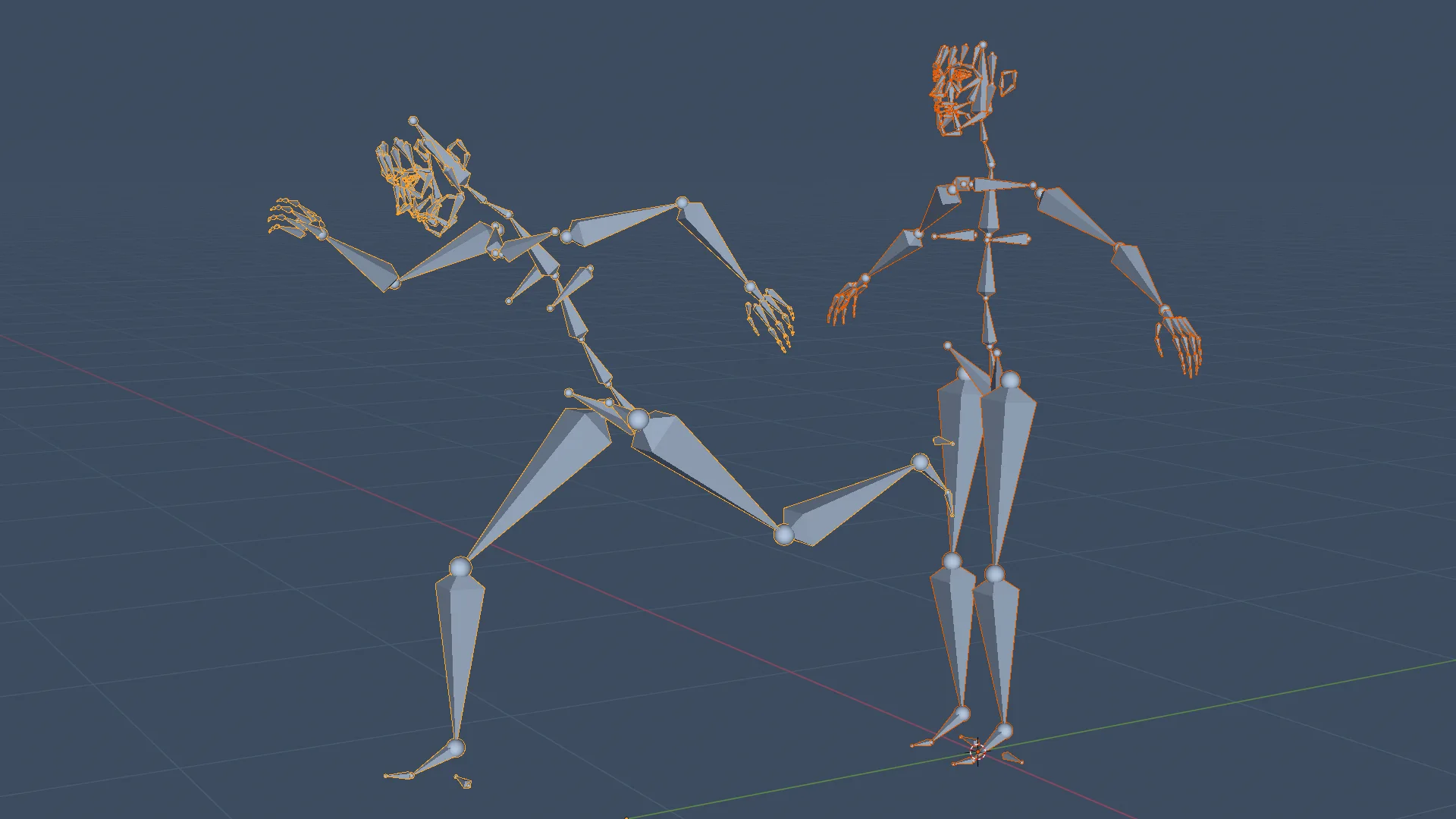
Bone Aligner is a Blender add-on by maylog for aligning two bones by name. The developer README describes its use with armatures during animation or rigging and lists Edit Mode and Pose Mode as supported contexts.
Choose the alignment direction
Start with an active bone and a selected bone that share a name, then choose the direction that matches the result you want:
Active to Selectedaligns the active bone to a selected bone with the same name.Selected to Activealigns a selected bone with the same name to the active bone.
Name matching in Edit and Pose modes
The developer README also lists a case-sensitive matching option. When matching is case-sensitive, capitalization matters as well as spelling: for example, UpperArm.L and upperarm.l will not match. Check this setting when bone names differ only by capitalization.
When it fits a workflow
Bone Aligner suits a targeted armature adjustment when you have a pair of matching bone names and know which bone should provide the alignment. If the active bone has the desired alignment, use Selected to Active to align the selected counterpart to it. Choose Active to Selected when the selected bone should be the reference.
Version and Blender compatibility
The official Blender Extensions catalog lists version 1.1.5, identifies maylog as the maintainer, and sets Blender 4.2.0 as the minimum version. Check the listing for the release you plan to install, since its compatibility entry applies to that release. For manual installation, see Blender's Install from Disk instructions.