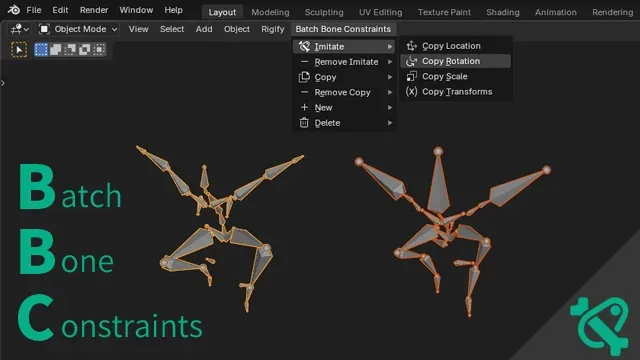
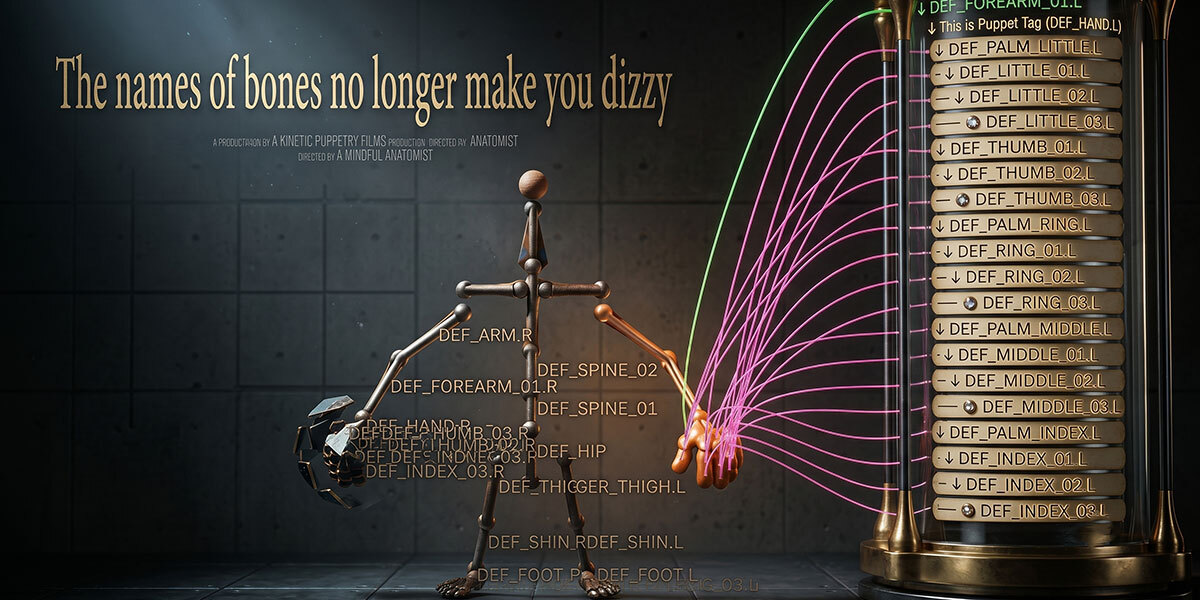
Batch Bone Constraints is a Blender add-on for applying bone constraints across selected armatures. Its six modes cover adding, copying, imitating, and removing constraints. Version 1.1.4 lists Blender 4.2.0 or later as its requirement. The Blender Extensions listing identifies distinctive-mark as the developer.
Choose from six operation modes
The modes use two different matching workflows, plus options to add or delete constraints:
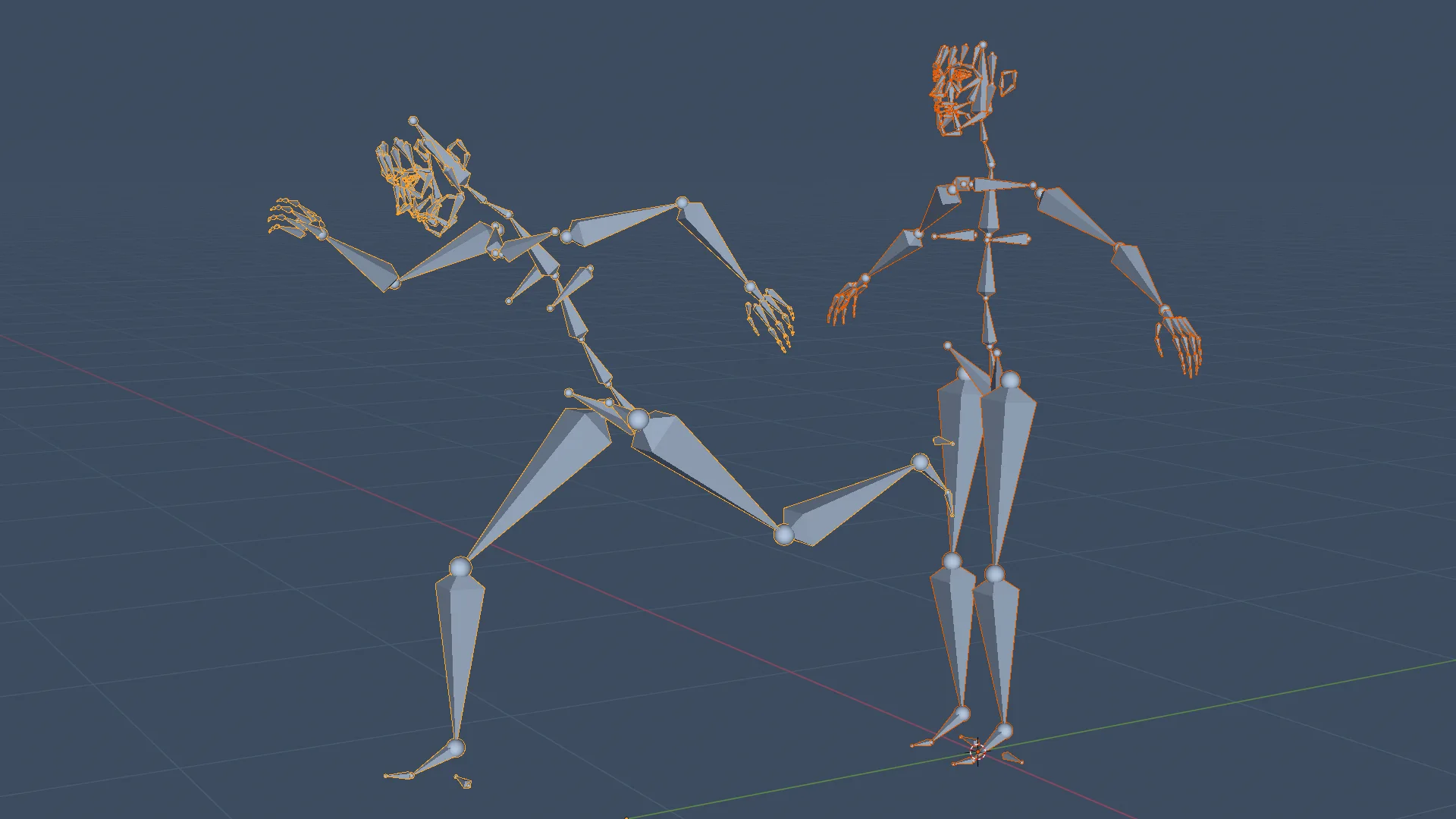
- Imitate adds constraints that target bones with the same names in the active object.
- Remove Imitate removes constraints targeting bones with the same names in the active object.
- Copy copies constraints from bones with the same names in the active armature.
- Remove Copy removes constraints that match those in the active armature.
- New adds constraints to all bones in Object mode or to selected bones in Pose mode.
- Delete removes constraints by type in Object or Pose mode, including invalid constraints.
Matching names and supported constraint types
Imitate and Copy rely on matching bone names across the armatures involved. Check that the relevant bones share names before choosing either mode. If the names differ, those operations cannot find the corresponding bones to use as targets or sources. New and Delete handle adding or removing constraints without that matching-name workflow.
The Imitate modes support four types: Copy Location, Copy Rotation, Copy Scale, and Copy Transforms. The other modes support all Blender bone constraint types. Delete also detects invalid constraints, which can be removed by type.
Use the add-on from the 3D Viewport
Batch Bone Constraints adds a menu to the 3D Viewport header. The menu appears when armatures are active or selected in Object or Pose mode. The list groups actions by mode: use the Object mode steps or the Pose mode path, as applicable:
- In Object mode, select the target armature or armatures.
- For Imitate, make the armature or mesh whose same-named bones will be targets the active object, then select the other armatures before choosing an operation and constraint type.
- In Pose mode, select bones in the active armature and choose New or Delete.
Blender support and installation
The current listing identifies version 1.1.4 and a minimum Blender version of 4.2.0. It provides the add-on archive and links to Blender's Install from Disk instructions. The extension is licensed under GPL-3.0-or-later, and its developer repository is linked from the listing.