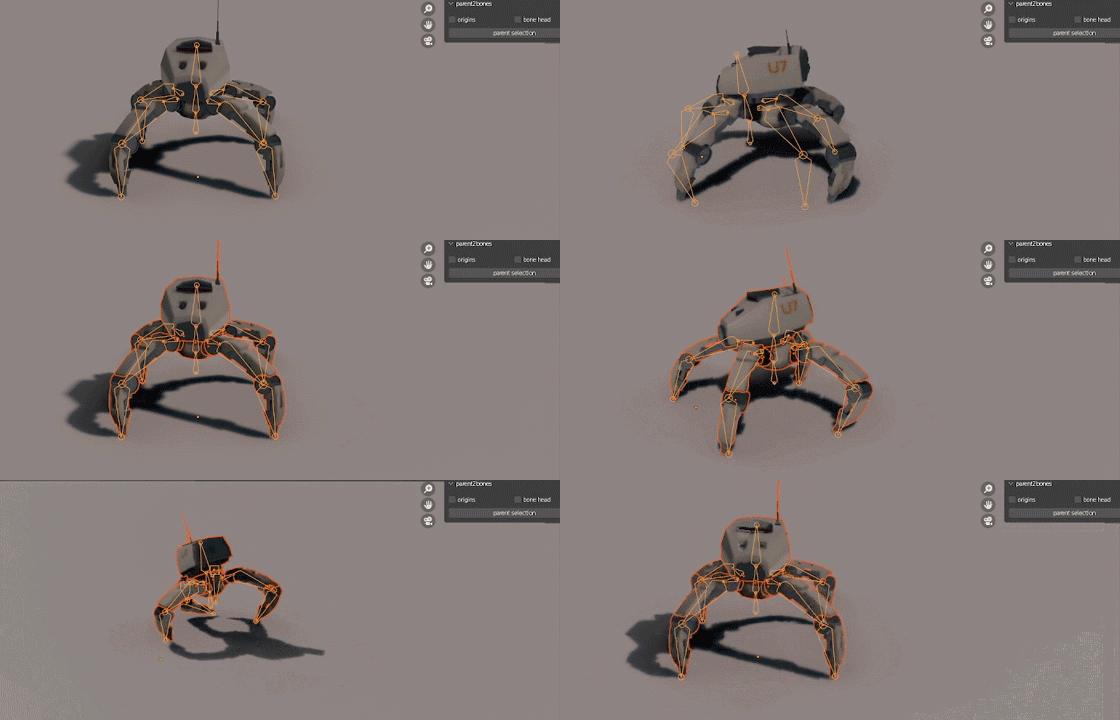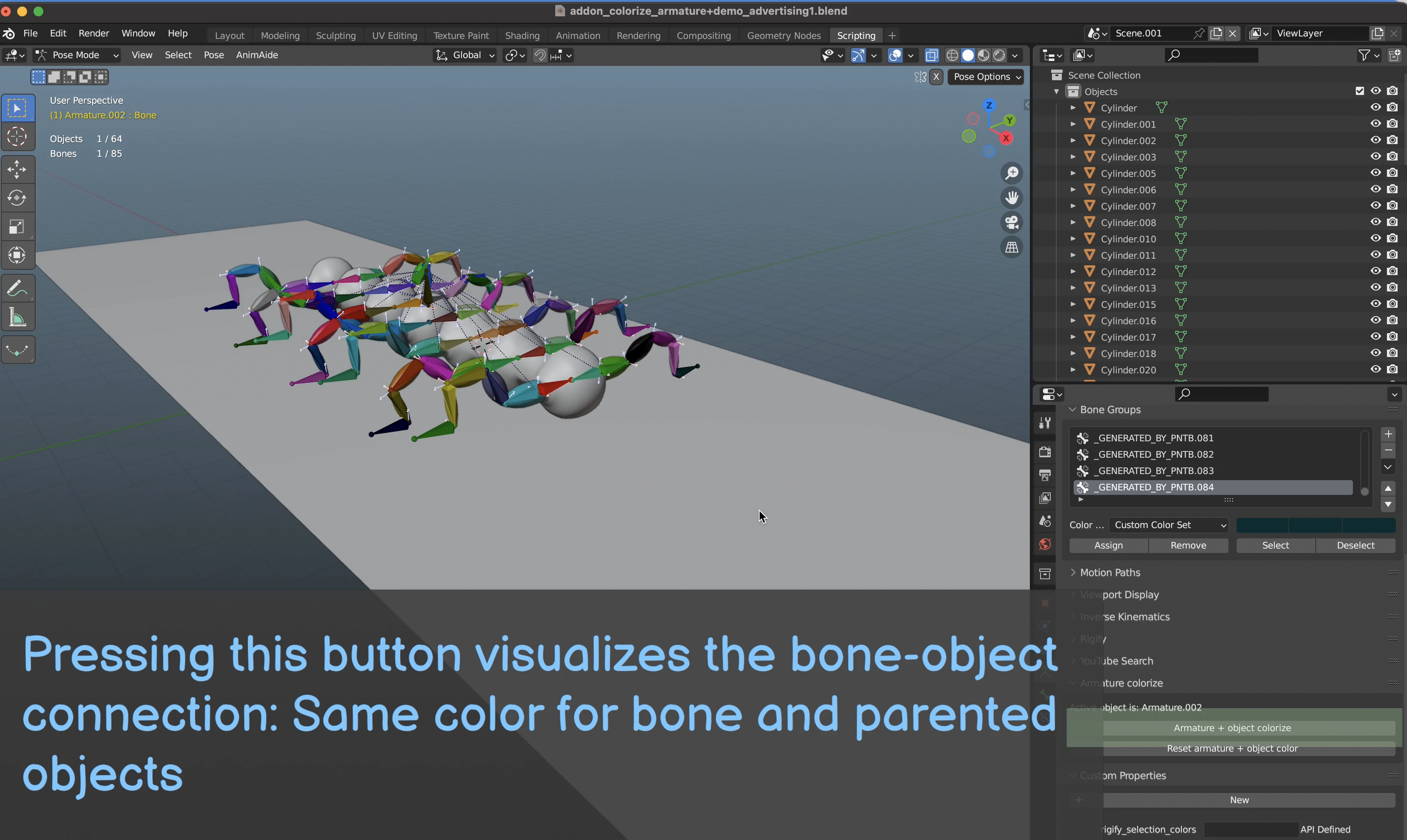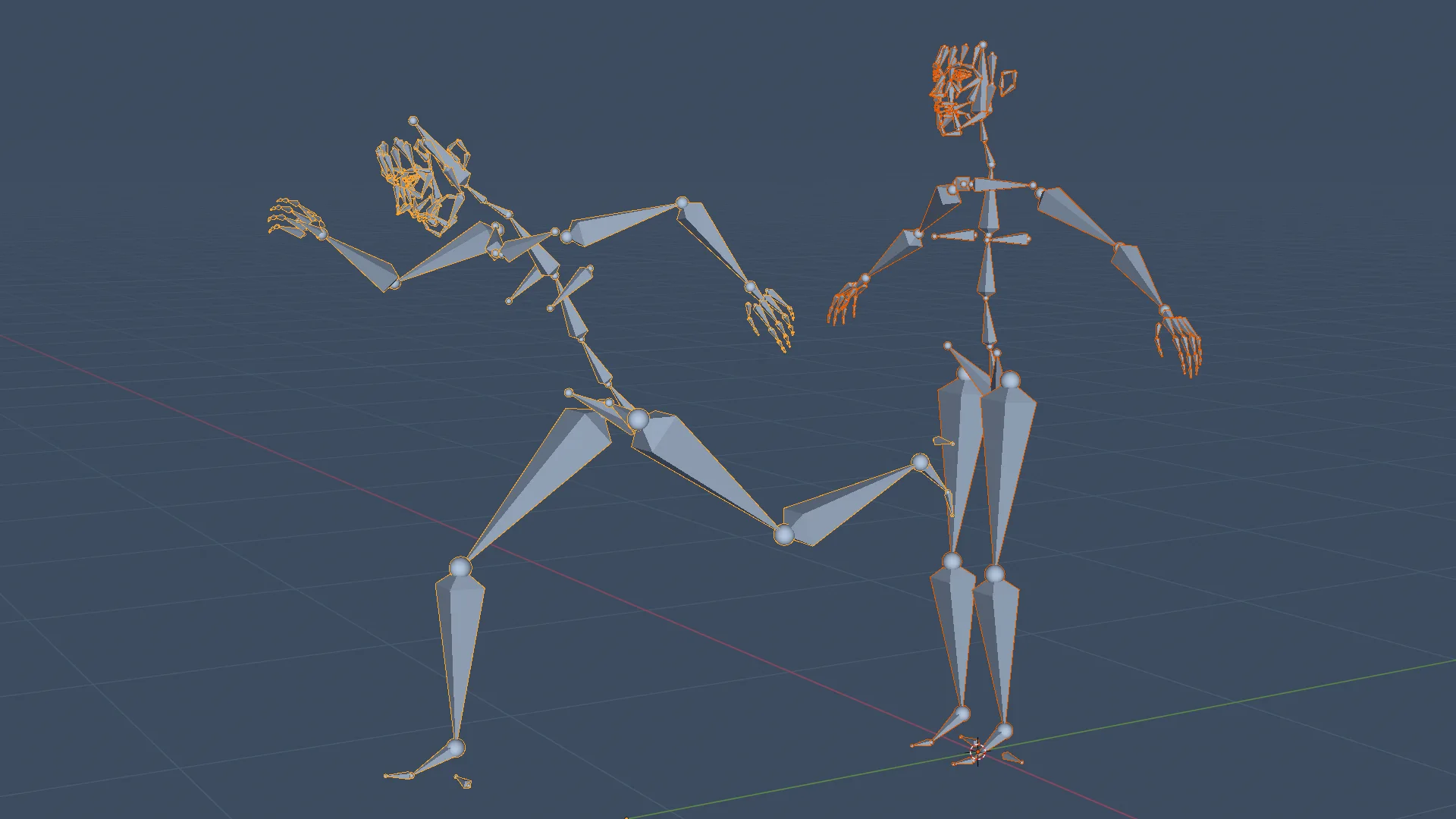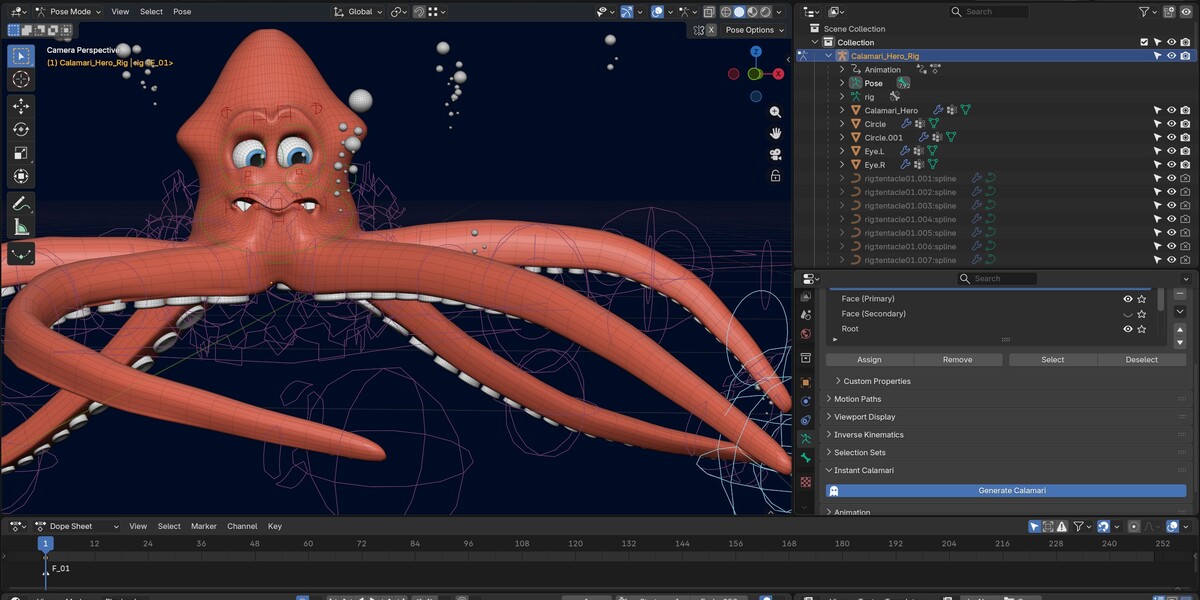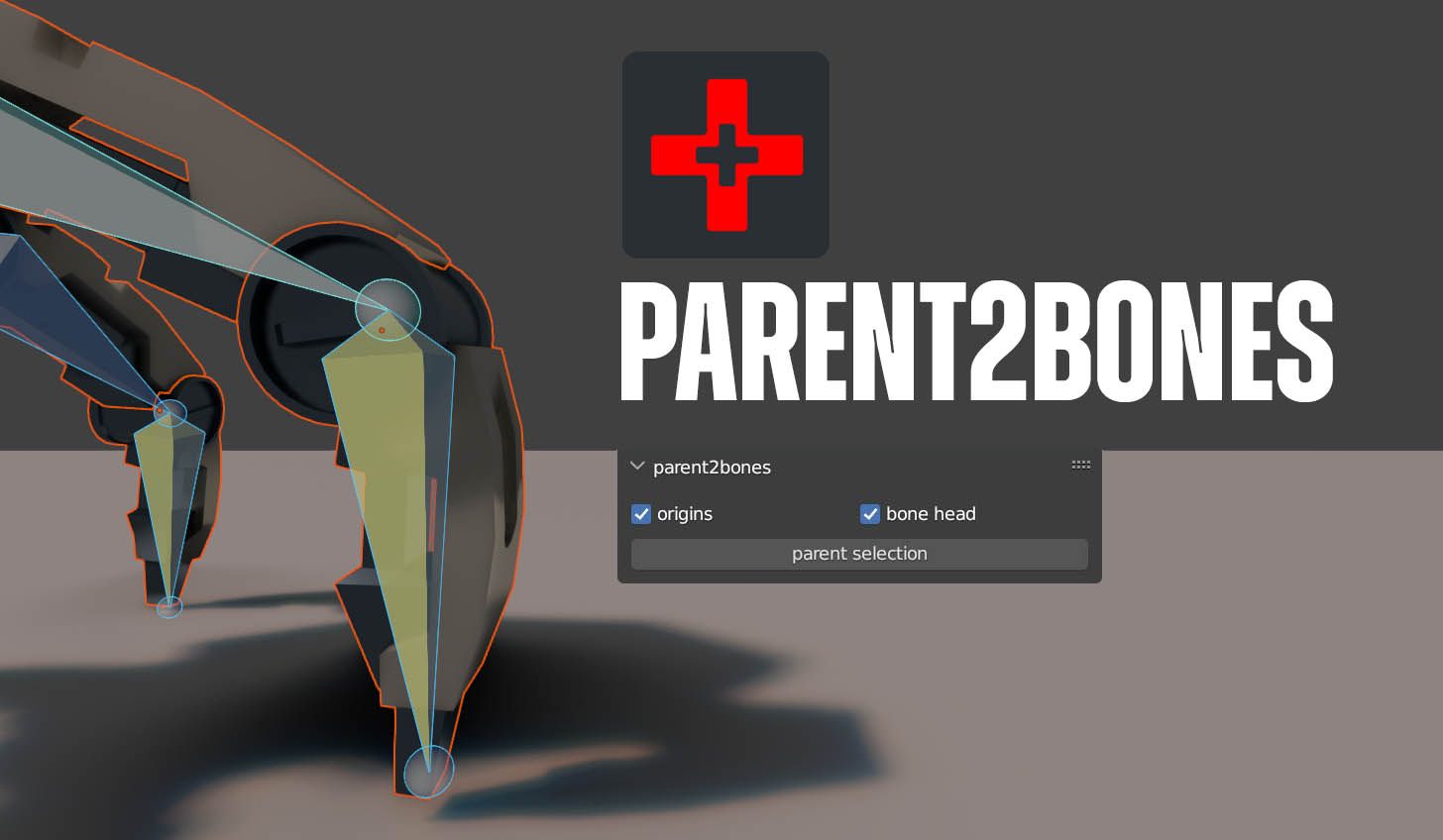
Parent2Bones by NM-8 is a Blender add-on that assigns selected objects to the closest bone in an armature. Select the objects and armature, choose the points used to measure distance, then click parent selection. It is intended for setups where proximity is a useful way to assign multiple object parents.
How to assign objects to bones
- Select the objects to parent and their armature.
- Choose whether to measure from each object’s location or the center of its bounding box.
- Choose whether to measure to each bone’s head or its center between head and tail.
- Click
parent selectionto parent each object to its closest bone.
Choosing the distance options
The object and bone settings control separate reference points. NM-8 recommends using object locations and bone heads when bones are close together and a more precise match is needed. Those coordinates are visible in the transform menus. When object placement is approximate or the rig has small bones, disabling both options compares object and bone centers, which the listing describes as a more intuitive choice.
Because Parent2Bones assigns by proximity, selected reference points can change which bone is closest. Check that they match the intended parent relationship when that relationship depends on something other than location.
Compatibility, price, and license
The Superhive product listing names Blender versions from 2.8 through 4.3. It does not confirm compatibility with later releases. The listing currently shows a price of $12 and labels the license Creative Commons, without naming a specific license variant in its product details. Check the listing for current price, compatibility, and license terms before using the add-on.
Planned cable and hydraulic support
The listing describes recognition and constraint of cables and hydraulic parts dynamically linked to two bones as planned functionality, not as a current feature.