Quick Render Combinations is a Blender add-on from Blender.Fun for comparing render settings in one run. Add values from Blender input fields, then render the combinations instead of changing each value and rendering by hand.
Build combinations from input fields
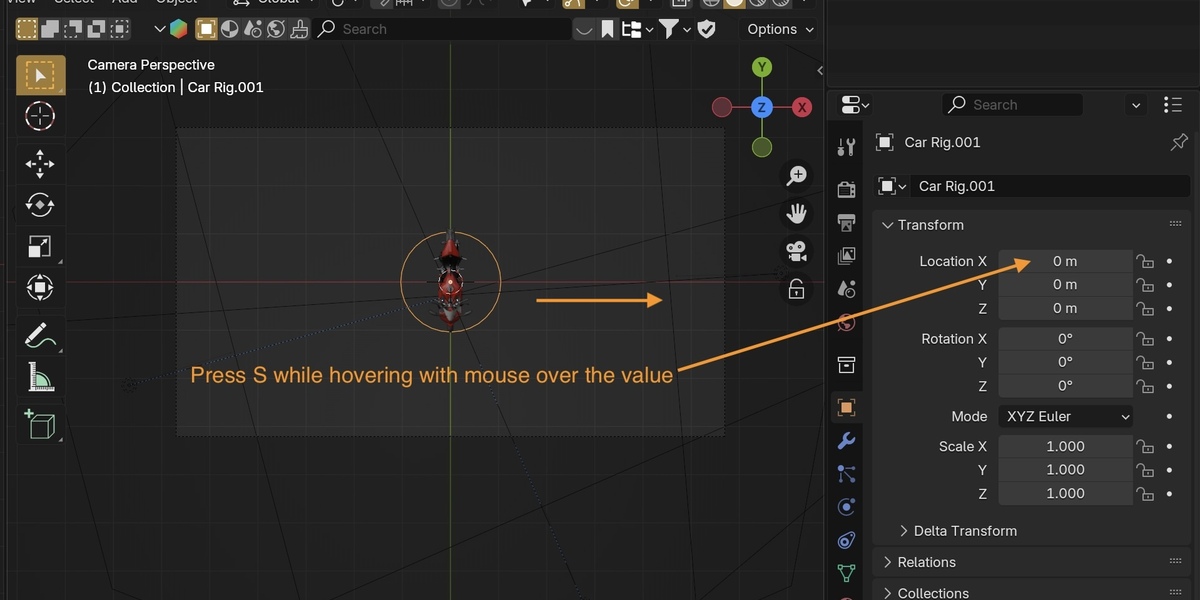
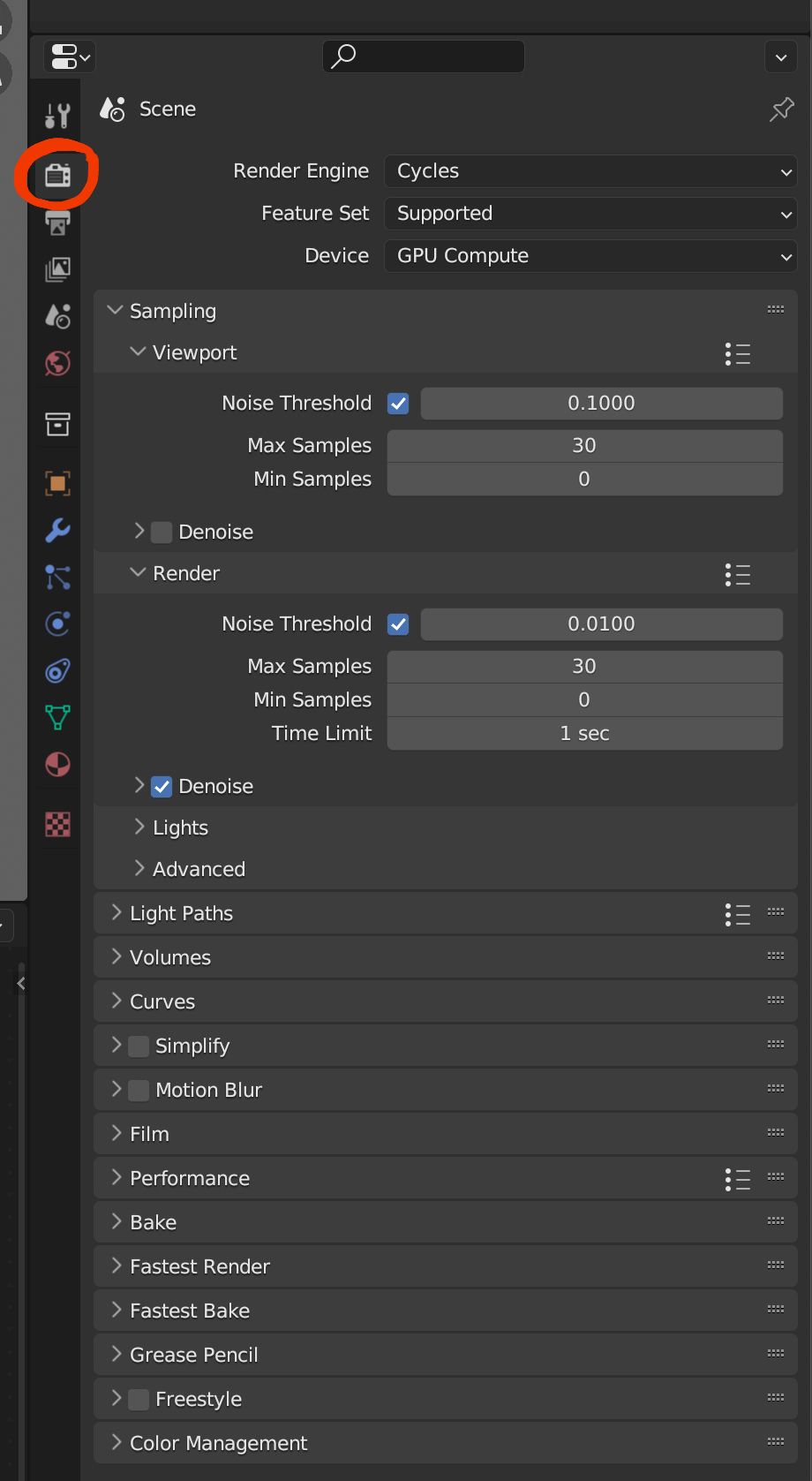
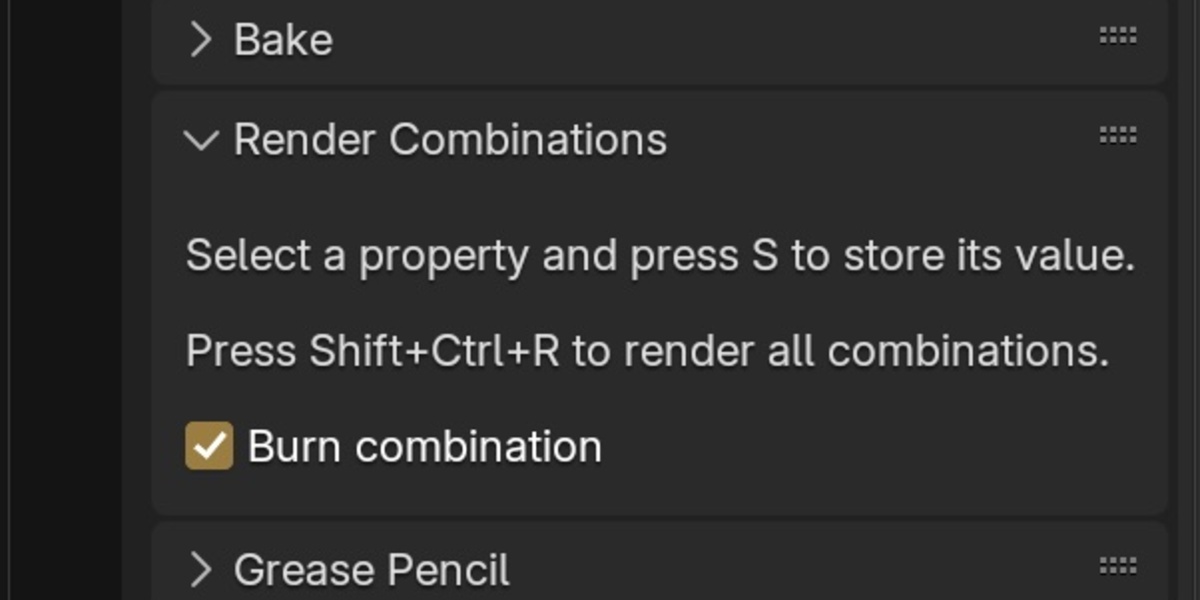
Hover over a field and press S to add its value. Change the value, press S again, and repeat for the other values and fields you want to compare. When the set is ready, press Shift+Ctrl+R to render every combination, as described in the product documentation.
Estimate how many renders the set will produce
The number of renders multiplies across the changed fields. The documentation’s example uses three render-sample values (30, 80 and 200) and two F-stop values (0.1 and 0.5), producing six images. Three values on each of three fields produce 27 renders.
Quick Render Combinations can also burn the changed values into the render, so the settings used are visible with the resulting image.
Listed compatibility and license
The Superhive product listing names Blender 4.1, 4.2 and 4.3 and lists the add-on under the GPL license. Check the listing for current product details.