Quick Jump To Marker is a Blender add-on for navigating between named timeline markers. Select a marker from a dropdown to move the playhead to it. The add-on is available in both the Timeline and Graph Editor.
Jump to a marker
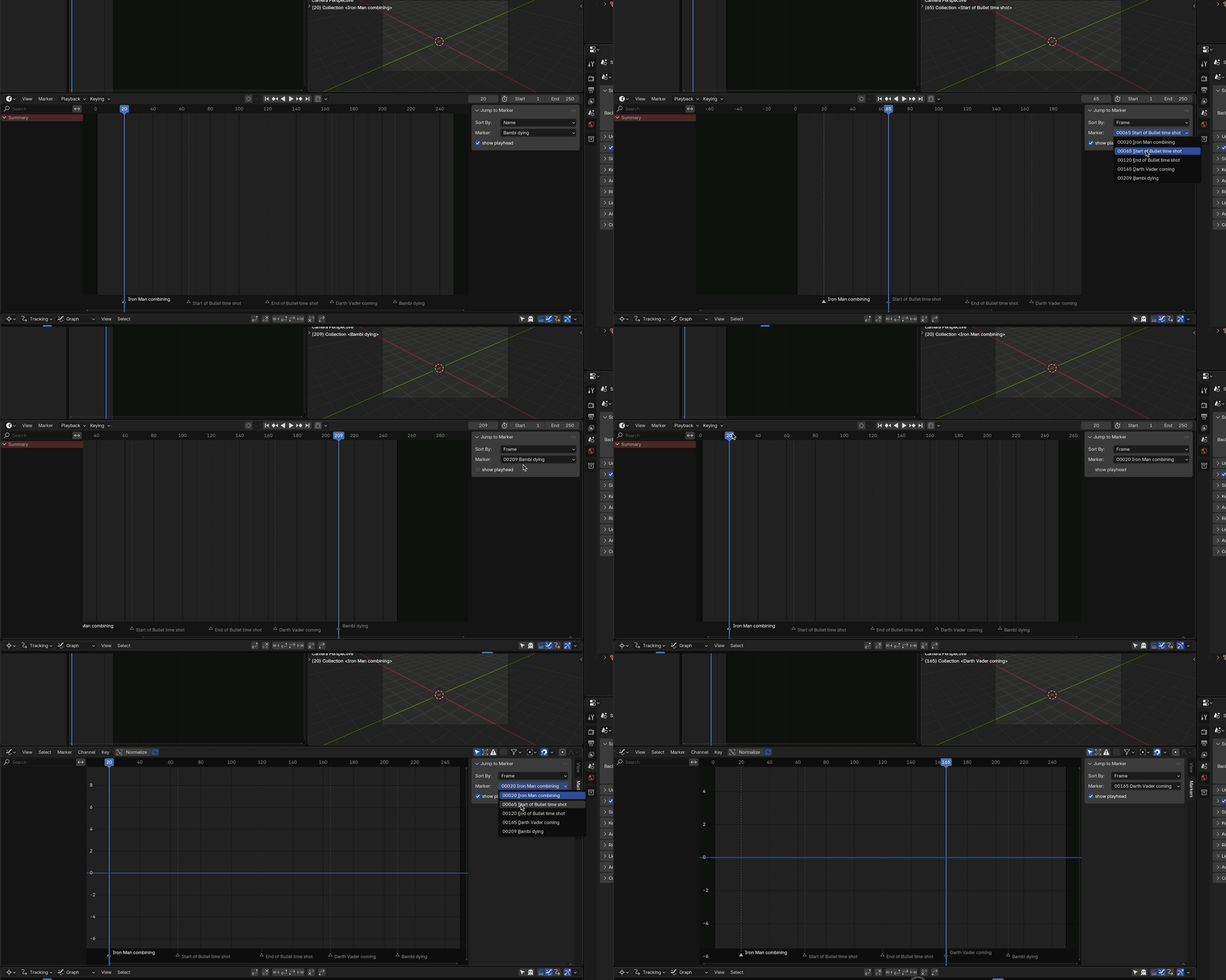
Open the Timeline or Graph Editor and press N to show its side panel. Choose the Markers tab, then select a marker in the Jump to Marker panel. The playhead moves to that marker.
Sort markers and center the view
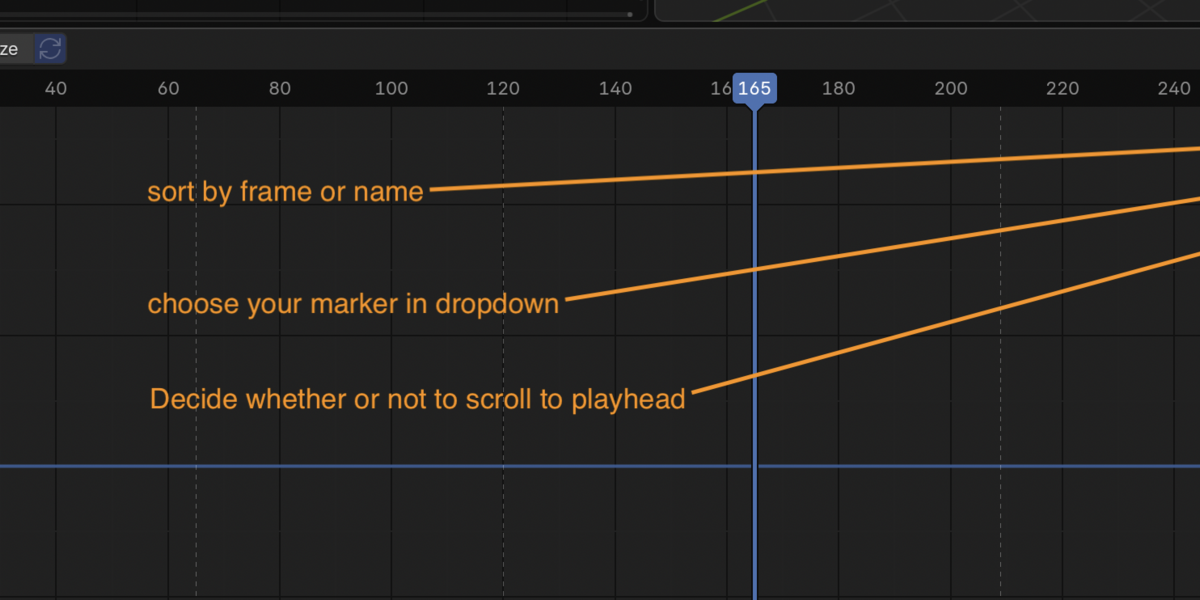
Use Sort By to order the marker list by name or frame. Turn on Show playhead to center the Timeline or Graph Editor view on the playhead after jumping.
Compatibility and installation
The Superhive listing states that Quick Jump To Marker supports Blender versions 2.8 through 4.5, is Blender Extension compatible, and uses the GPL license. To install it, download the latest ZIP file, open Edit > Preferences > Add-ons in Blender, click Install, select the ZIP file, and click Install Add-on. Enable Quick Jump To Marker in the add-ons list. See the developer's documentation for the panel and setting details.