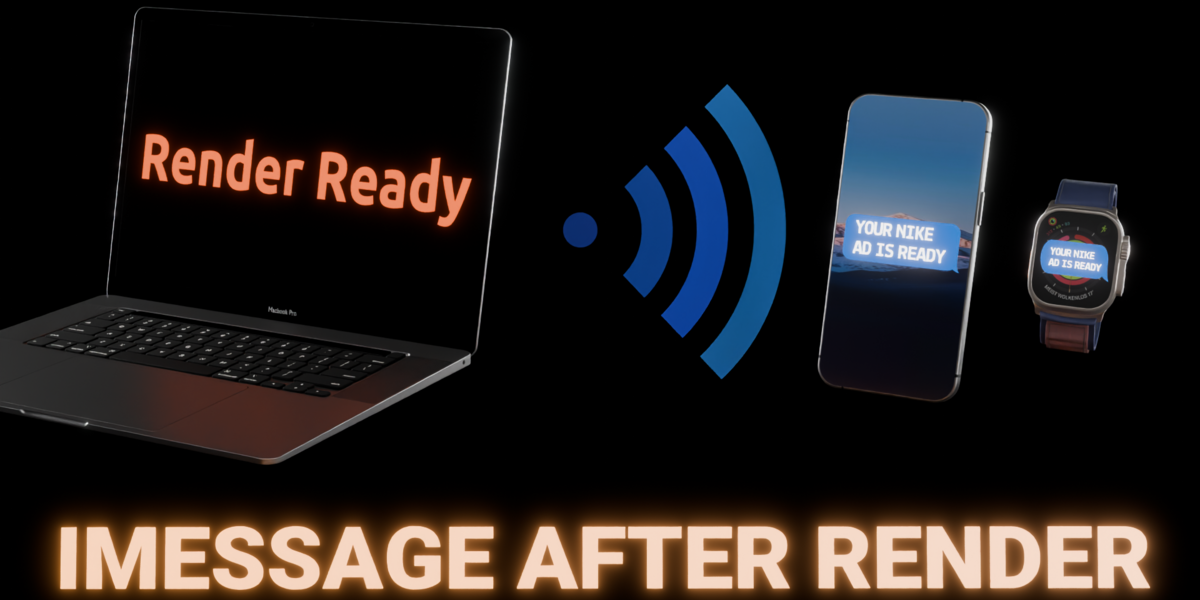
iMessage After Render is a Blender add-on that alerts you when a render finishes. It can send an iMessage to an iPhone, iPad, or Apple Watch, play a sound from your Mac, or do both.
Choose a render-complete alert
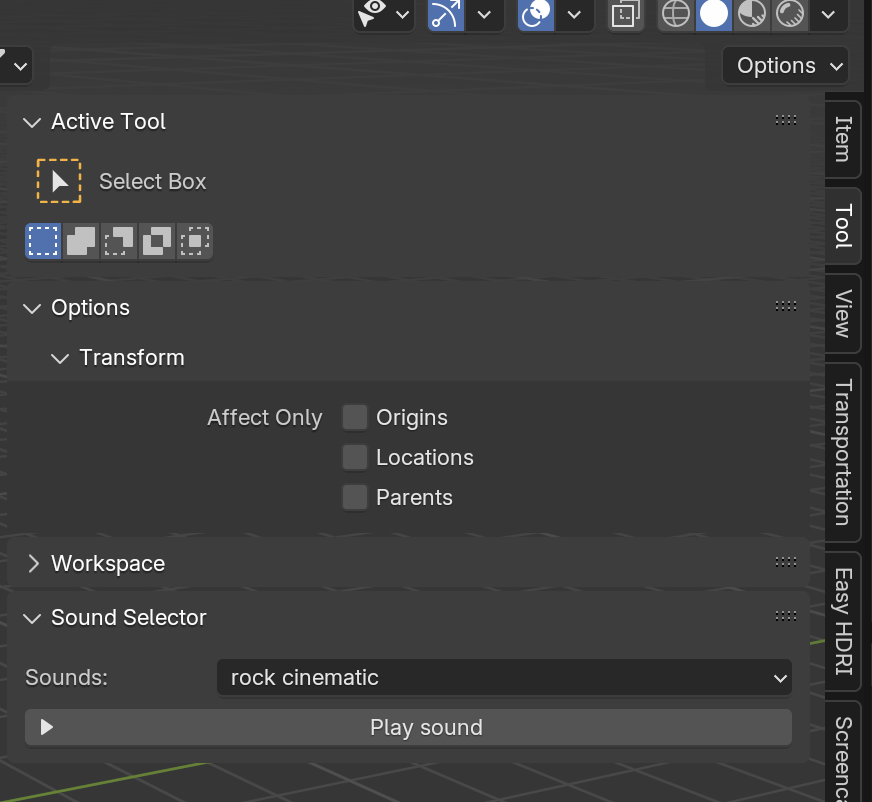
The add-on offers more than 80 sounds. Use a sound for an audible cue at your Mac, an iMessage when you want an alert on an Apple device, or both together.
Open the add-on and customize the message
In Blender's viewport, press N to open the sidebar, then choose Tools > iMessage after render. The developer documentation lists #f for the Blender filename and #d...#d for a date and time format. Within that format, %y, %m, %d, %H, %M, and %S represent the year, month, day, hour, minute, and second.
The newest version uses “Render ready: __filename__” as its default message and stores the phone number globally, so you do not need to enter it for every scene.
Compatibility and license
The Superhive listing records Blender compatibility from 3.1 through 5.1 and a GPL license. Operating-system support and iMessage setup requirements are not stated in the product listing or documentation; confirm them with the developer if they affect your setup.