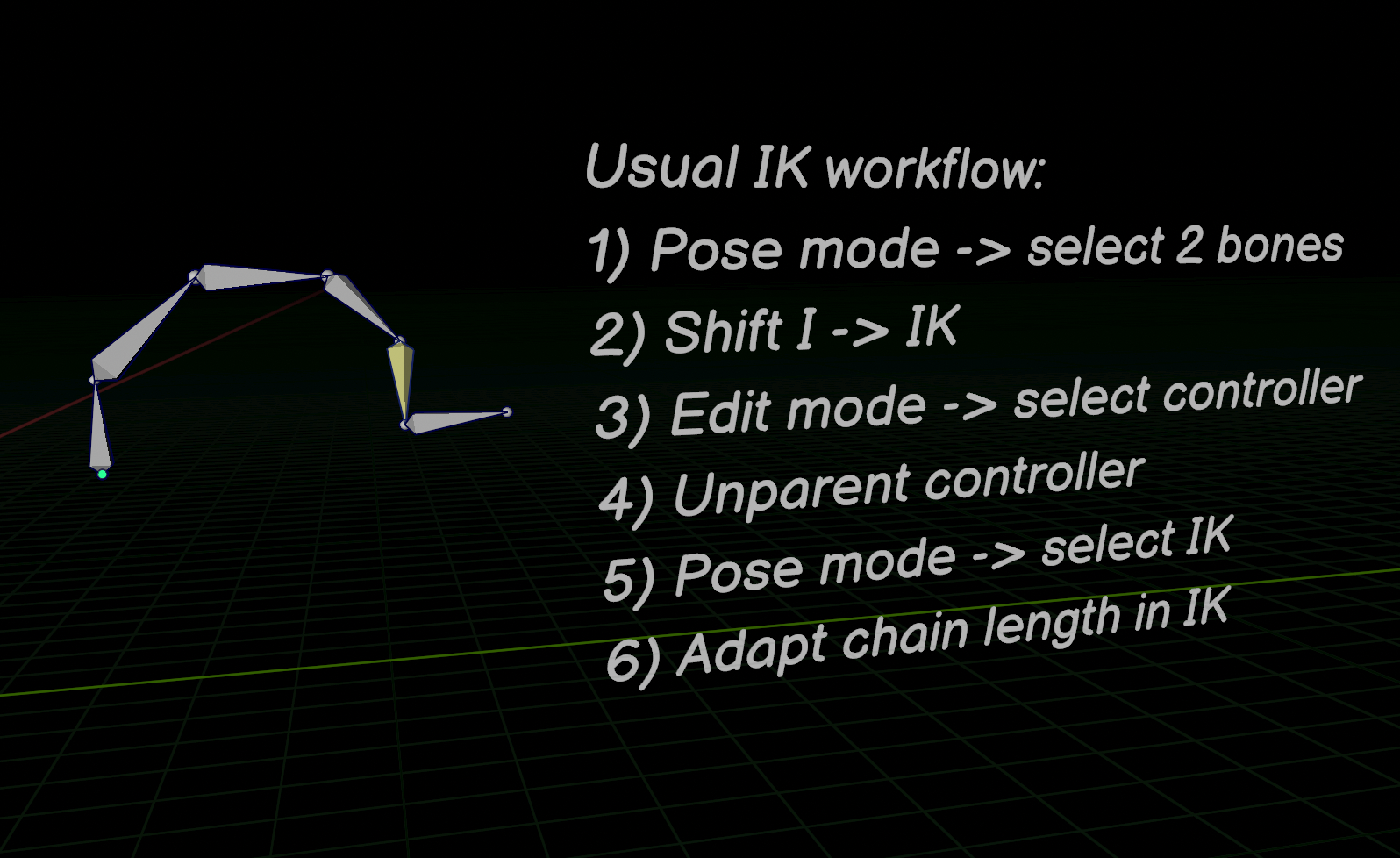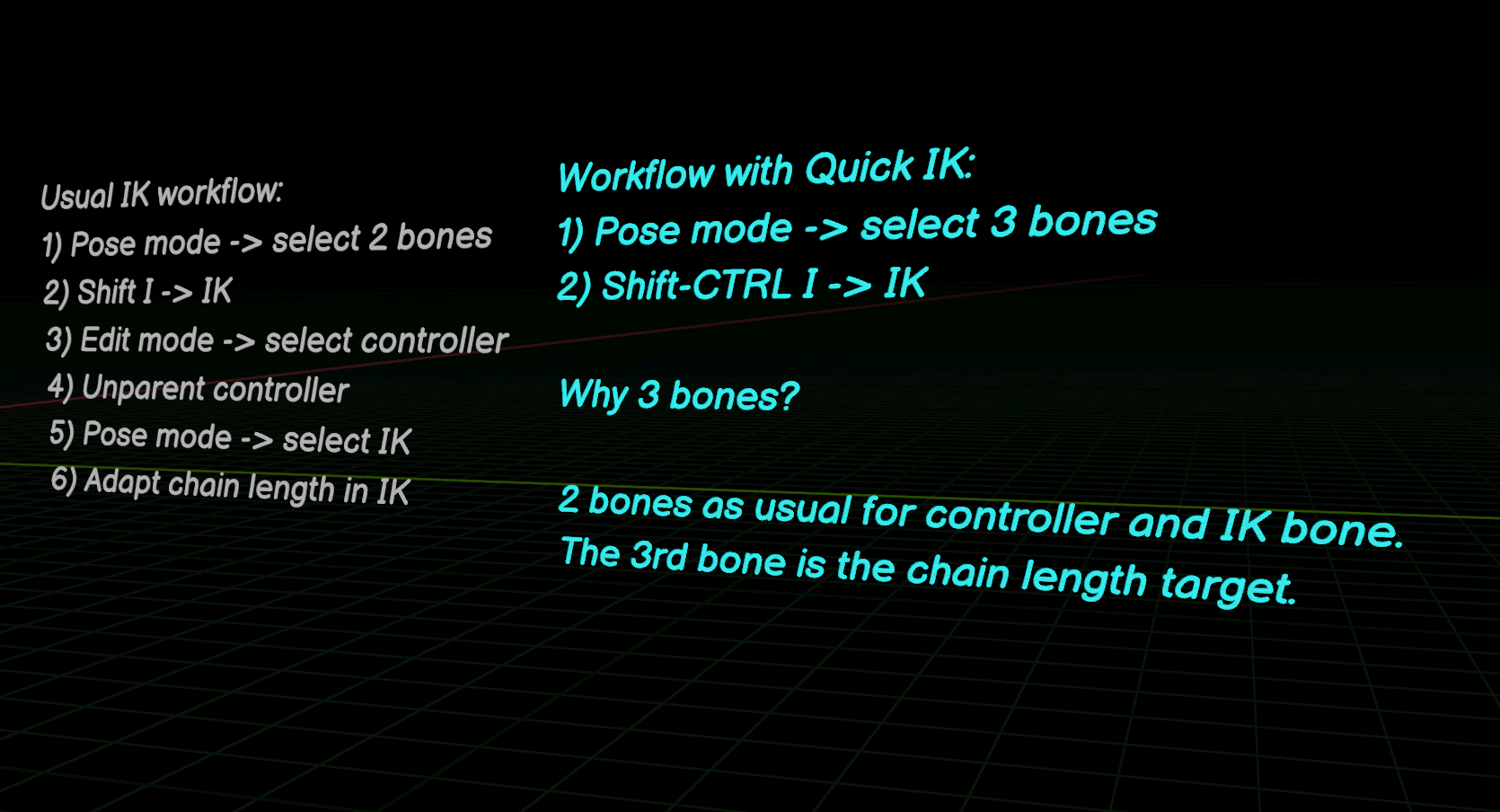
Quick IK is a Blender add-on from Blender.Fun that shortens the repeated steps involved in setting up inverse kinematics. The main setup happens in Pose Mode: select the controller bone, IK bone, and chain-target bone, then press Shift-CTRL-I.
Set up an IK chain
The product listing describes the usual setup as adding an IK constraint, setting the chain length, and unparenting the controller through several steps across Pose Mode and Edit Mode. Quick IK condenses that workflow into the bone selection and shortcut above. You can then use the rig.
Place a pole target
Version 0.2 adds a shortcut for pole-target setup. In Pose Mode, select the IK bone, shift-select the pole target, and press Shift-CTRL-P.
Compatibility and license
The listing names Blender versions 2.93 through 4.3 as supported. It does not list versions later than 4.3, so check the version list against your Blender installation before using the add-on. Quick IK is released under the GPL.
Documentation
The Quick IK documentation page directs users to the YouTube tutorial on the product page.