EasyWeight is a Blender add-on by Mets for weight-painting and rigging work. The Blender Extensions catalog lists version 1.1.3, support for Blender 4.2.0 and later releases before 6.0.0, and a GPL-3.0-or-later license. The Blender Studio guide describes its controls and tools.
Keep weight-paint settings ready
EasyWeight adds preferences for scene-level weight-paint settings. Easy Weight Paint Mode can reveal and select the armature when you enter Weight Paint mode, so you do not have to find it first. Always Auto-Clean removes zero weights after each brush stroke and can ensure opposite-side vertex groups when a Mirror Modifier is in use.
Other options can keep Show Zero Weights, Auto-Normalize, Multi-Paint, and X-Ray enabled, or reveal the first deforming armature when you enter the mode. These settings suit artists who want the same controls available across weight-painting sessions.
Use the W pie menu for common operations
Press W to open EasyWeight's nested pie menu. Its brush controls include Accumulate, Falloff Shape, and Paint Through Mesh. The menu also groups operations for the active mesh:
- Separate operators reveal and isolate deforming bones that affect the active mesh, ensure deforming-group influence totals 1.0 on each vertex, or smooth the weights of all deforming bones on selected vertices.
- Transfer all vertex groups to selected objects; this can help when transferring weights to clothing.
- Clear deform groups with no weights, or remove groups not associated with a deforming bone and not used by a shape key, modifier, or constraint.
- Symmetrize the weights of selected bones from left to right or right to left, depending on the selection. The tool handles center groups and uses a KDTree, so it can work when mesh topology is not perfectly symmetrical.
The menu also collects overlay controls for bones, wireframe, weight contours, armature display, and X-Ray.
Inspect disconnected weight islands
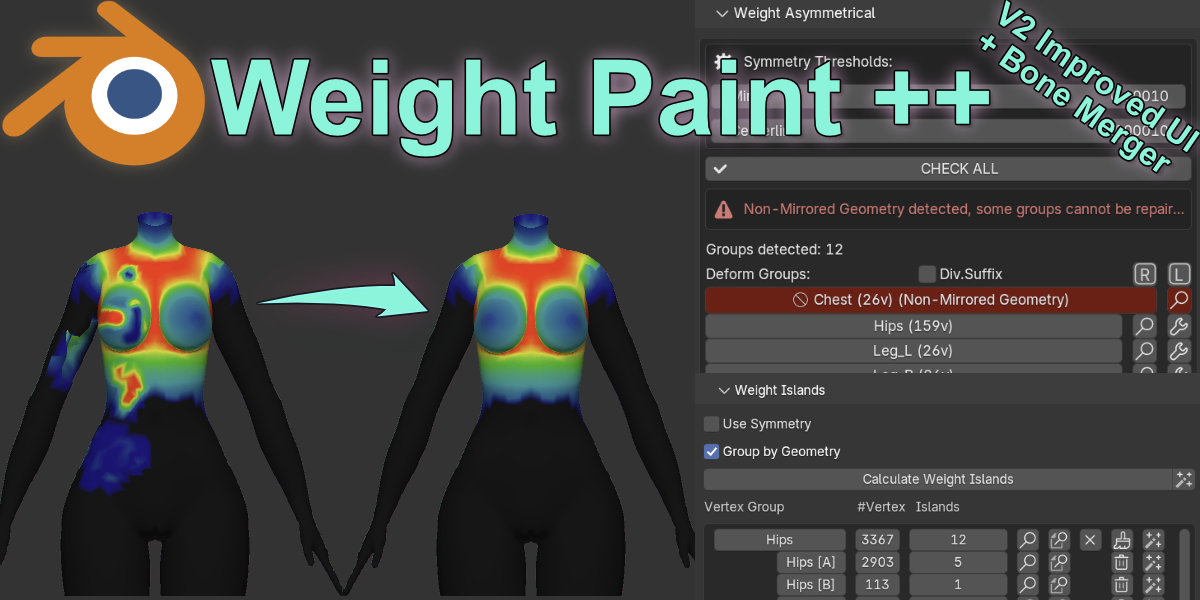
The Weight Islands panel lists vertex groups that contain more than one disconnected region. Click the magnifying glass to focus the smallest island, inspect it on the mesh, and decide whether to subtract the weights or dismiss that group from the review list. This gives you a way to investigate possible stray weights while checking a rig.
Apply a mirror modifier on meshes with shape keys
Blender does not allow a Mirror Modifier to be applied directly to a mesh with shape keys. EasyWeight's Force Apply Mirror operator duplicates the mesh, flips it across the X axis, and merges it back. It also flips vertex groups, shape keys, and shape-key masks, and attempts to update shape-key drivers when names use the .L and .R suffixes. The documentation says merged vertex weights are averaged and center vertices are merged when the modifier setting calls for it.
Check version support before installing
EasyWeight is available through the Blender Extensions listing; Blender Studio's guide says you can search for it inside Blender. Check the listing for the current release and compatibility range before installing.