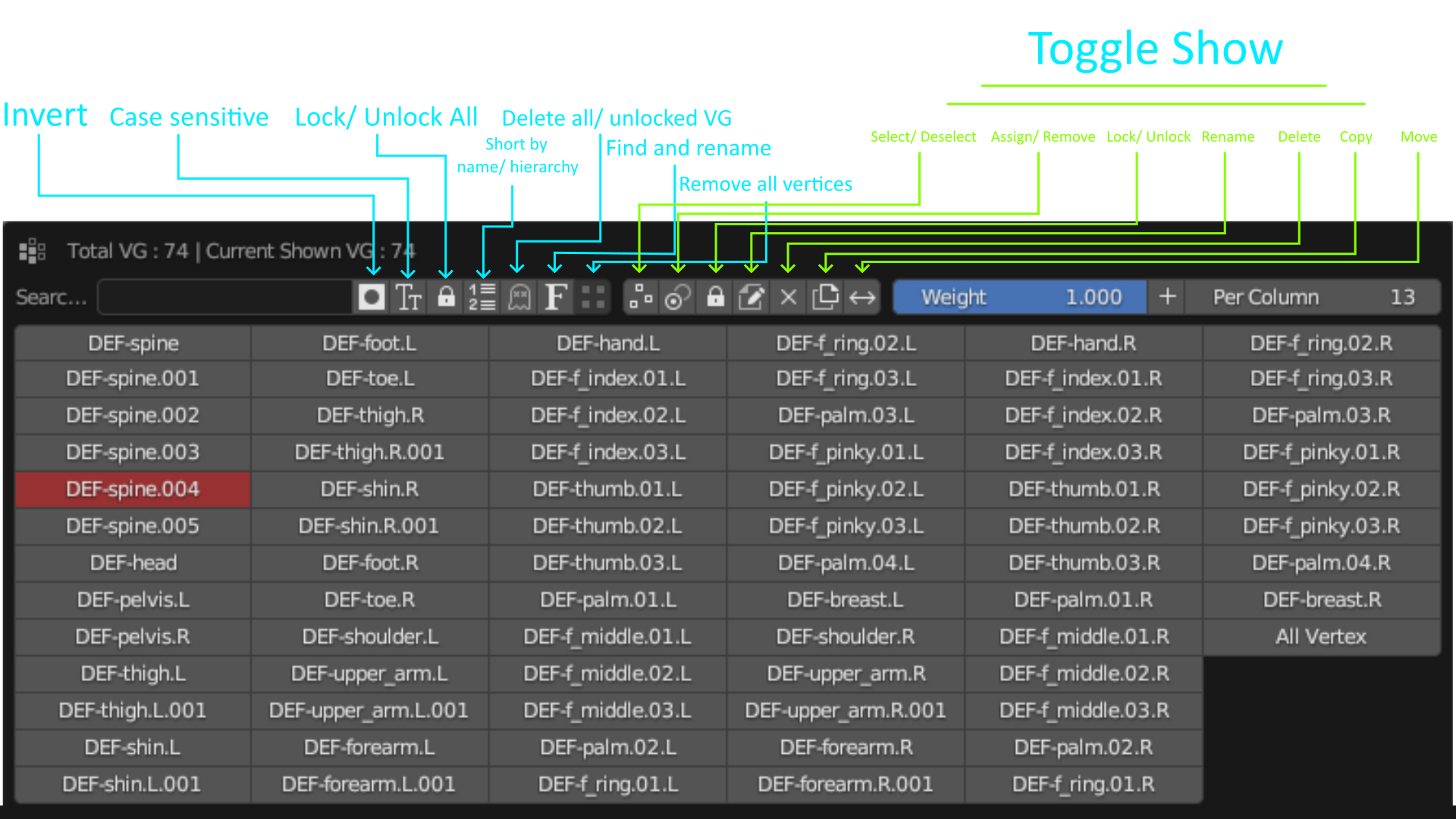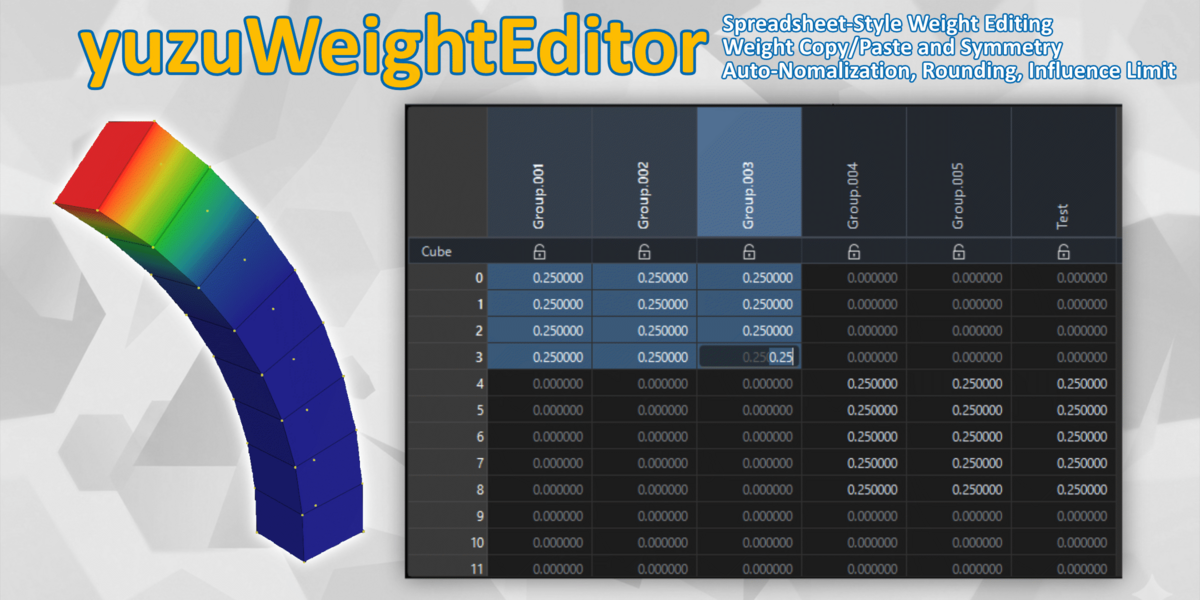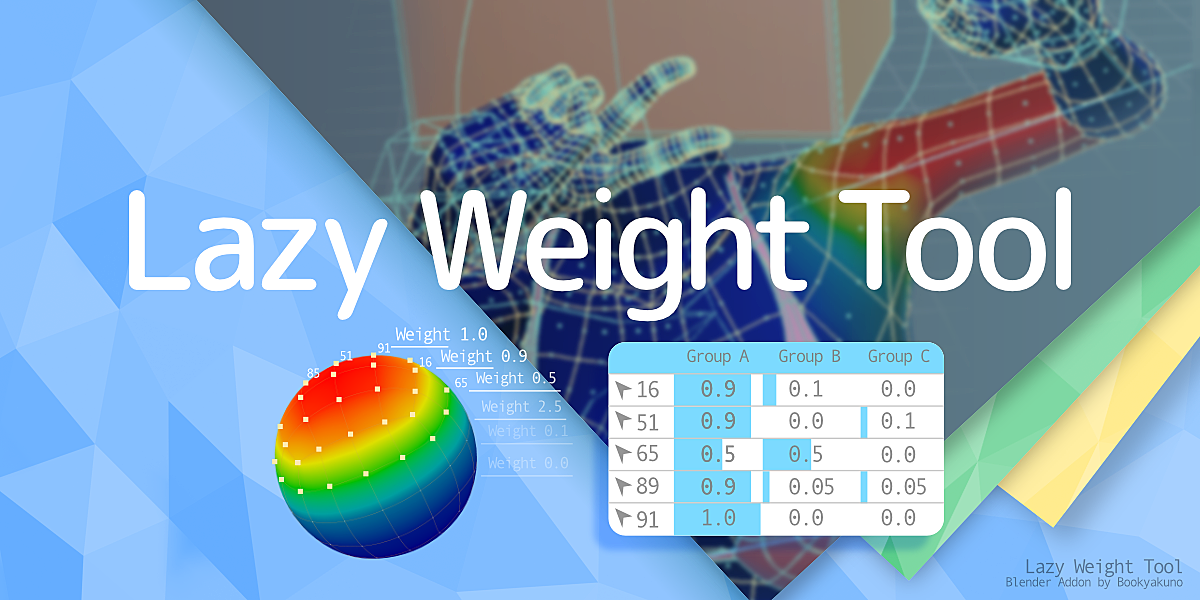
Bone & Weight Splitter is a Blender add-on by AdmiralTMP for rigging and weight painting. It divides selected bones into a chosen number of segments, then recalculates and redistributes the associated vertex weights. This can reduce the manual weight adjustments involved when adding segments to a rig.
Bone subdivision and weight controls
You choose how many segments to create and can adjust the smoothness of weight boundaries. Gradient previews show the expected weight transitions. To detect the associated armature, select a mesh and vertex group. The add-on can also process multiple mesh objects in one operation.
Symmetry and naming
Numbering options apply to bones and vertex groups. The add-on detects symmetry indicators in bone names and supports Blender's built-in symmetry features for mirrored bones. If any related mesh has a Mirror Modifier, the symmetry option is automatically enabled and locked. Bone names need a recognizable left or right marker for symmetry detection.
Modes and setup checks
The add-on can split bones and adjust weights simultaneously in Weight Paint mode, with workflows in Object, Edit, and Pose modes. For a disabled Split button, check that the armature is in Pose or Edit mode, a vertex group with the same name as the selected bone exists, and only one Armature modifier is applied. The Apply to Multiple Objects option is locked while the armature is in Pose or Edit mode; switch to Object mode to change it.
Blender compatibility and documentation
Superhive lists Blender versions 3.1 to 3.6 and 4.0 to 4.4, and marks the add-on as Blender Extension compatible. Its FAQ warns that bone splitting in Pose or Edit mode may behave inconsistently below Blender 4.0 and recommends Blender 4.1 or newer for stable operation. The add-on is listed under the GPL license.
See the product documentation, troubleshooting FAQ, or developer website for usage details and support.