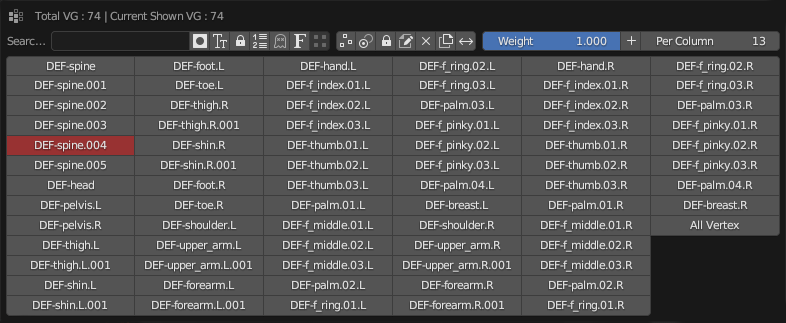
Popup Vertex Group is a Blender add-on for managing vertex groups from a popup window. Search for a group or run multiple searches, then work with the results without first making each group active.
Find and manage vertex groups
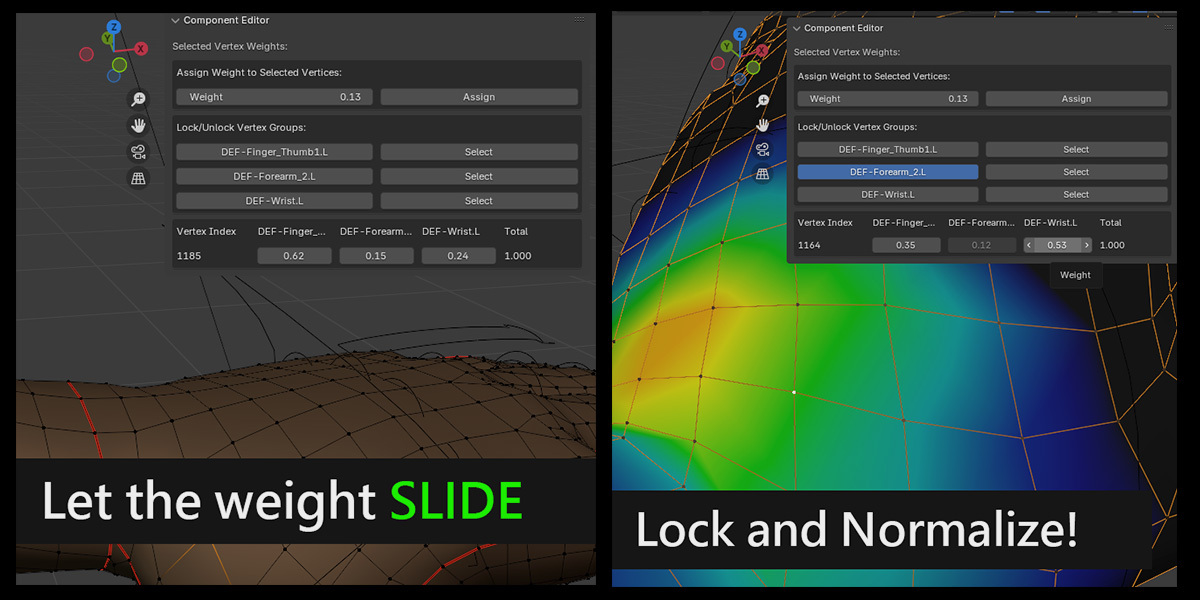
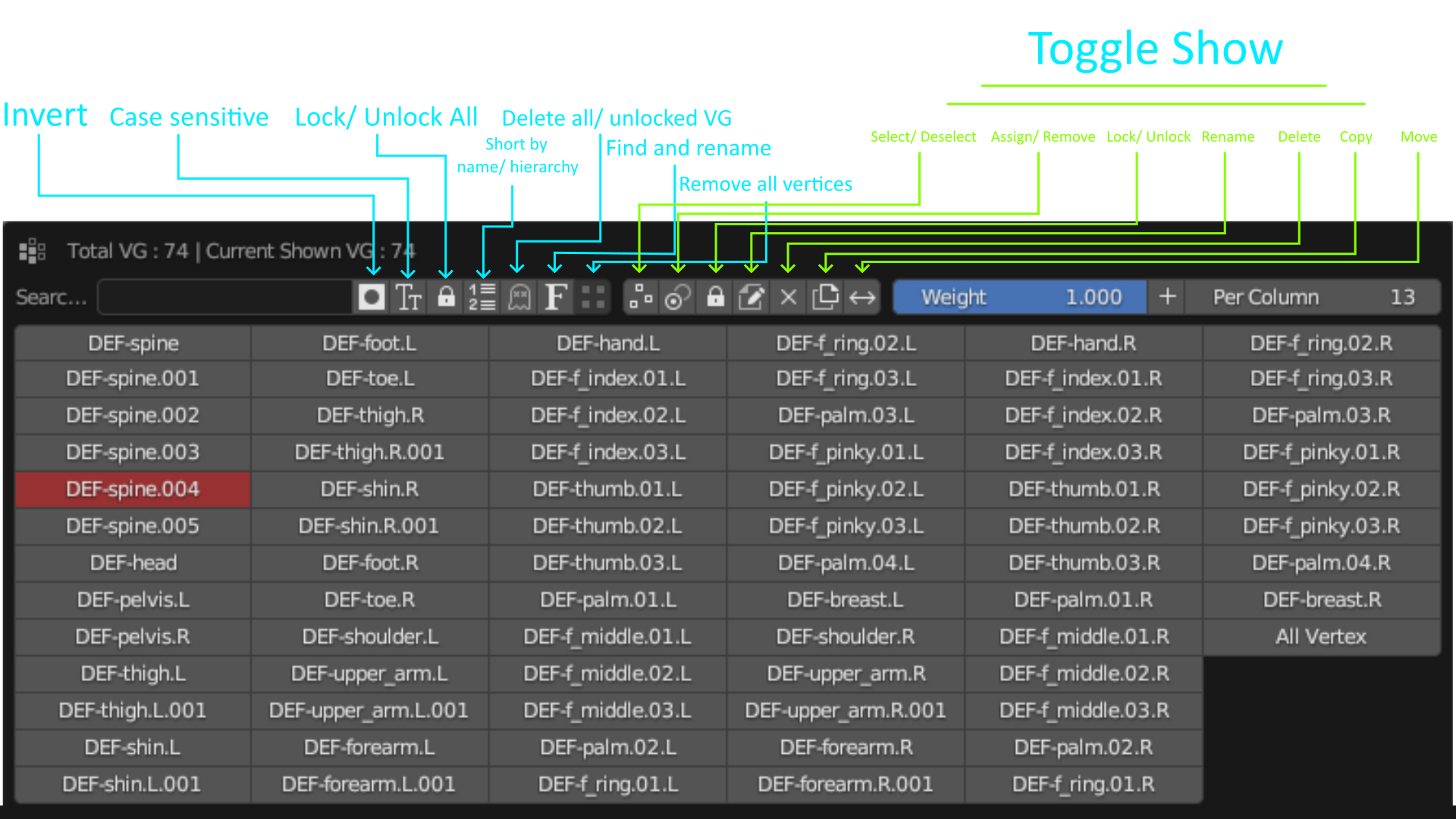
The popup brings common group operations together. You can lock or unlock groups, add or delete them, set a group active, rename, copy, or move groups. Search helps locate the entries you want to work on.
Edit vertices and bone-linked groups
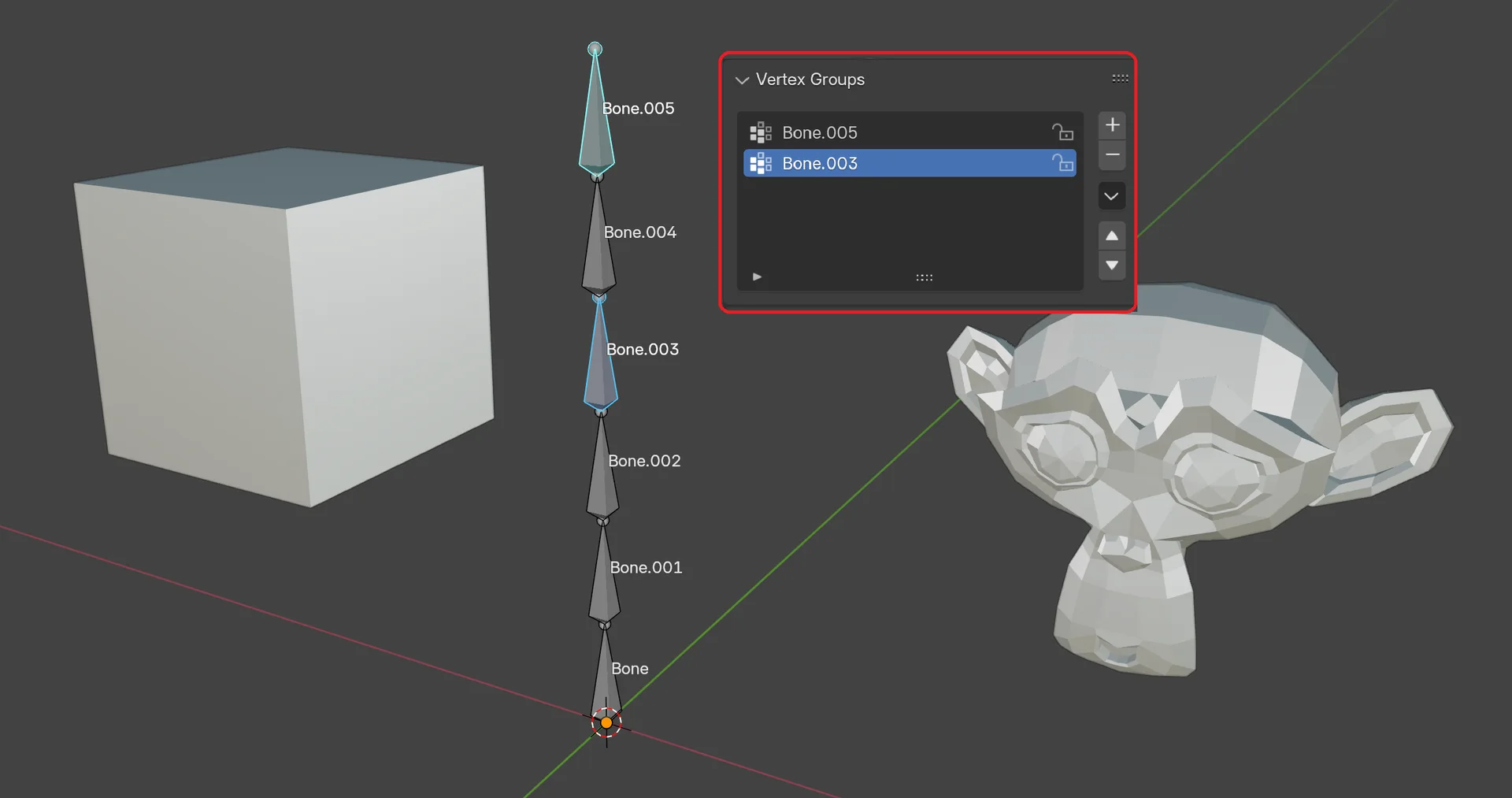
For vertex editing, the add-on can assign or remove vertices and select or deselect them. Its listing says these operations can be performed without changing modes. It also warns before you rename or delete a vertex group bound to a bone. You can choose to include the bone in the rename or deletion, and those operations support multiple armatures.
The product listing also describes finding and renaming a group using an alternate-language name with one click.
Compatibility and setup
The Superhive product listing names Blender 3.0 through 3.6 as supported versions and identifies the license as GPL. It describes installation through Blender's add-on preferences: choose Install, select the add-on ZIP file, and install it. A product demonstration video is linked from the listing.