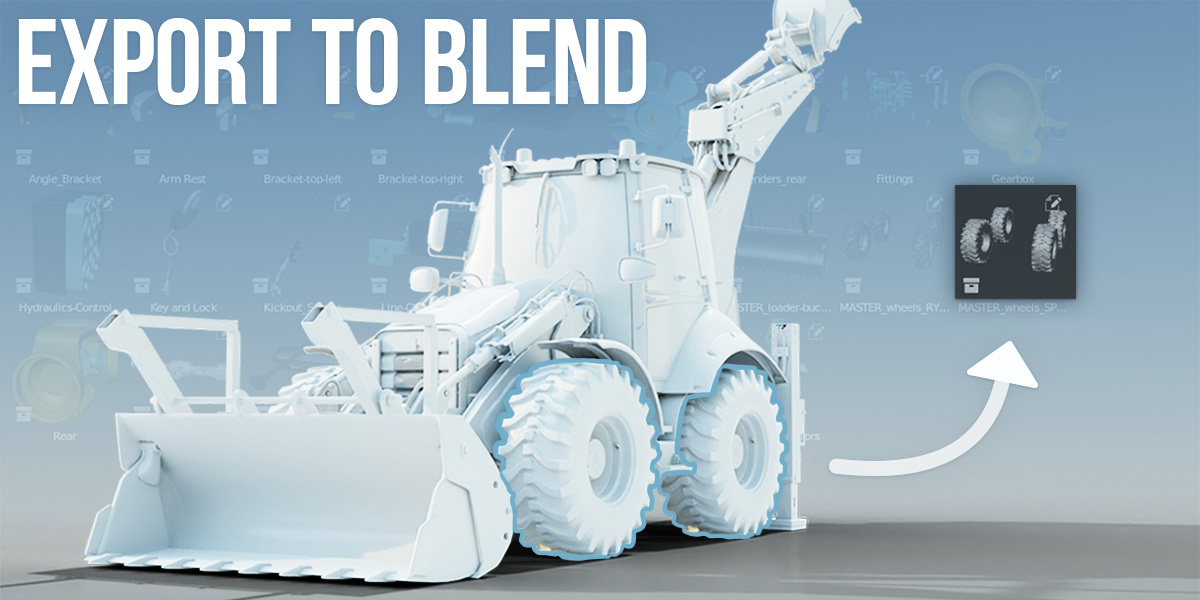
Export to Blend is a free Blender add-on from Orange Turbine for saving selected objects, collections, or nodes from an active project to a separate .blend file. This can help when a prop in one scene is needed in other scenes: export it to its own file, then link it into those scenes. The listing identifies it as a Blender Extension compatible with Blender 4.0 through 5.1 and lists the GPL license. See the product listing.
Export objects, collections, or nodes
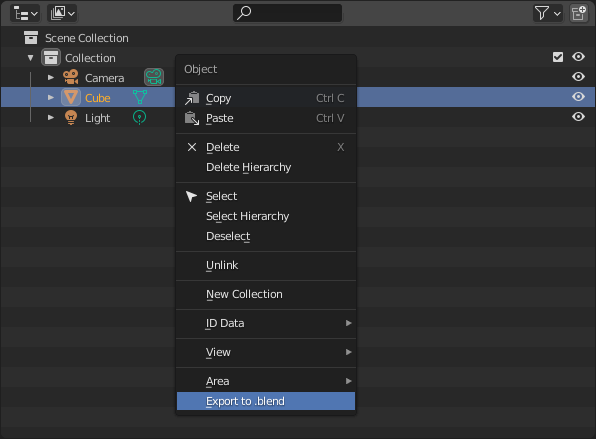
The available export entry point depends on what you are working with. Export selected objects from Blender's File / Export menu. The Outliner's context menu supports exporting selected objects or collections, while the Node Editor can export selected nodes. You can also choose to create a collection from selected objects before exporting.
Build a reusable asset library
When exporting, you can mark the exported objects or collection as an asset for Blender's Asset Browser. For example, a prop you add to one scene can be saved separately and linked into other scenes when you need to reuse it. The documentation is linked from the product listing.
Choose whether to backlink the export
The optional backlink setting replaces the original object or collection in the current file with a library link to the exported asset. Use it when you want the current scene to refer to the separately saved file after export. Leave backlinking off if you want the original to remain in the current file.
Availability and license
Export to Blend is available as a free add-on on GitHub. The Superhive listing also offers a purchase to support development. Check the developer's current documentation if you use a Blender version outside the listed 4.0 through 5.1 range.