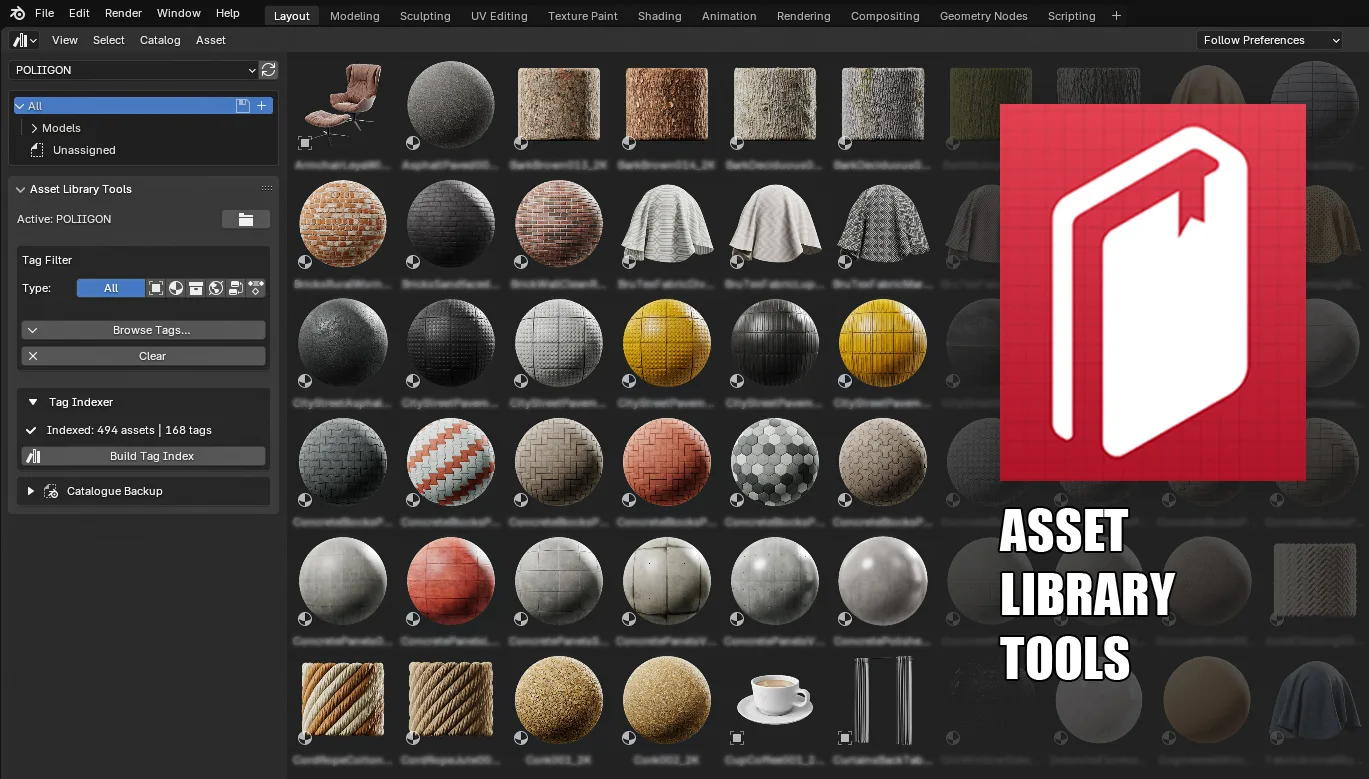
Asset Library Tools is a Blender add-on that adds tag and asset-type filters to the Asset Browser and backs up and restores catalogue files. The Blender Extensions listing identifies version 1.0.0 and compatibility with Blender 4.2 and newer.
Find assets by tag and type
The add-on adds controls to the Asset Browser’s T-panel for the active user Asset Library. You can filter by asset type, including Objects, Materials, Collections, Worlds and Node Trees, or search the tags indexed from that library.
Tags can be pinned for quick access or revisited from a recent-tags list. The tag browser initially shows the first 40 tags alphabetically. If a tag is outside that list, enter part of its name in the Search Filter to find matching tags.
Build and refresh the tag index
To start, open the Asset Browser, switch to a user Asset Library, expand Tag Indexer and click Build Tag Index. The add-on scans the library and creates a tag database for its search tools. Run the indexer again after adding assets so the tag list reflects those changes.
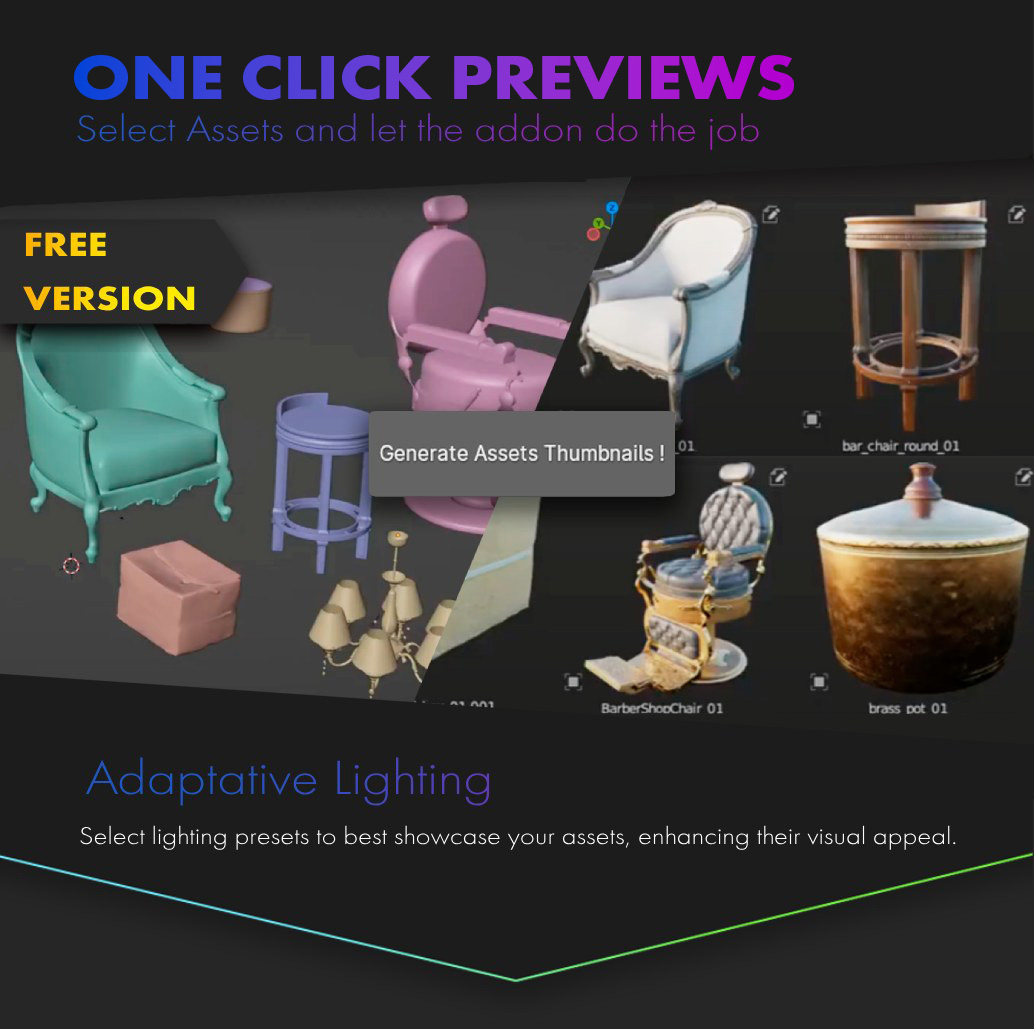
Type toggles filter assets by class, while tag search finds assets through indexed labels.
Back up catalogue files
The collapsible Catalogue Backup section provides one-click backup and restore for catalogue files. These files hold the library’s catalogue structure. The extension also prunes older backups automatically, keeping only the most recent ones; the listing does not specify the retention count.
Asset Library Tools stores its tag index and user preferences, including pinned and recent tags, in an _ALT_data folder in the library path. Catalogue backups go in a separate Backup catalogue folder under that path. The extension requests file access to read and write tag indexes and catalogue backup files.
Compatibility and project details
The listed minimum is Blender 4.2.0, with newer versions supported. Asset Library Tools is licensed under GNU GPL version 3.0 or later. For installation, follow Blender’s Install from Disk instructions for extensions.
This add-on suits Blender users who maintain user asset libraries and want searchable tags, quick type filters or catalogue-file backups. Its documented backup feature covers catalogue files; the listing does not describe copying the underlying asset files.