Turn Blender objects into organized assets
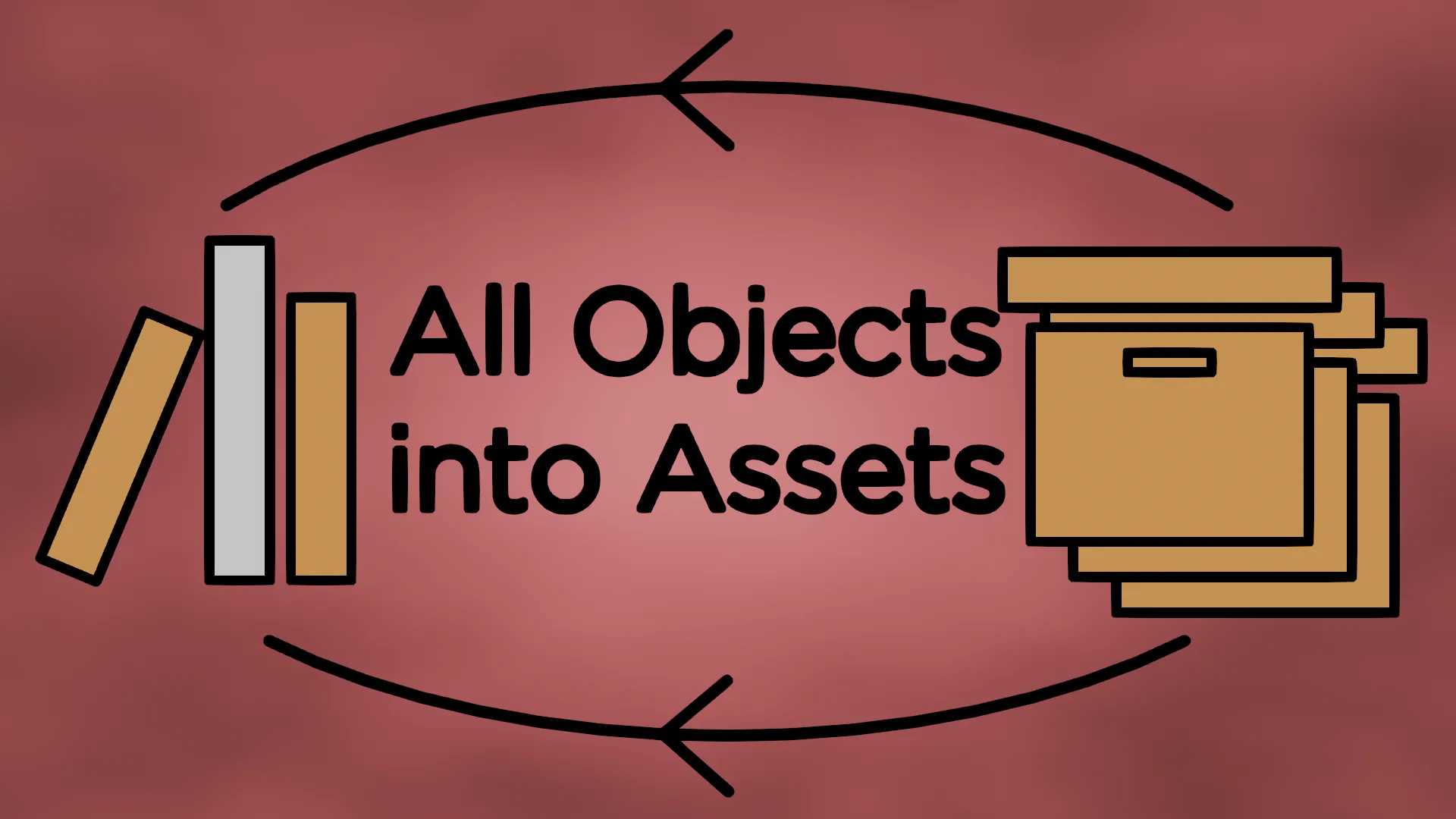
All Objects into Assets automates asset setup for Blender objects and collections. It marks objects and generated per-parent collections as assets, and mirrors Blender Collections into Asset Catalogs while preserving their hierarchy. You can also choose whether to refresh asset previews.
This can help when you want scene objects grouped into reusable assets and a catalog structure that follows the existing collection organization. The add-on provides an Assets + Catalogs button in the Outliner header. You can also right-click an object, collection, or empty space in the Outliner and choose All Objects into Assets (Hierarchy).
Choose the asset library and catalog settings
Preferences let you set the master collection that contains generated _asset collections, choose the target asset library as LOCAL or a named library, enter a catalog root prefix, and change the asset collection suffix. The default suffix is _asset. Preview refresh choices are None, Missing only, and All; separate toggles control where the add-on's interface entries appear.
The extension listing identifies version 1.0.4 as compatible with Blender 4.5.0 and newer. It requests permission to read and write the asset library catalogs file. For the current release details and download, see the Blender Extensions listing. Blender's Install from Disk instructions describe the installation route.
Known limitation
The listing notes that collection assets generated in another file may not be centered when dragged from the Asset Browser. The developer says a fix has not yet been found.