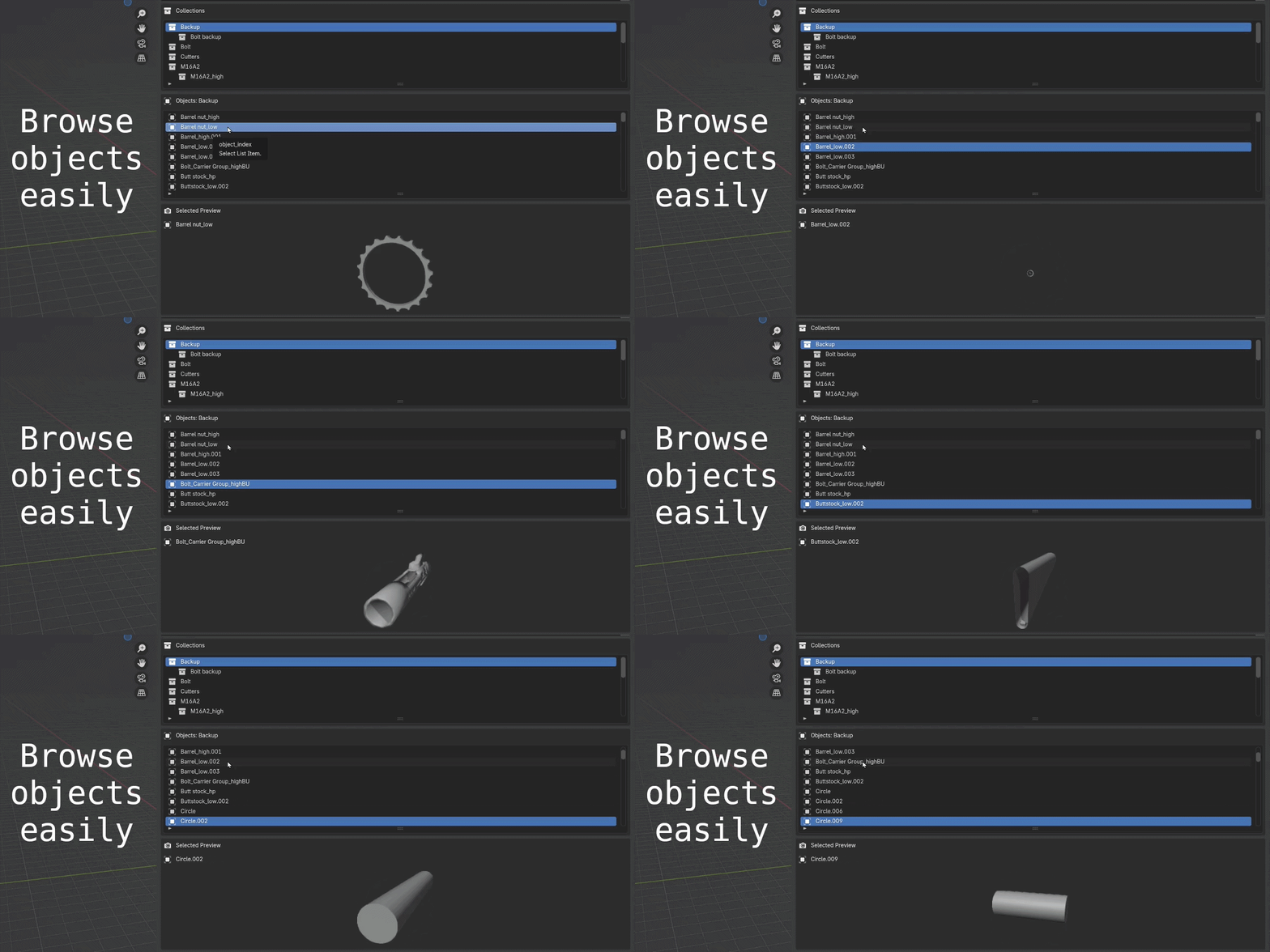
Blend Append is a Blender extension for browsing objects and collections in external .blend files, previewing them in the 3D View’s N-panel, and appending selected items to the current scene. Its browser follows the source file’s Scene Collection, so you can move from a collection to the objects inside it.
Browse source collections in the N-panel
Choose a source .blend file in the panel to see its collections. Objects placed directly under the source Scene Collection appear in an Uncategorized group. Selecting a collection filters the objects list to that collection, which makes it easier to locate an item in a large file. Blend Append blocks the currently open file as a source, and its clear-source control resets the browser and preview when you switch files.
Preview objects and choose what to append
Hover over or select an object to see a live, solid-mode preview in the panel. Preview selection is debounced, and Remesh, Decimate, and Corrective Smooth modifiers are disabled during preview. The preview stays inside the working view rather than opening a separate browser.
You can append one object, optionally include its child meshes in Object Mode, or append a collection’s contents with optional recursive child collections. Choose whether to keep the source transforms or move the appended items to the 3D cursor. The target can be the active collection or the scene root.
Set hierarchy, names, materials, and modifiers
Collection appends can retain parent-child relationships or clear parent links. The Enable Renaming option controls name conflicts: with it off, Blend Append renames existing local conflicts first to preserve the incoming names; with it on, Blender adds suffixes such as .001 when names conflict. You can also choose whether to select the appended objects automatically.
Material and modifier controls let you adjust the appended copy. Materials can be included or stripped. Turn the Modifiers option off to remove them; keep them with Enable Modifiers off to leave them disabled; turn both options on to keep and enable them.
Version history and compatibility
The listed version 1.0.5 fixes material cleanup while browsing external .blend files, preventing source-file materials from being left in Blender’s material data before an append. Version 1.0.4 fixed duplicate targets when appending a collection with “Clone Collection Name(s)” enabled and the target was in that collection. It matches targets to one appended copy when they are in the same or a different collection. Version 1.0.3 fixed appending objects with modifiers such as Boolean or Shrinkwrap so their referenced objects also enter the scene. Version 1.0.3 packaged the add-on as a Blender extension, so installing an update over the prior version does not require restarting Blender.
The Superhive product listing identifies Blender versions 4.5 through 5.2. Check the listing’s version history for current release details before choosing it for a project.