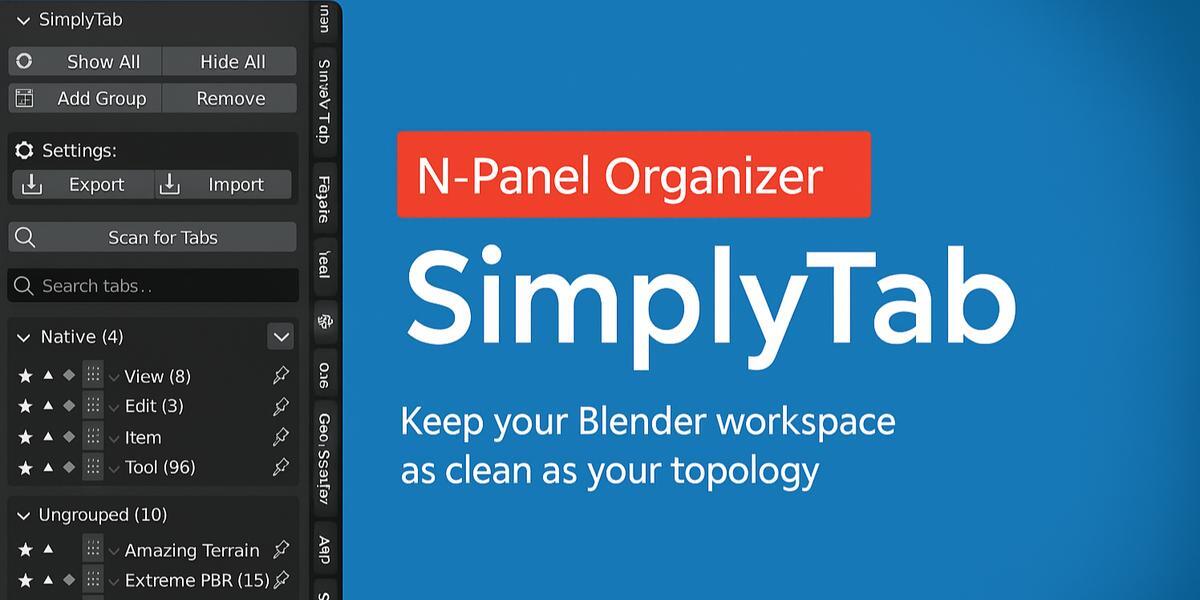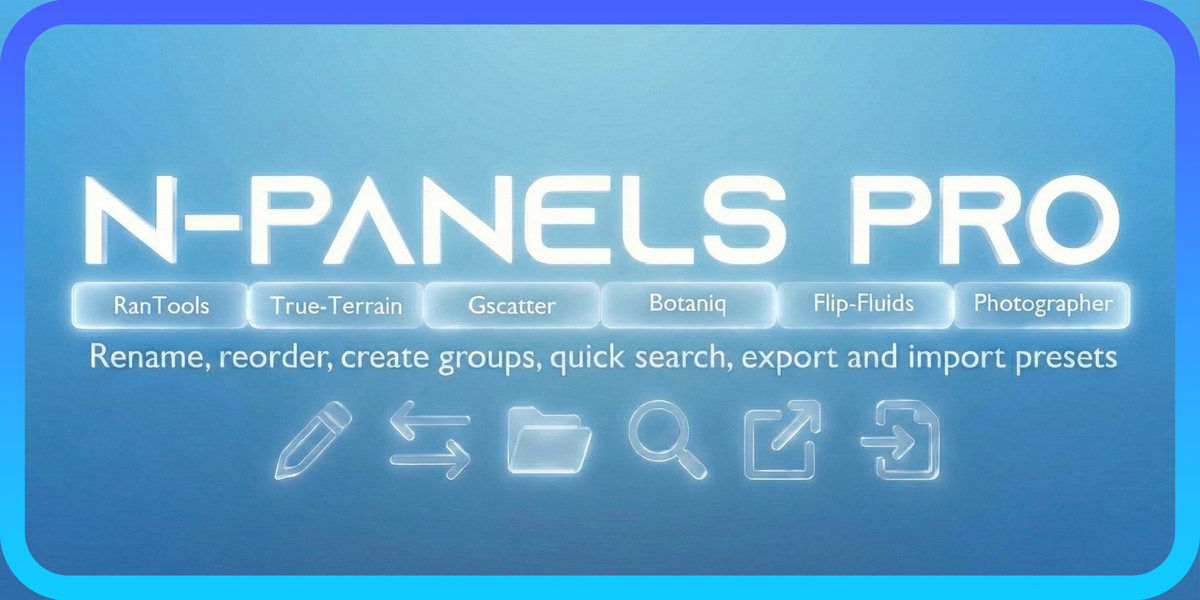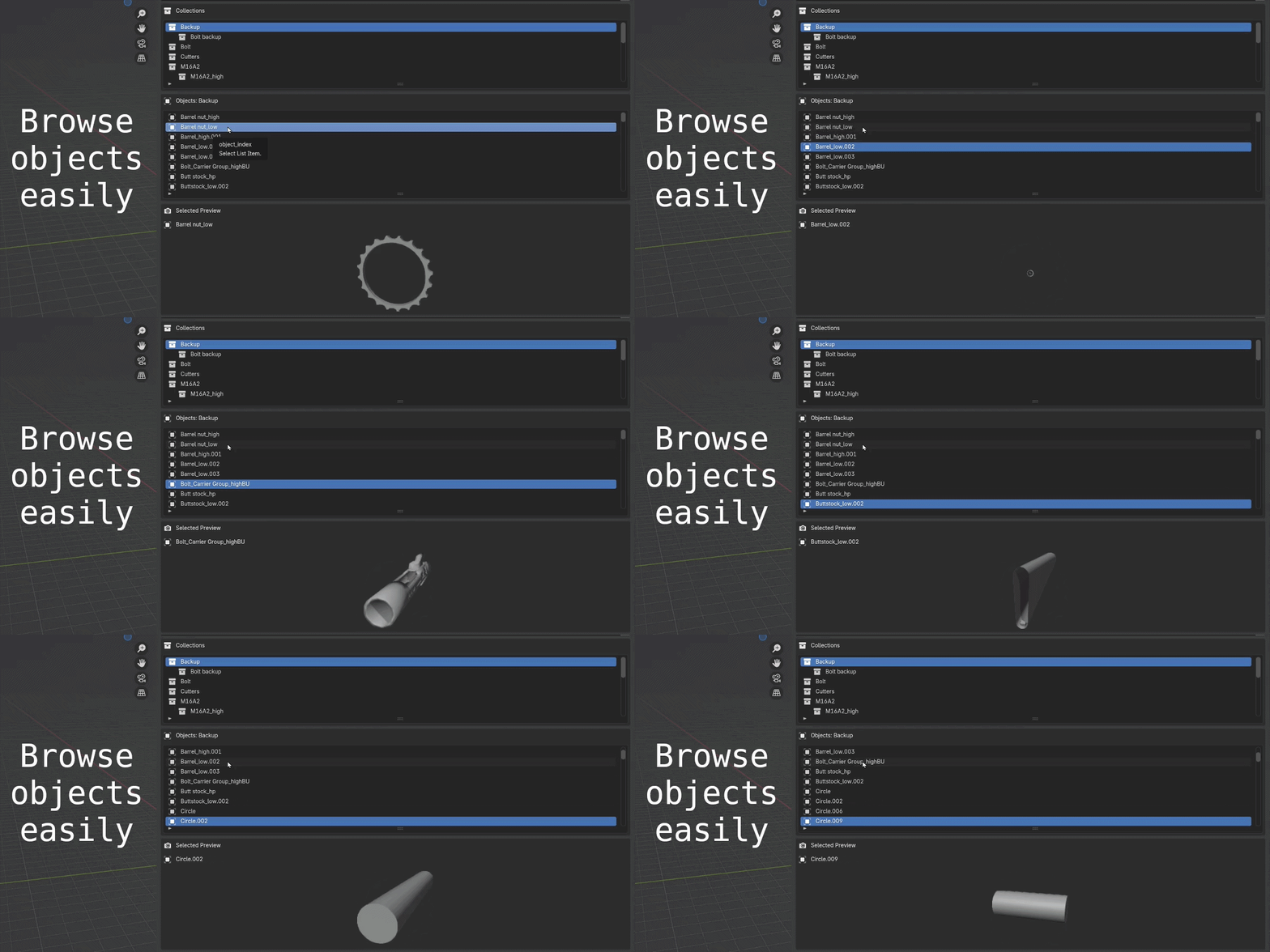
N-Panel Manager is a Blender add-on for organizing N-panel tabs from other add-ons. It can help keep those tabs manageable when several tools add panels to an editor. The Superhive listing names DC LEGEND as the developer and shows a GPL license.
Supported panels and editors
The documentation says N-Panel Manager supports editors where add-ons can create N-panel tabs. It specifically excludes the UV Editor, noting that most UV-mapping N-panel tabs appear in the Layout Viewport. Check the editor you use before relying on it to organize a particular add-on's panels.
You can enable multiple add-ons at once. The documentation warns that using N-Panel Manager alongside another add-on that manages N-panel tabs can cause conflicts, so it recommends against running both managers together.
Install and troubleshoot
- Download the add-on ZIP file.
- In Blender, open
Edit > Preferences > Add-ons > Install. - Select the ZIP file and click
Install Add-on.
If Blender reports an error when enabling the add-on, the documentation suggests checking for conflicts. Disable the conflicting add-on, restart Blender, then try enabling N-Panel Manager again. The product documentation includes more installation and troubleshooting details.
Blender compatibility and license
The Superhive listing shows compatibility with Blender 4.2 to 5.2 and lists the license as GPL. Check that listing for the current compatibility details before installing, particularly if you use a different Blender release.