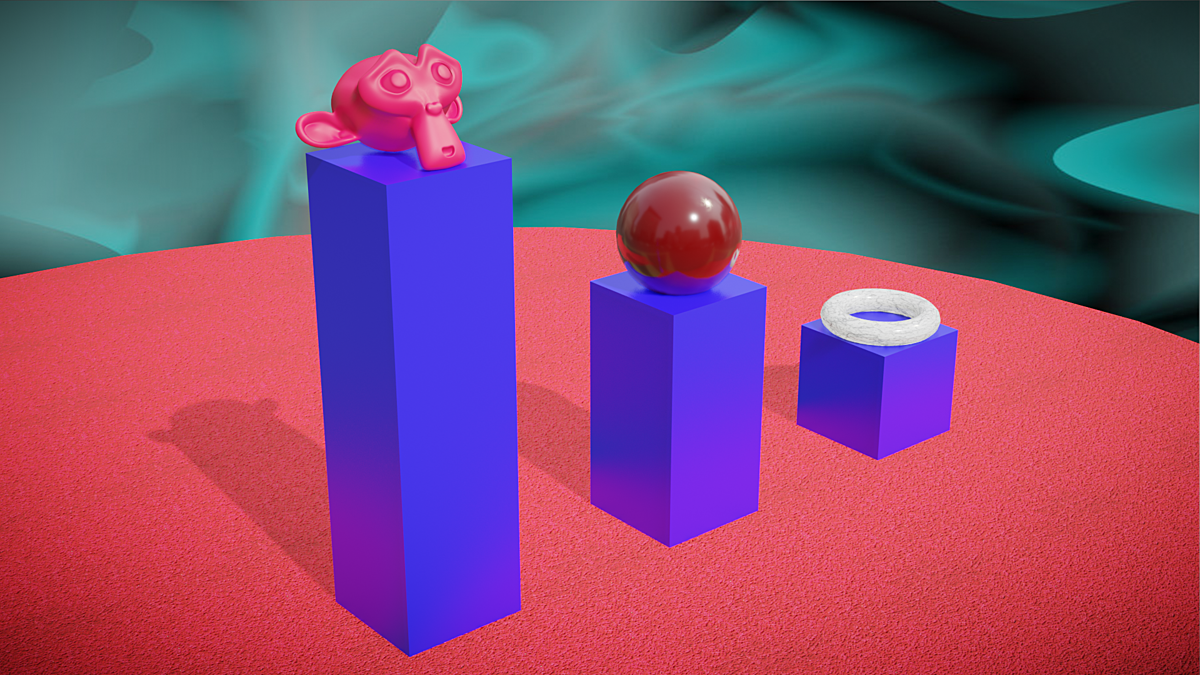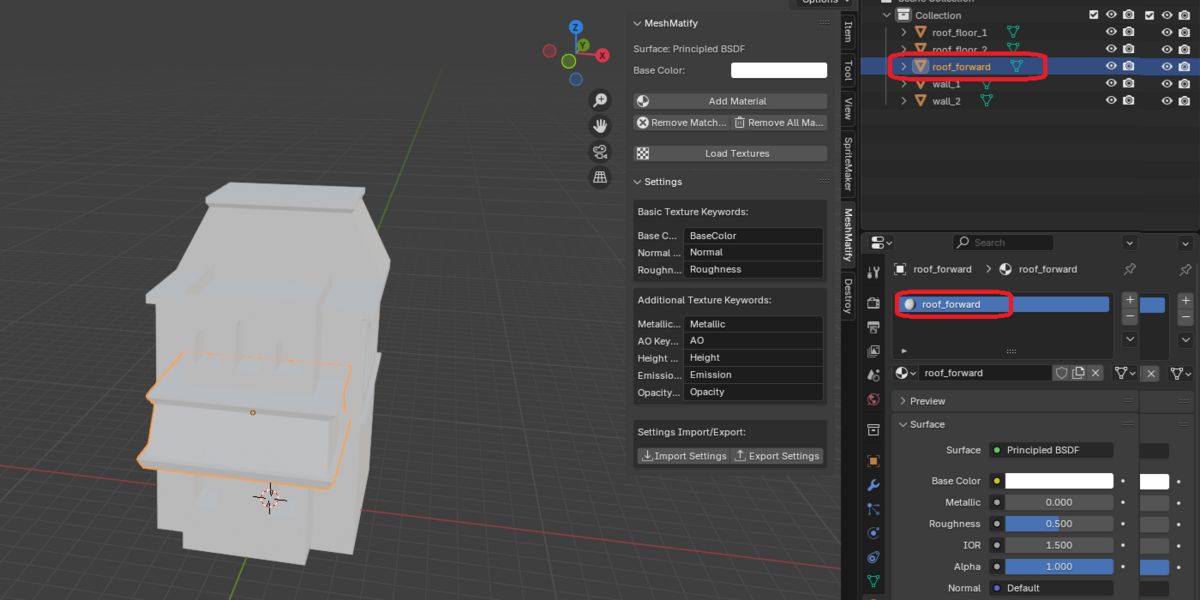
Easy Graffiti is a Blender add-on for applying stylized graffiti to 3D objects from the 3D Viewport sidebar. Choose a visual preset, then adjust placement, scale, rotation, opacity and other settings in the N-panel. It requires no node setup, leaves original materials intact and lets you remove the effect later.
Install and apply a preset
- If your Blender version is outside the product listing's 3.0 through 4.5 range, check the current listing for compatibility before installing. Then download the add-on ZIP file. In Blender, open Edit > Preferences > Add-ons, choose Install, select the ZIP file and enable Easy Graffiti.
- Select an object in the 3D Viewport and press N to open the sidebar. Find the Easy Graffiti tab.
- Browse the style previews in the panel and click one to apply it to the selected object.
- Adjust the effect with the sidebar controls. Choose another preview to replace the current style.
The product documentation covers installation and the controls in more detail.
Adjust, replace and stack styles
Controls in the N-panel include style, placement, scale, rotation and opacity. You can replace an applied style by selecting another preset, or layer multiple textures with different masks to build a different surface treatment.
Add custom textures and masks
Easy Graffiti includes 43 graffiti textures and 10 mask images. To add your own, open the add-on Preferences and locate its texture and mask folders. Drop image files into the relevant folders, restart Blender, and the new options will appear in the N-panel alongside the built-in previews.
Choose what to change or remove
The apply-all-materials option targets every material on the selected object; you can also work on only the active material. To remove an effect, use the Remove control for the selected object or the batch removal action to clear graffiti from all objects in the scene. The workflow is non-destructive: original materials stay intact, and the applied graffiti can be removed.
Blender compatibility and license
The product listing specifies Blender versions 3.0 through 4.5 and an MIT license. It also names Blender Internal, Blender Game Engine, Cycles and Eevee as supported render engines.
Who may find it useful
Easy Graffiti suits artists and designers who want to apply and revise stylized surface marks without building a node setup.