N-Panels Pro organizes Blender's N-Panel sidebar. Rename and reorder tabs, group them by workflow, find them with a quick-search popup, and save your layout as a JSON preset. The add-on keeps tab changes separate from their original categories.
Arrange tabs for each workflow
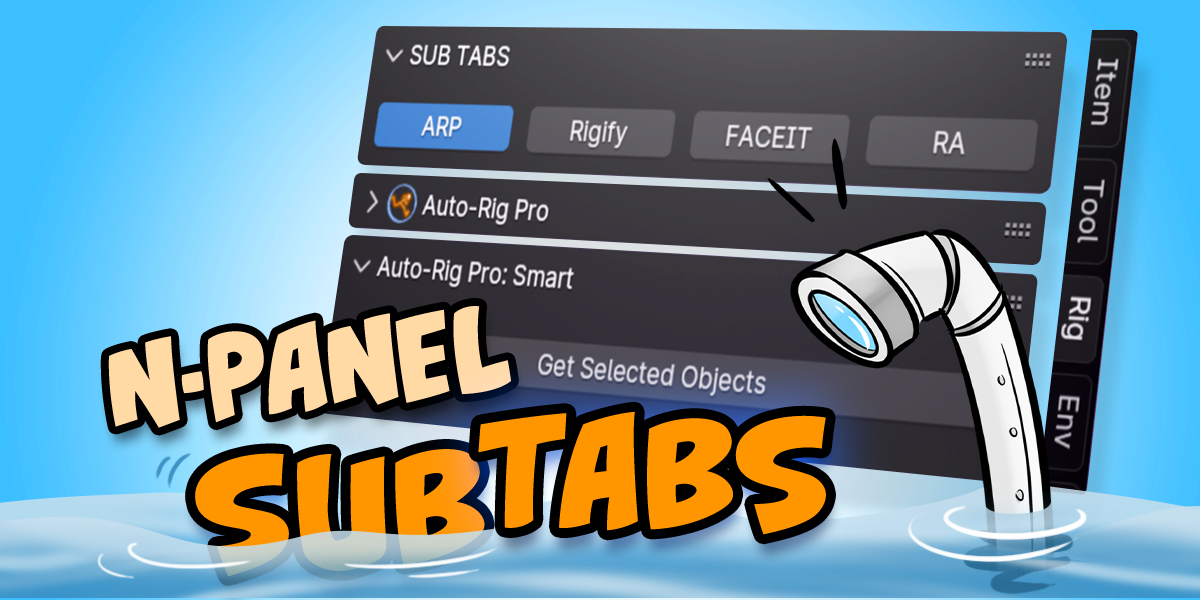
Rename tabs and change their order from the GENERAL group. You can also create custom groups, each with its own enabled tabs and ordering. Switch between GENERAL and a custom set from the Groups header button or the popover. This lets you keep different sidebar arrangements for tasks such as modeling, shading, rigging, or animation.
Find tabs with quick search
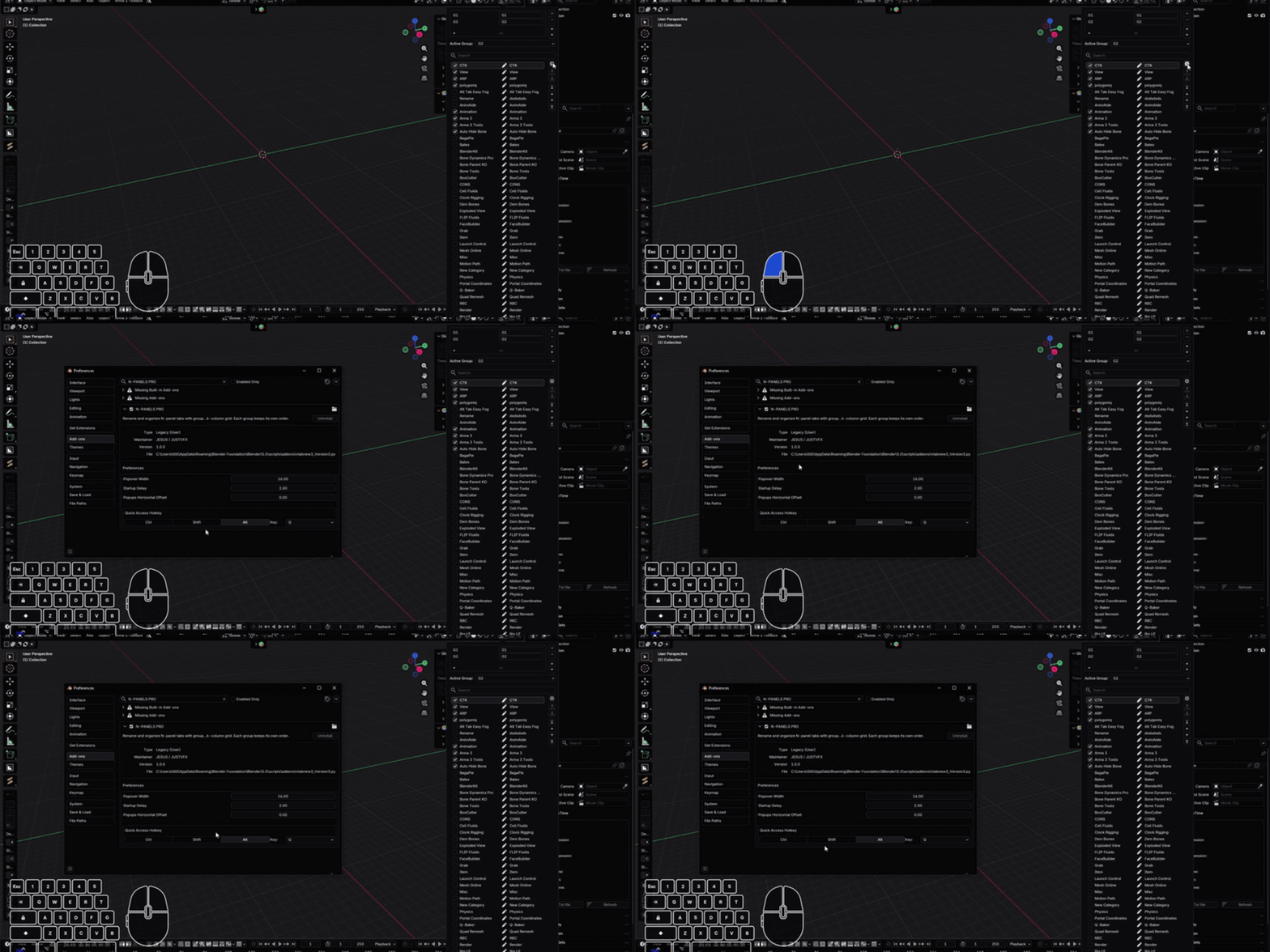
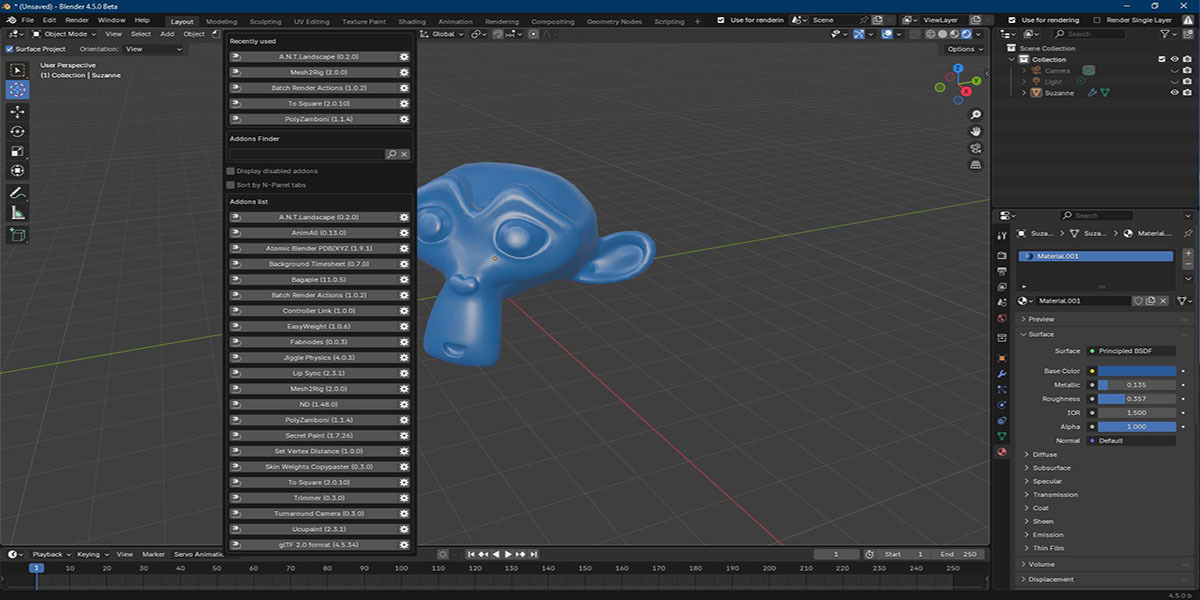
The 3D View header's magnifier button filters tabs as you type. For the Quick Access popup, the default shortcut is Alt+Q; it opens a six-column grid that you can filter and use to open a tab. Change the shortcut in Preferences, using Ctrl, Shift, or Alt with a key. The header also includes a group picker and popover. Popover width and the horizontal offset for header buttons are adjustable.
Export and import presets
Export Settings saves tab names, order, groups, and visibility to a JSON file. Import Settings loads a saved file and applies the layout, which can help when restoring a setup or sharing one with teammates. The user guide covers setup and these controls. Version 1.0.1 improved custom-group stability and tab syncing by preventing constant background updates.
Setup and compatibility
Install the ZIP from Blender's Edit > Preferences > Add-ons > Install menu, then enable N-Panels Pro. Open its main panel from the clock icon in the 3D View header. The guide says to press Refresh once after installation; later changes apply automatically. The product listing states Blender version support from 3.5 through 5.1 and a GPL license.
N-Panels Pro may suit artists who switch between many sidebar tools, animators who organize tabs by production stage, or teams that want to share a consistent tab layout. Its main purpose is managing sidebar tabs and saved presets.