Organize object archives in Blender
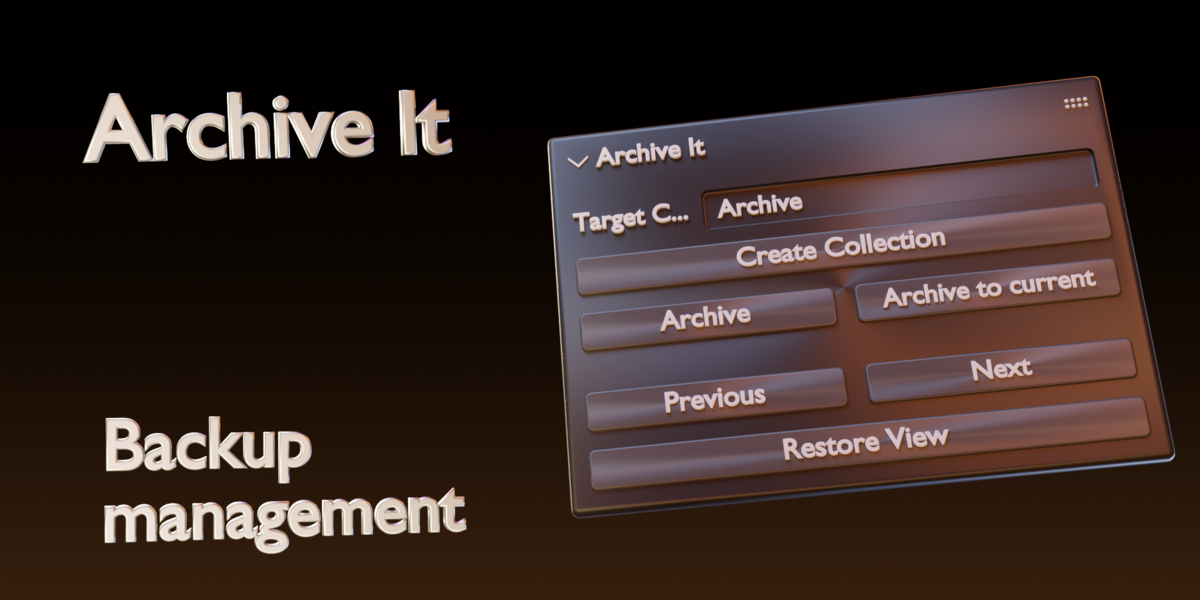
Archive It is a Blender add-on for storing selected objects in structured archive subcollections. You choose a parent collection, then use archive slots to keep duplicated objects together and cycle through archived sets when you want to view them. Optional timestamps can be added to slot names with a customizable format.
This setup suits scenes where you want copies of objects available in the project without leaving every archived set visible in the viewport.
Set up and use archive slots
- Install the ZIP file from
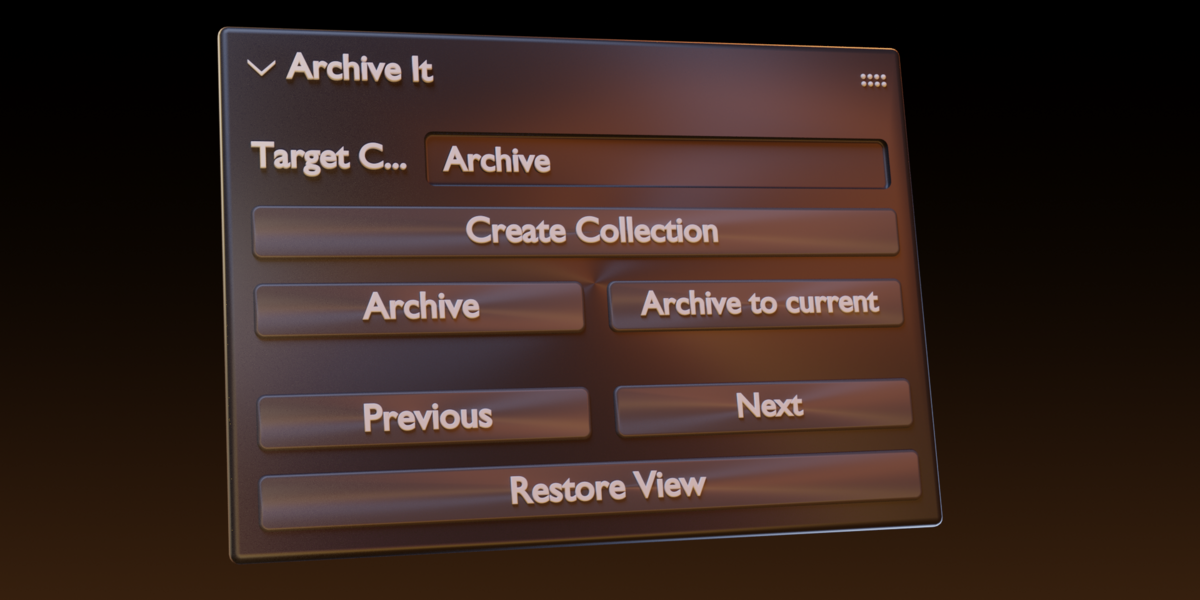
Edit > Preferences > Add-ons > Install from disk, following the Archive It documentation. - Use Create Collection to make a top-level parent collection, or select an existing collection with the Target Collection Selector. The selected target must already exist in the Blender file.
- Choose objects and use Archive to duplicate them into a new subcollection under the selected parent. Archive to current instead moves the selected objects into the active subcollection.
Cycle isolates and moves through archive slots. Restore View returns collection visibility settings to how they were before cycling.
Compatibility and feature scope
The product listing specifies Blender 3.0 through 4.5 and a GPL license. It lists archiving materials and geometry nodes, restoring archived items, and further organizational features as planned additions. Restore View is an available visibility control; it is not the planned feature for restoring archived items.