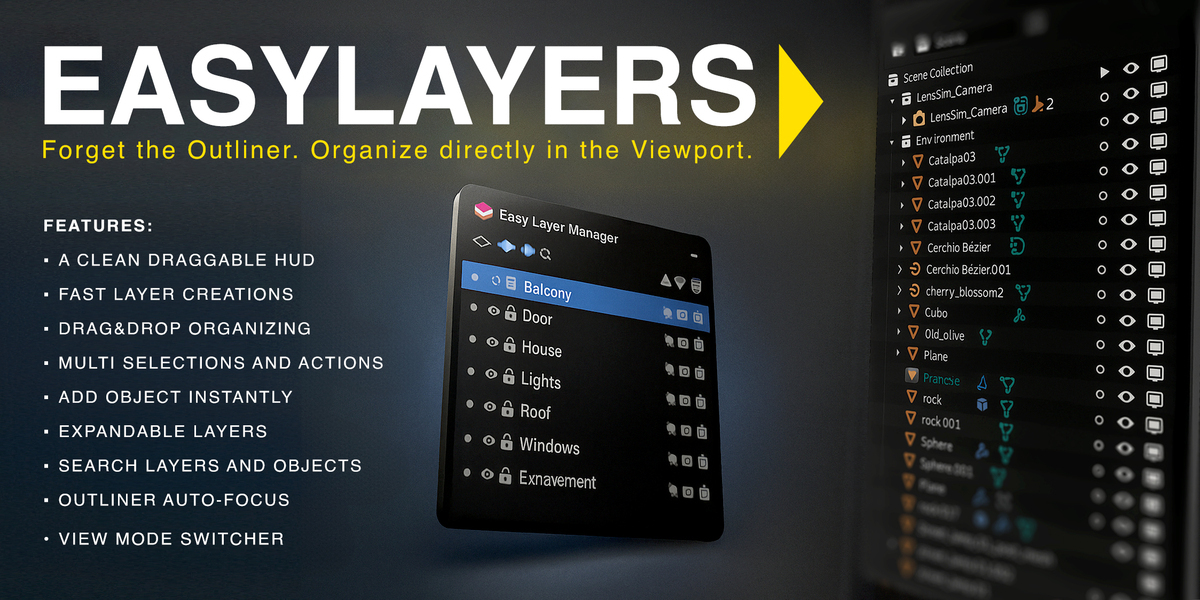
Manage Blender layers from the viewport
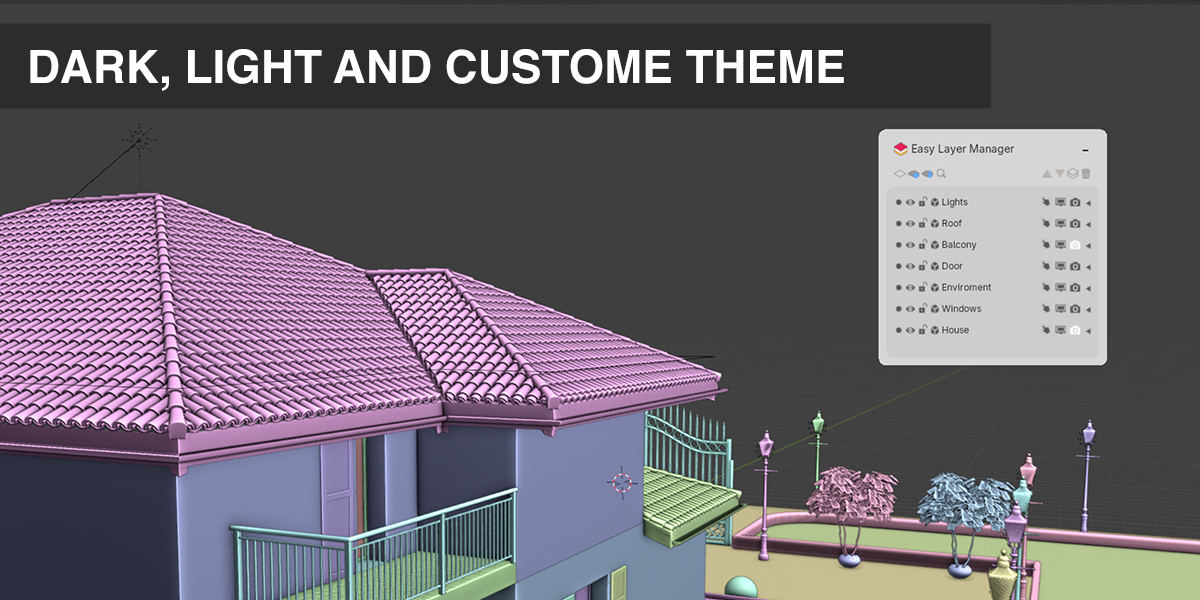
Easy Layer Manager is a Blender add-on by Easy Team that puts layer controls in a draggable viewport HUD. You can organize a scene without keeping the Outliner open. Selecting a layer or object still highlights it in the Outliner, which you can minimize while using the HUD.
Layer and object controls
Create layers, reorder them by dragging, and use the search bar to filter layers or objects. Select multiple layers with Shift or Ctrl to batch-toggle visibility, render visibility, selection, or lock. You can assign selected objects to the active layer, expand layers to manage their contents, and merge selected layers with automatic object merging.
A view mode switcher changes between Shaded, Wireframe Shaded, Wireframe, and Bounding Box. Easy Layer Manager is intended for modeling, sculpting, asset creation, environment work, animation, and game development.
Version 1.1 features
Version 1.1 adds a resize handle at the HUD's bottom-right corner and HiDPI and Retina display scaling, with Auto, Standard, and Retina settings. Alt-click a layer's visibility eye to hide the other layers, then click it again to restore them.
Compatibility and installation
The product description says Easy Layer Manager is compatible with Blender 4.5 and later. The listing details show Blender versions 4.2 to 5.0, while the installation note covers Blender 4.2 and later. Check the current product listing for compatibility with your Blender release.
If the toolbar button does not appear after a drag-and-drop install in Blender 4.2 or later, disable and re-enable the add-on in Preferences > Add-ons. You only need to do this once. The add-on is licensed under GPL. See the product documentation for the listed controls and details.