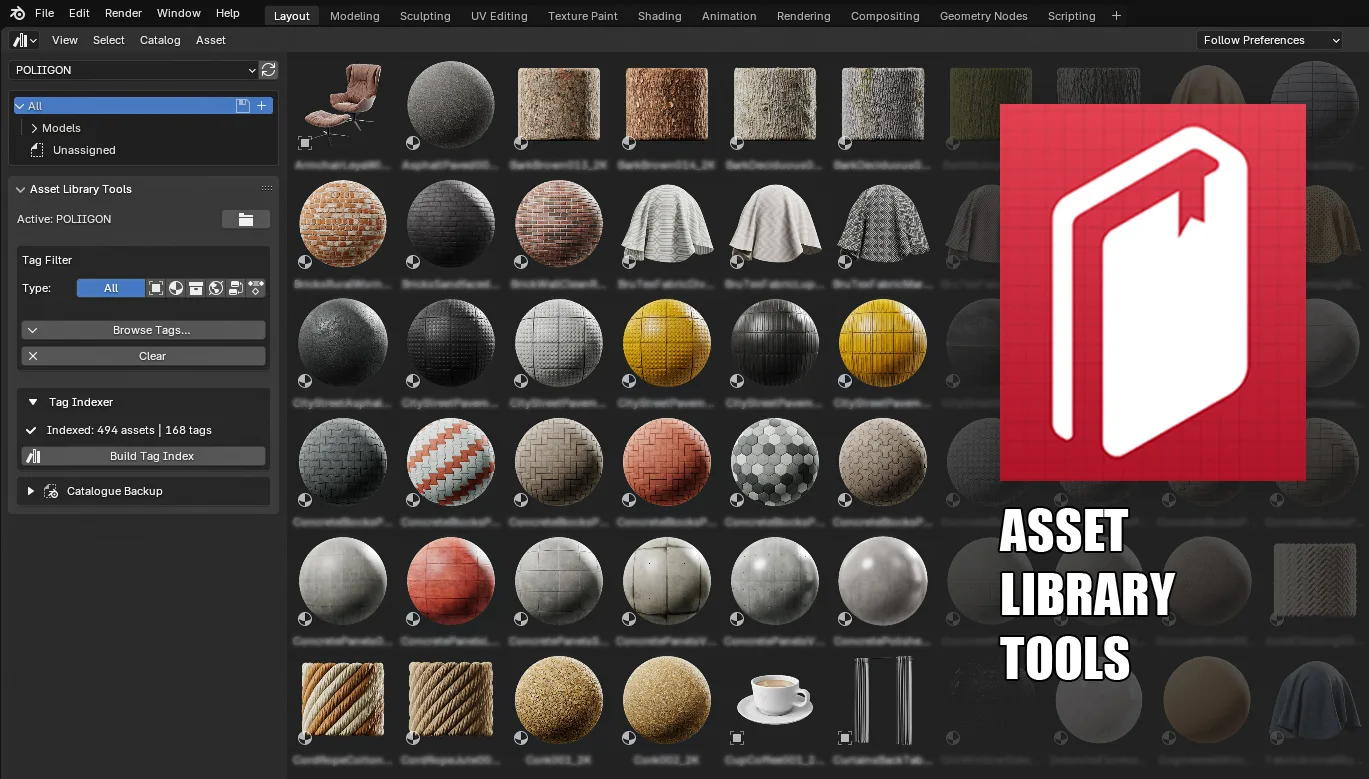
Assetlib-Exp-Imp is a Blender add-on from Gtech-i-Design LLC for transferring Asset Browser library settings between Blender versions or machines. Export saves each library's name, folder path, and import method to a JSON file. Import can restore those entries or update matching libraries.
Export and restore library settings
- In the source Blender version, open the 3D Viewport's N-Panel, select the AssetLib tab, and choose Export.
- Find the JSON file in the AssetLib-EXP-IMP folder on your Desktop. The file is named
asset_libraries.json. - Install the add-on in the destination Blender version, then use Import to load the JSON. Libraries with matching names are updated; entries without a match are created.
The JSON records library names, folder paths, and import methods. When setting up another machine, make sure the referenced asset folders are available there too. After importing, the add-on lets you choose whether to keep or delete the backup JSON and its folder.
Who it suits
This workflow may help artists and studios that maintain several Asset Browser libraries and regularly upgrade Blender or set up the same library configuration on multiple machines. Export and import are available from the 3D Viewport's N-Panel, so the transfer actions stay together in the AssetLib tab.
Compatibility and license
The available product record lists the add-on as free, GPL-licensed, and compatible with Blender 4.5 through 5.0. The product link currently leads to Superhive's homepage Gtech-i-Design LLC describes AssetLIB-Migration Tool as the update to AssetLib-EXP-IMP and says it can import backups made with the earlier add-on.