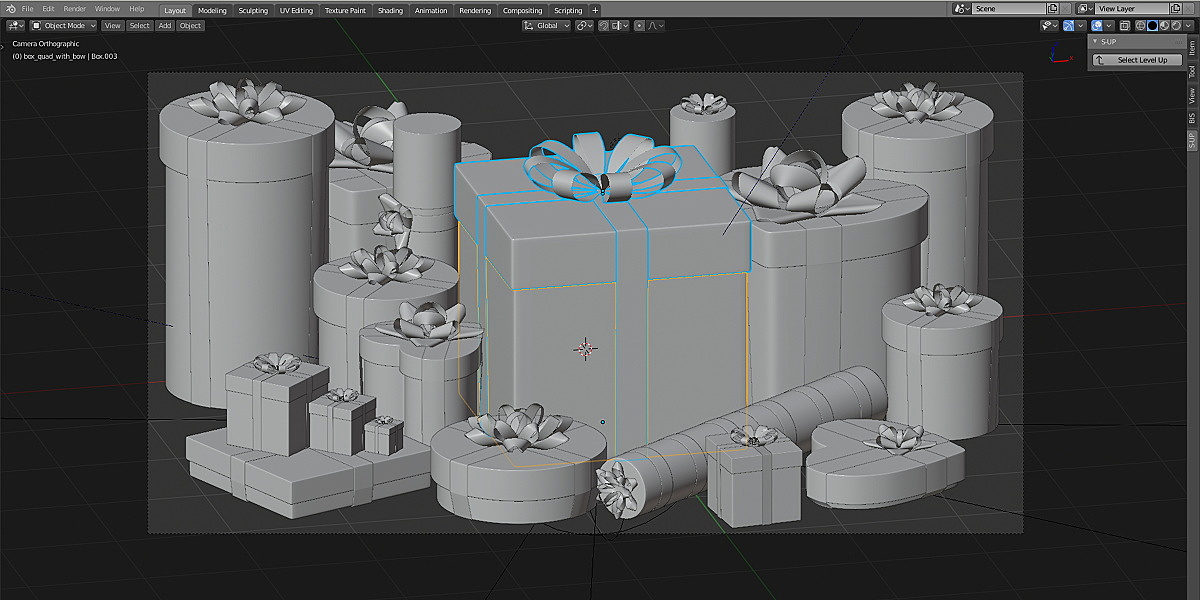
Select-Up is a Blender add-on by Nikita Akimov for selecting multi-part objects organized into collections. Select one element, then use “Select Level Up” to select the objects at the next collection level. Each press moves the selection up another level, following the scene’s collection structure.
How Select-Up works
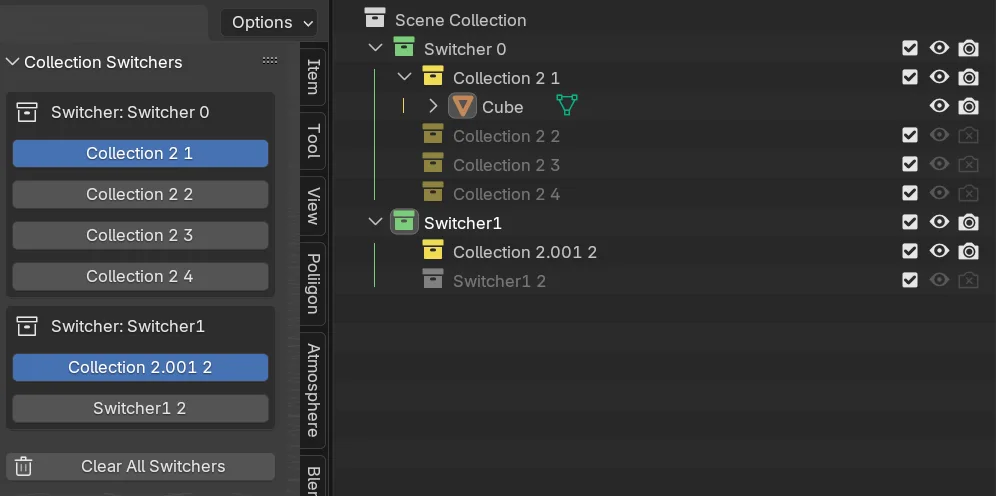
The collection hierarchy determines the selection groups. This workflow suits scenes where an object’s parts are organized into collections and you sometimes need to select a larger group without clicking each part individually. If the parts are not arranged in collections at the levels you need, the documented workflow may not fit that scene.
Blender versions and installation
The Superhive product listing identifies add-on version 1.3.0 and lists Blender 2.80, 2.81, 2.82, 2.83, 2.90, 2.91, 2.92, 2.93, 3.0, 3.1, 3.2, 3.3, 3.4, 3.5 and 3.6 in its “For Blender versions” section. Its separate “Blender Version” details field lists versions only through 3.4. The documentation says the add-on is only for Blender 2.8, 2.9 and 3, with earlier versions unsupported.
To install it, download the add-on ZIP archive. In Blender Preferences, open Add-ons, choose Install and select the archive, then activate the add-on.