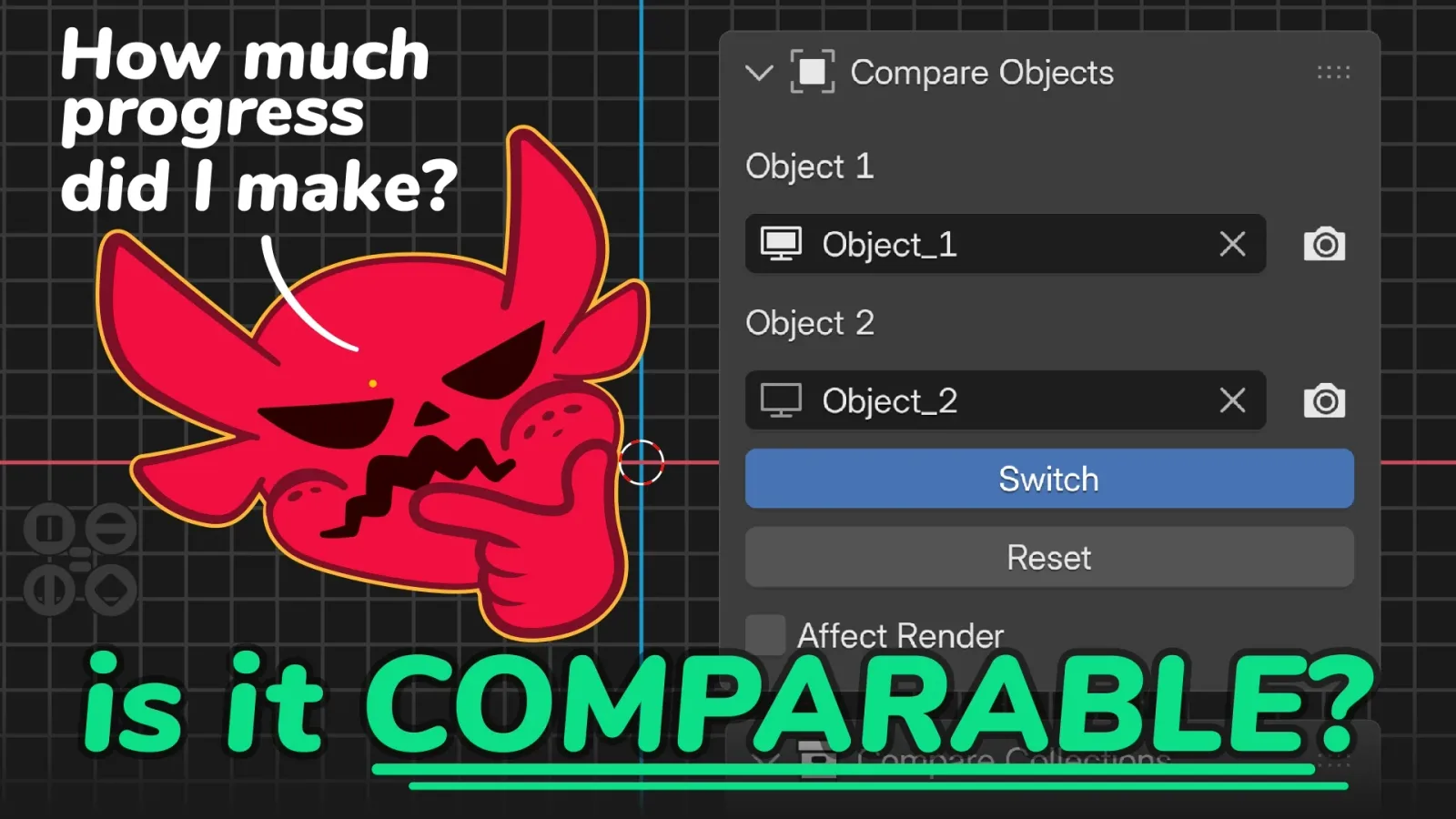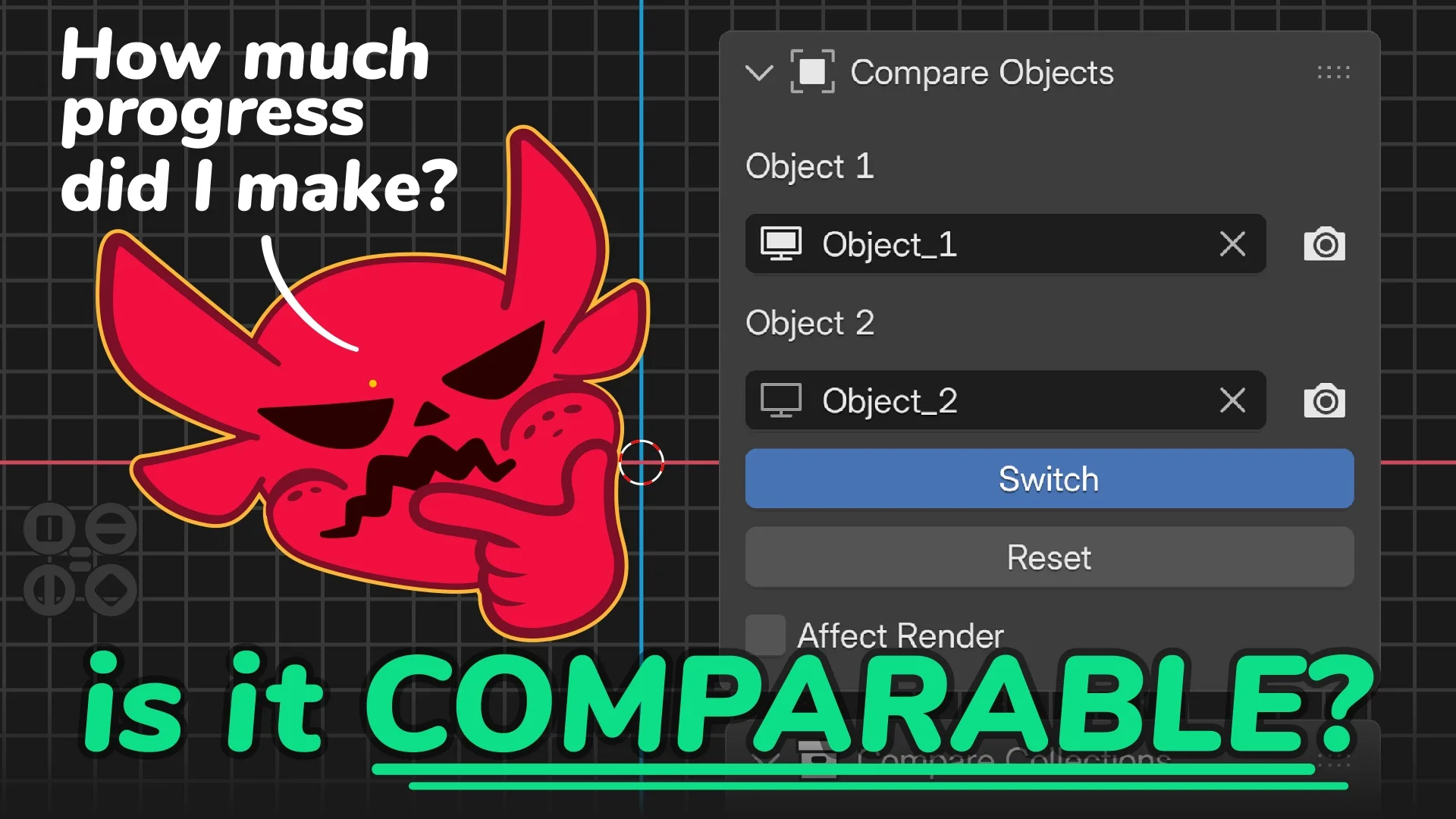
Comparable is a Blender add-on for switching between two objects or collections while you work. It helps when you keep an earlier version as a backup and want to compare it with the current one without repeatedly changing visibility by hand.
Switch between two objects or collections
Open the Comparable panel in Blender's sidebar, choose two different objects or collections to enable the switch controls, then press the switch button. Comparable alternates which selection is visible.
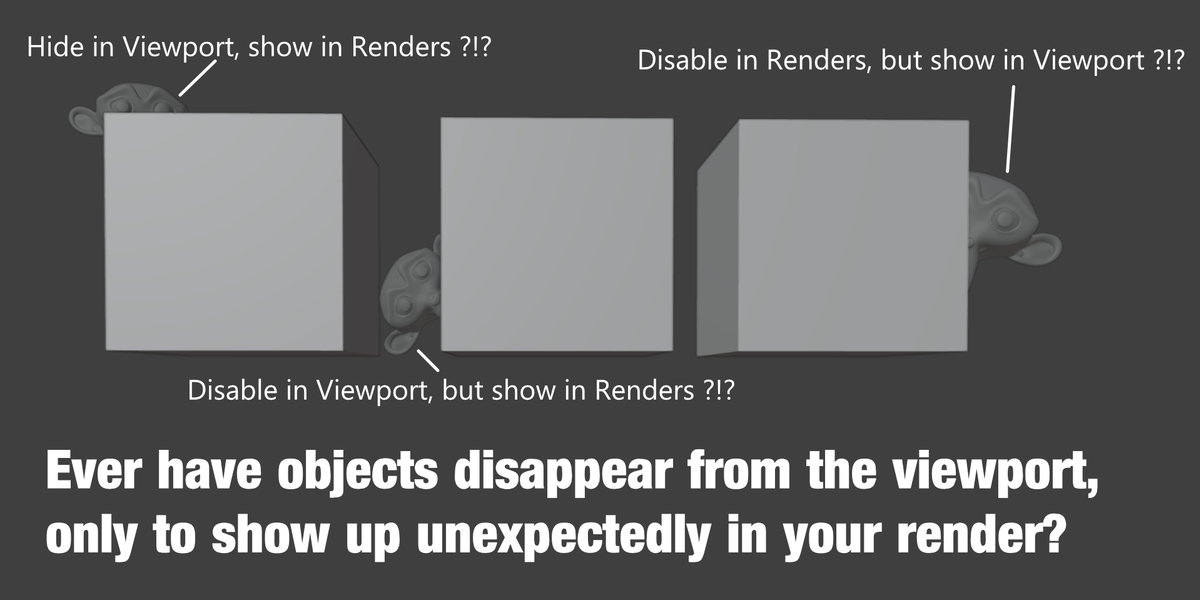
If you also need to compare what appears in a render, enable Affect render and press switch. The add-on can apply its switch and reset behavior to render visibility as well.
Compatibility and installation
The Blender Extensions listing identifies version 1.0.2, with Blender 4.2.0 as the minimum version. To install the downloaded extension package from disk, follow Blender's Install from Disk instructions. The project source is available on GitHub.