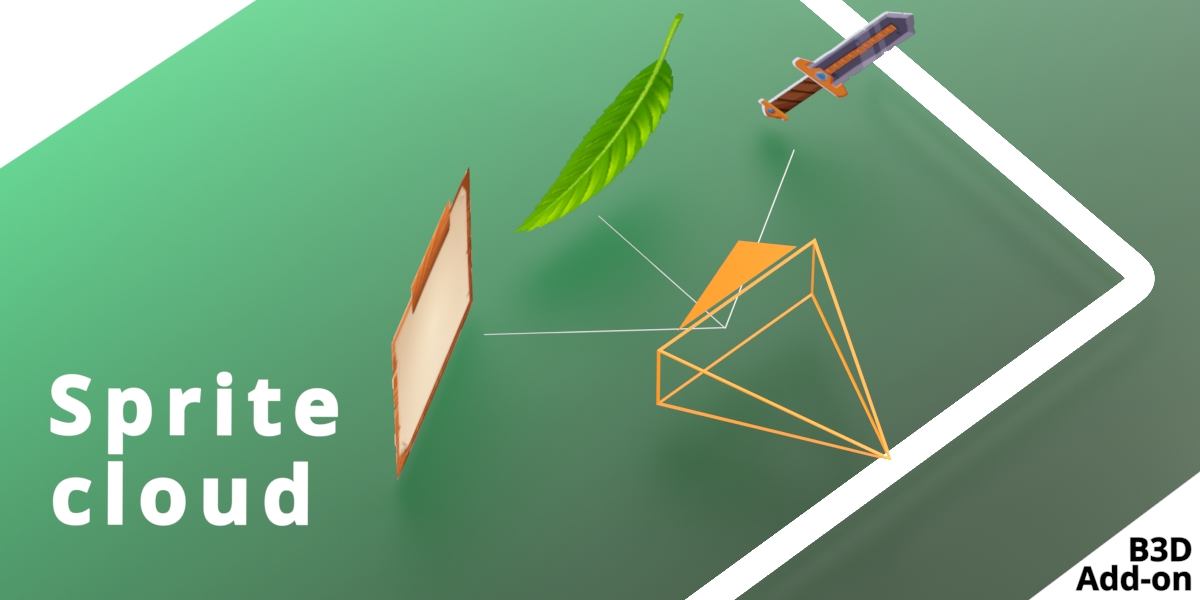
Sprite Cloud is a Blender add-on by Nikita Akimov for turning selected image planes into sprites that face the active camera. The add-on reorients marked sprites when the active scene camera changes.
Mark image planes as sprites
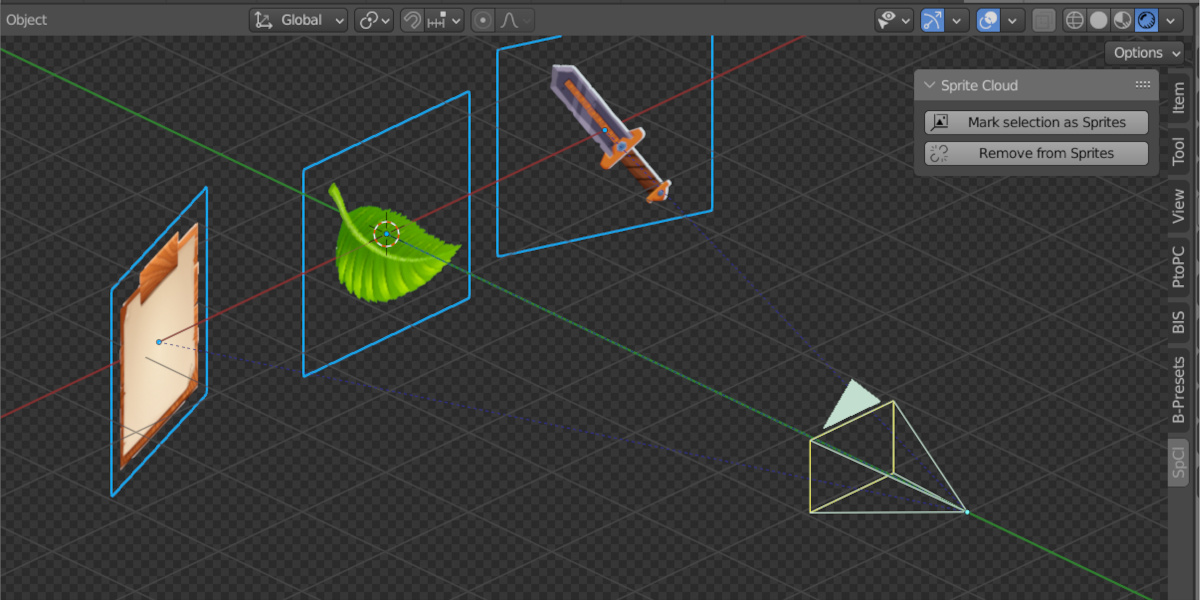
Select the image planes you want to use, then click Mark selection as Sprites in the add-on panel. The controls are in the 3D Viewport's N panel under the SpCl tab.
Install the add-on
- Download the add-on ZIP archive from the Sprite Cloud product listing.
- In Blender, open Preferences, go to Add-ons, choose Install, and select the archive.
- Open the 3D Viewport's N panel and select the SpCl tab.
The marketplace listing identifies version 1.0.1 and a GPL license. Its overview lists Blender 2.93, 3.0, 3.1, and 3.2. The details section lists 2.93, 3.0, and 3.1, while the documentation says Blender 2.93 and 3.x. The details section omits 3.2, although the overview lists it and the documentation's 3.x range includes it.