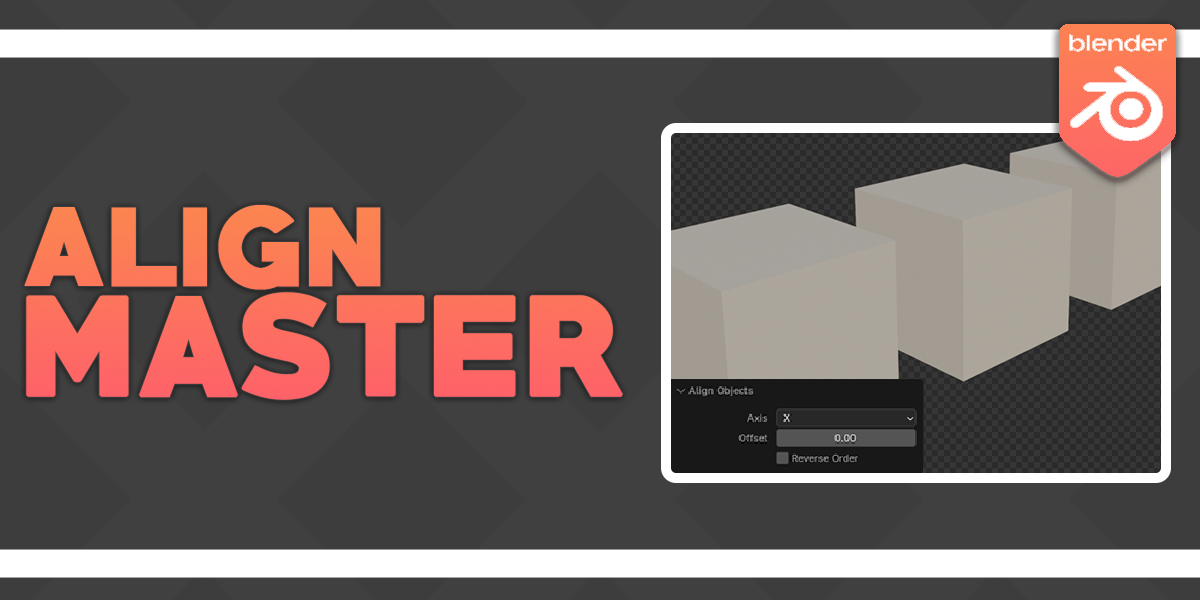
Align Tools is a Blender extension for aligning selected objects to an active object. The AnyPlugins listing places its controls in the 3D Viewport sidebar’s Item tab, close to the scene objects being arranged.
What the tool aligns
Use Align Tools when several modeled parts need to line up with the active object or when tidying placements in a scene. The published description does not specify axis controls, snapping behavior, or how the tool handles existing transforms. Check its controls and linked documentation if those details matter to your workflow.
Where to find the controls
Open the 3D Viewport sidebar and choose the Item tab to reach Align Tools. The Blender Extensions listing links to the manual’s extension installation instructions, including Install from Disk.
Version and Blender compatibility
The Blender Extensions API lists version 0.3.6 and a minimum Blender version of 4.2.0. AnyPlugins describes 0.3.6 as including a bug fix for advanced mode, but does not explain the specific issue or behavior changed. The minimum version is a compatibility declaration; it does not confirm testing with every later Blender release. A review shown on the extension listing reports that the add-on was still not working with Blender 5.0, so check the current listing and release details before relying on it with that version.
License and download
The extension API records the maintainer as Community and the license as GNU GPL version 3.0 or later. AnyPlugins lists Align Tools as free. Use the official listing to check the available release, download the extension, and follow its linked project and documentation pages.