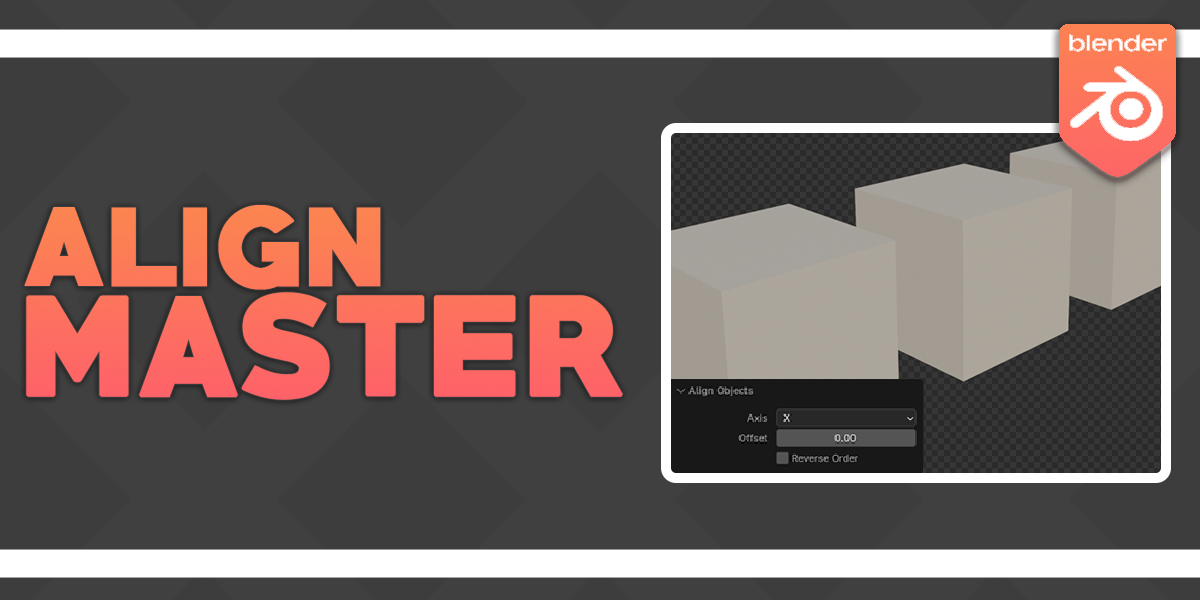
Align Master is a Blender add-on for arranging multiple objects along the X, Y, or Z axis. It positions them relative to the first selected object and provides an offset setting for spacing.
Choose an axis, offset, and order
Choose X, Y, or Z for the alignment axis, then set a custom offset. A positive offset spaces objects in one direction; a negative value moves them in the opposite direction. The reverse option flips the order, starting from the last selected object instead of the first.
Find the controls in Blender
In the 3D Viewport, open the N-panel and select the Item tab to access Align Master.
Install the add-on
- Download the alignmaster-[version].zip file.
- In Blender, open Edit > Preferences and select Get Extensions.
- Open the Extensions Settings arrow beside the Repositories dropdown, then choose Install from disk.
- Select the ZIP file and press Install from disk. Wait for Blender to register it, then restart Blender.
The installation documentation gives these steps. Check the Superhive product listing for the current download and product details.
Compatibility and license
Superhive lists Blender 4.3, marks the add-on as Blender Extension Compatible, and identifies its license as GPL. The listing does not establish compatibility with other Blender versions, so check the product page if you use a different release. The developer is listed as Valentin.