IKA’s Space add-on puts object alignment and distribution controls in Blender’s 3D Viewport sidebar. Use it to line up selected objects or create even gaps along the X, Y, or Z axis. It can help arrange repeated objects such as chairs, pillars, or interface elements. The Superhive listing identifies the license as GPL and lists Blender version 3.0.
Set object spacing
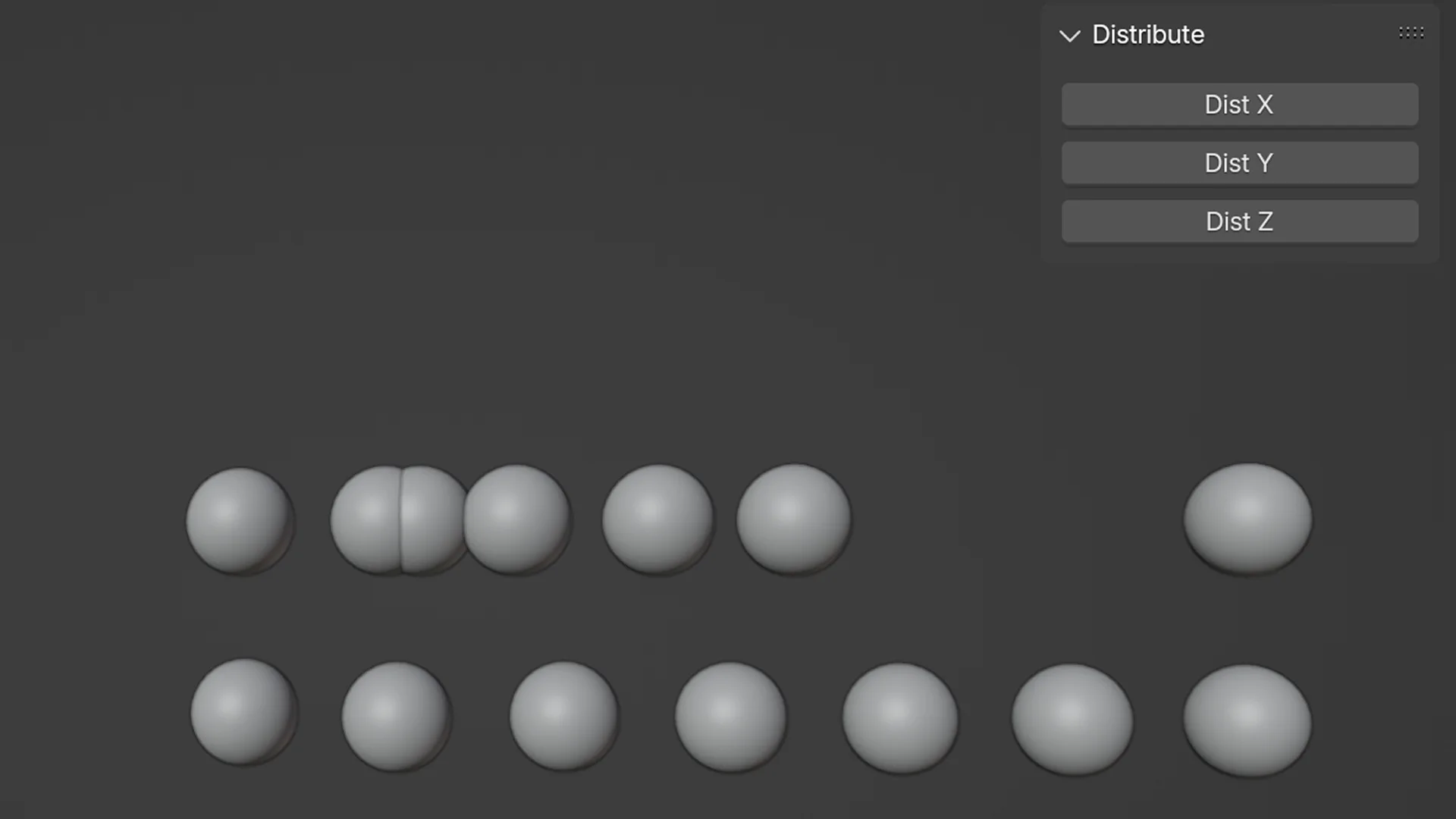
In the Distribute controls, choose an axis and a reference: an object’s Origin or its Bounding Box. Origin uses the object’s pivot point; Bounding Box calculates spacing from the mesh edges. The Gap method sets a fixed distance in Blender units between objects. In-Between keeps the first and last objects in place and spreads the objects between them evenly. The gap slider appears when Gap is selected.
Align objects to a reference
Space’s Align controls can use the active object or the Bounding Box of the selection as a reference. Active aligns the other objects to the last selected object, highlighted in yellow. Bounding Box aligns them to the furthest edge of the selection group. The documented controls include Left, Middle, and Right alignment on the X/Y plane, plus Top, Middle, and Bottom alignment on the Z axis.
Install and find the add-on
The published installation instructions say to download space.py, open Blender’s Edit > Preferences > Add-ons, choose Install, select the file, and enable Object: Space. After enabling it, open the 3D Viewport sidebar with the N key and select the Space tab. The listing names Blender 3.0, so check the product page for compatibility details before using it with a later Blender release.
The panel has separate Distribute, Align, and Status Bar sections. The Status Bar shows selection information and can indicate when more objects or an active object are needed for an operation.