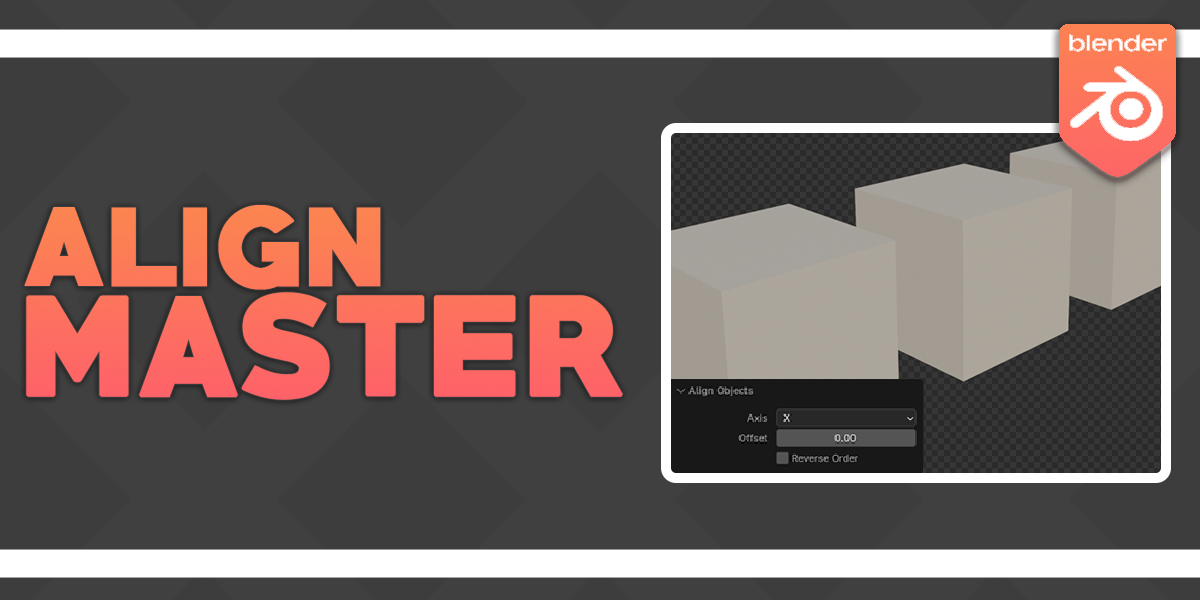
Align Master
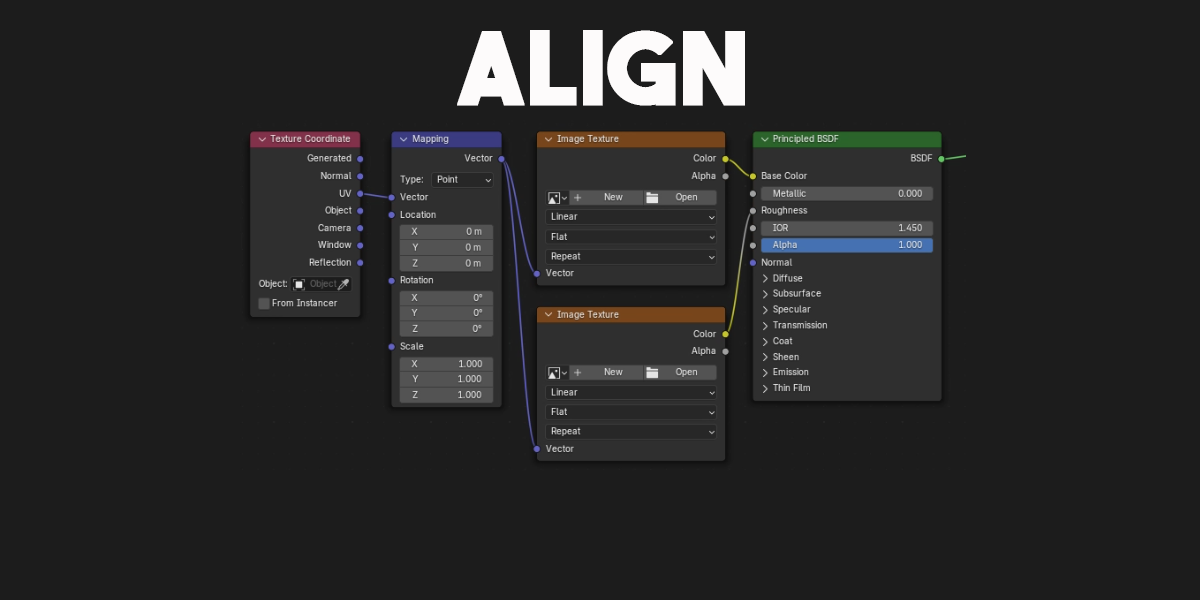
Align selected Blender objects on X, Y, or Z with adjustable spacing and reverse order. See Align Master's controls, listed Blender version, and setup steps.
Developer listing
11 tools attributed to this developer in the catalog.
Align selected Blender objects on X, Y, or Z with adjustable spacing and reverse order. See Align Master's controls, listed Blender version, and setup steps.
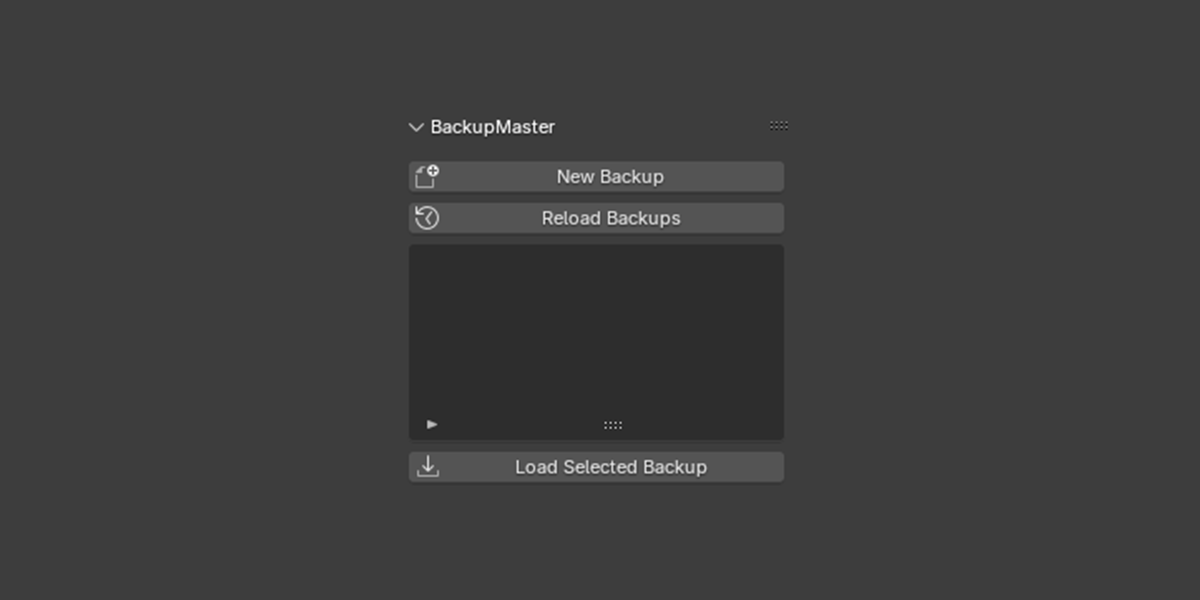
Save manual Blender project backups with incremented .blend filenames, thumbnails, and notes, then browse each saved version by name, date, and size.
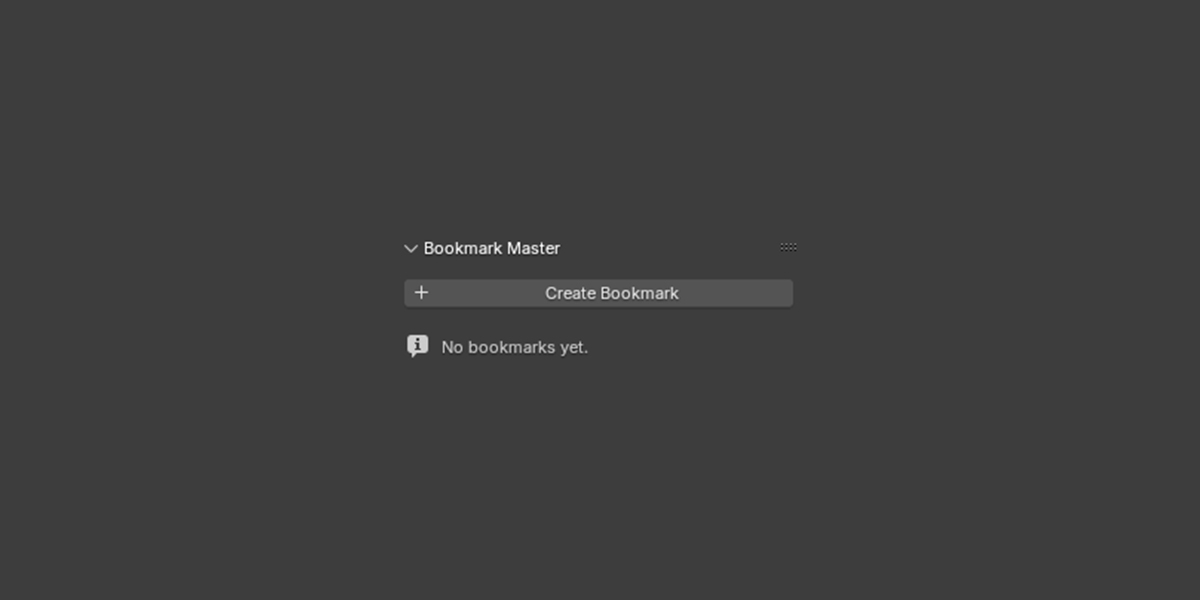
Bookmark Master saves a Blender 3D View's position, rotation, and zoom so you can label and revisit useful viewpoints from the viewport sidebar.
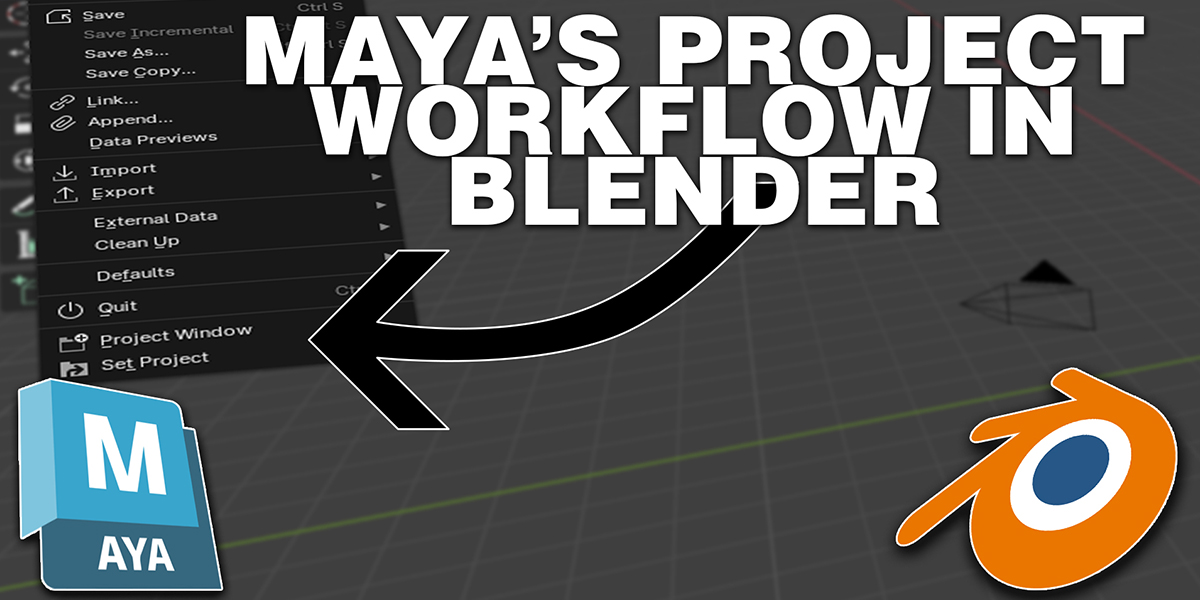
Maya Project Workflow adds Project Window and Set Project to Blender's File menu, creating project folders and linking them for saves, renders, and file lookup.
Align and clean Blender node graphs with Node Organizer. Check supported node trees and Blender versions, then follow the documented install steps.
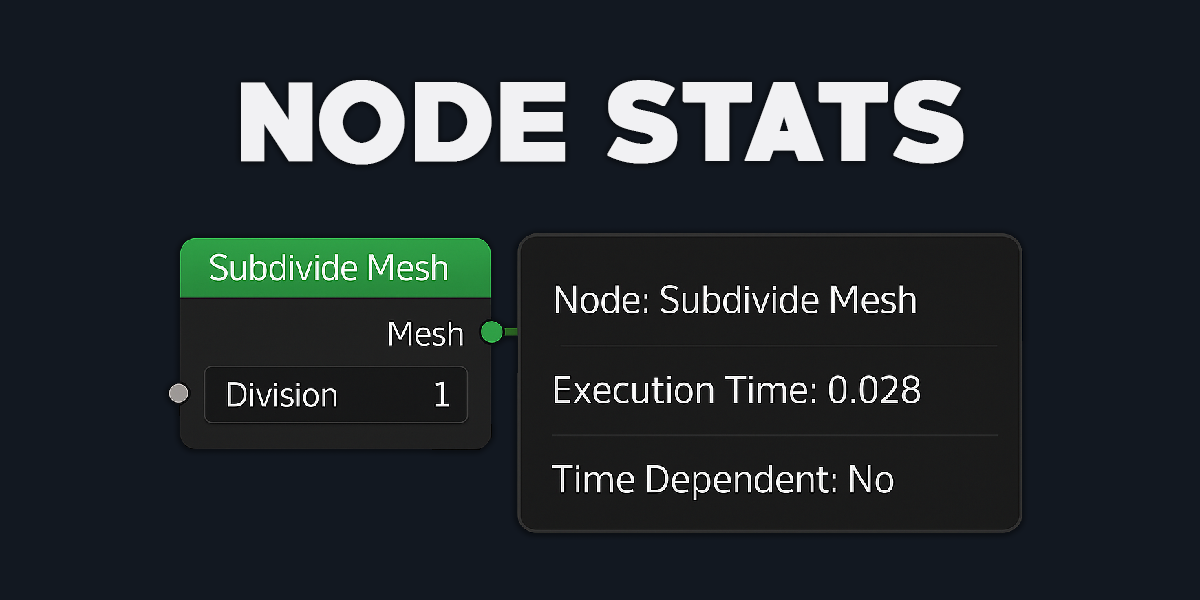
Node Stats are a Blender add-on for selected-node timing, time dependency, and geometry output. Check listed Blender versions and installation steps.
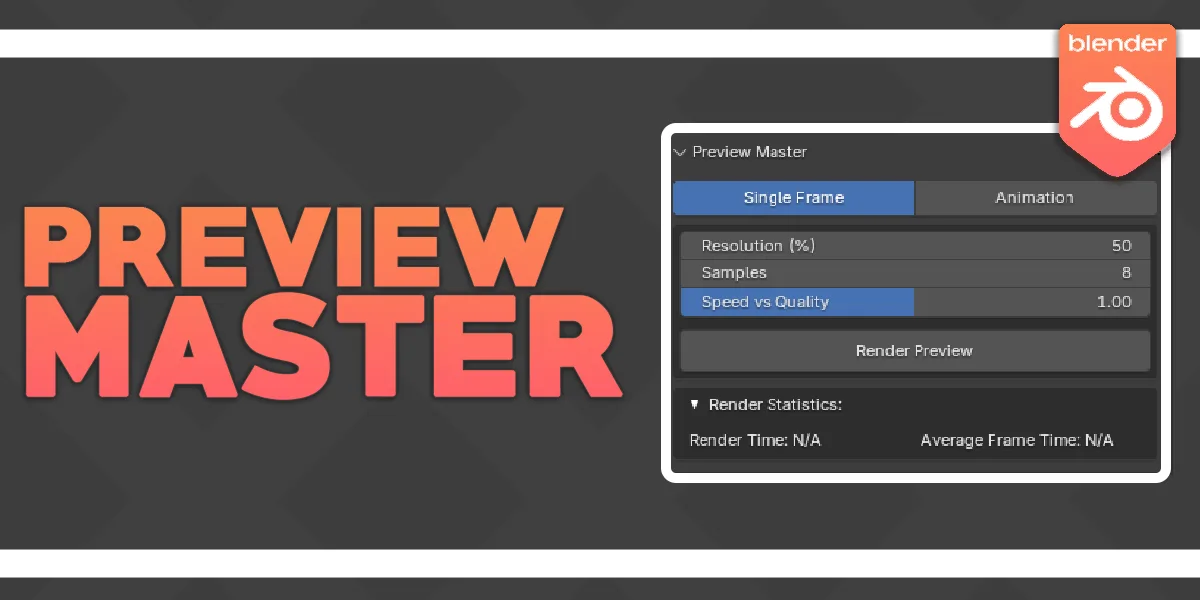
Adjust preview resolution, samples, and quality without changing final render settings. Preview Master is listed for Blender 4.3; see install steps.
Clean unused objects and orphaned data in Blender with Project Auto Cleaner. Check its cleanup targets, Blender versions, and installation steps.
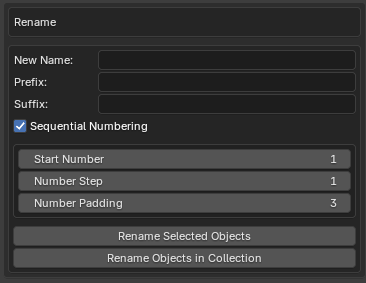
Rename Blender objects by selection or collection with Rename Master, using numbering and text replacement. Blender 4.3 is the listed version.
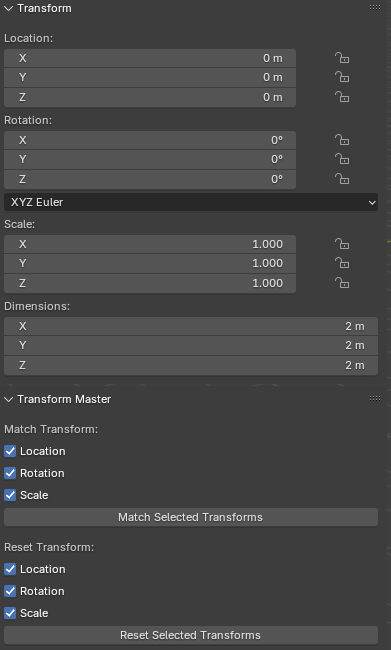
Match or reset Blender object transforms with Transform Master. Review its N-panel controls, listed version, and installation steps.
See what the Blender bundle includes: zCloth cloth setups and surfacing, plus zSmoke's volume-free smoke controls, compatibility, and installation steps.
Developer attribution comes from the linked product listings. Current product details are available on each product’s website. About our sources