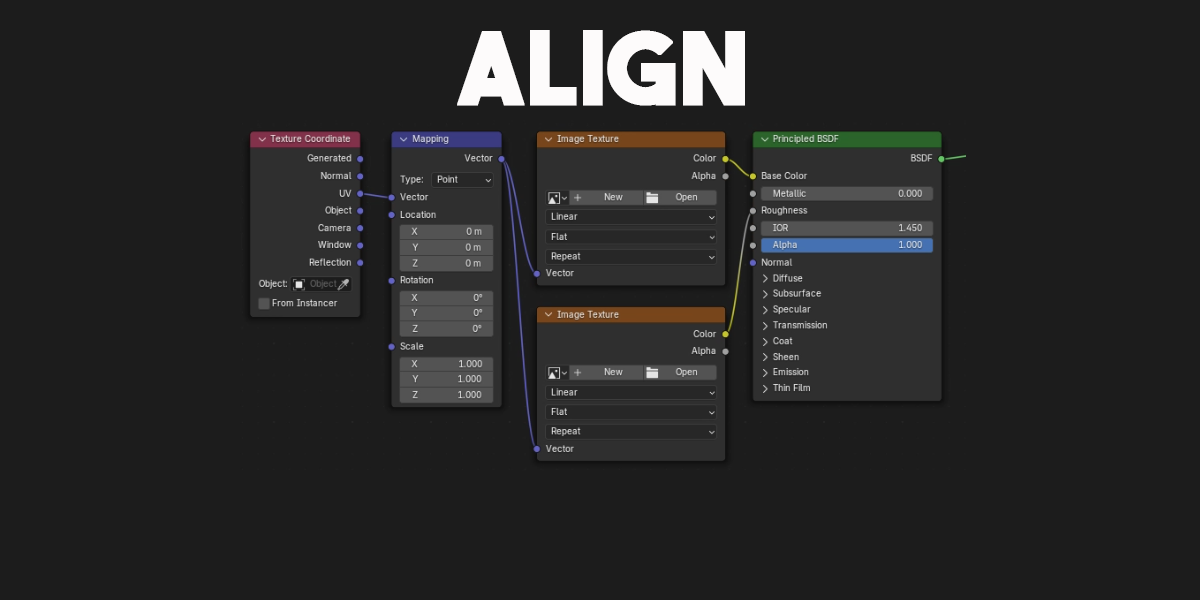
Node Organizer is a Blender add-on for organizing node graphs. It aligns selected nodes horizontally or vertically, arranges nodes with auto-layout, removes unused nodes, cleans unconnected links and orphan reroutes, and displays graph statistics. Its controls are in the Node Editor sidebar.
Supported node trees
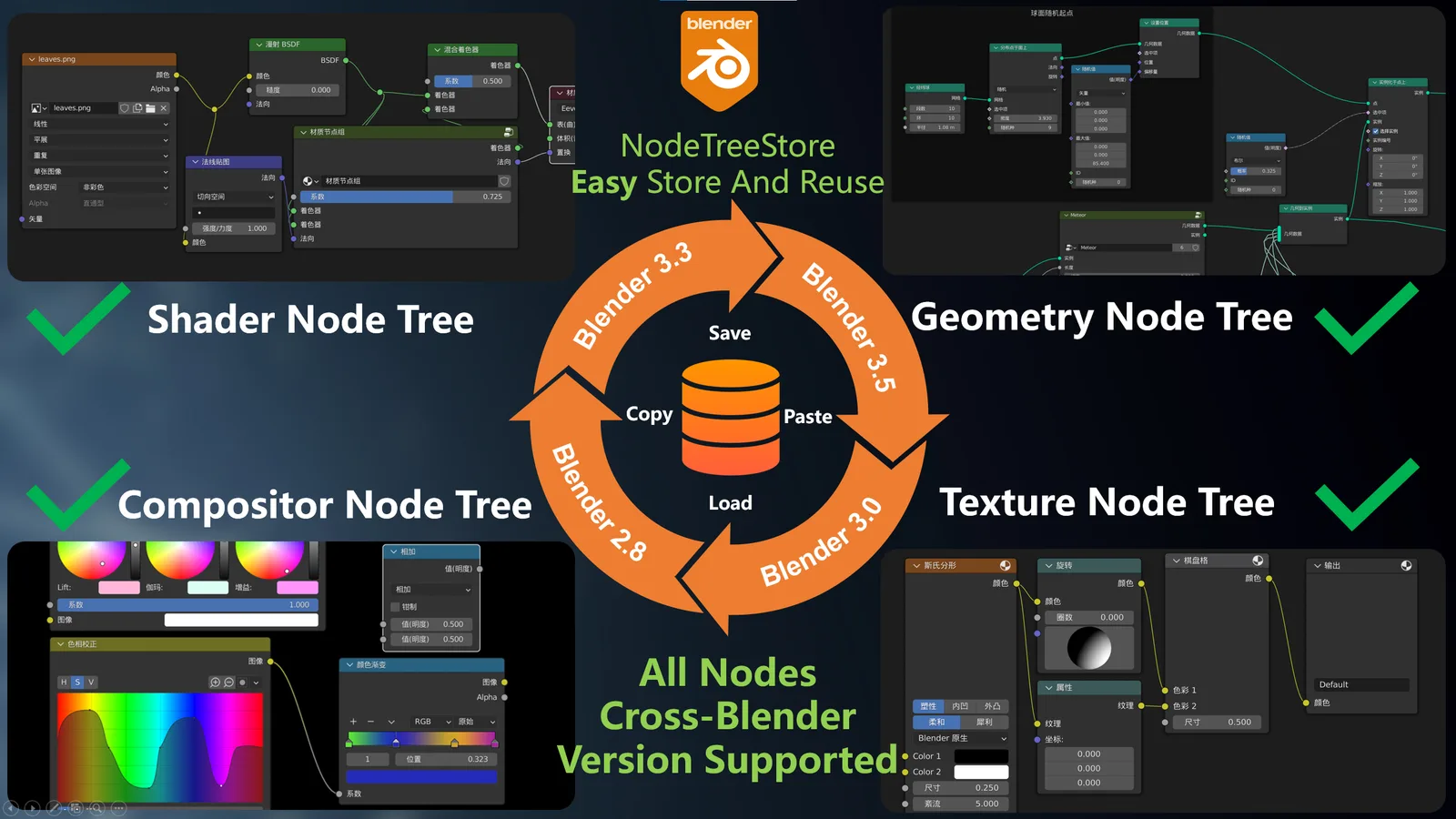
The add-on works with Shader, Geometry, and Compositing node trees. The same alignment and cleanup tools are available across those editors.
Compatibility and license
The product listing specifies Blender 4.3 to 4.4, identifies the add-on as Blender Extension-compatible, and lists a GPL license. Check the current product listing for compatibility details before installing with another Blender version.
Install Node Organizer
The product documentation gives these installation steps:
- Download the
nodeorganizer-[version].zipfile. - In Blender, open Edit > Preferences and select the Get Extensions tab.
- Open the Extensions Settings arrow next to the Repositories dropdown, then choose Install from disk.
- Select the downloaded ZIP file and choose Install from disk.
- Wait for it to register, then restart Blender.