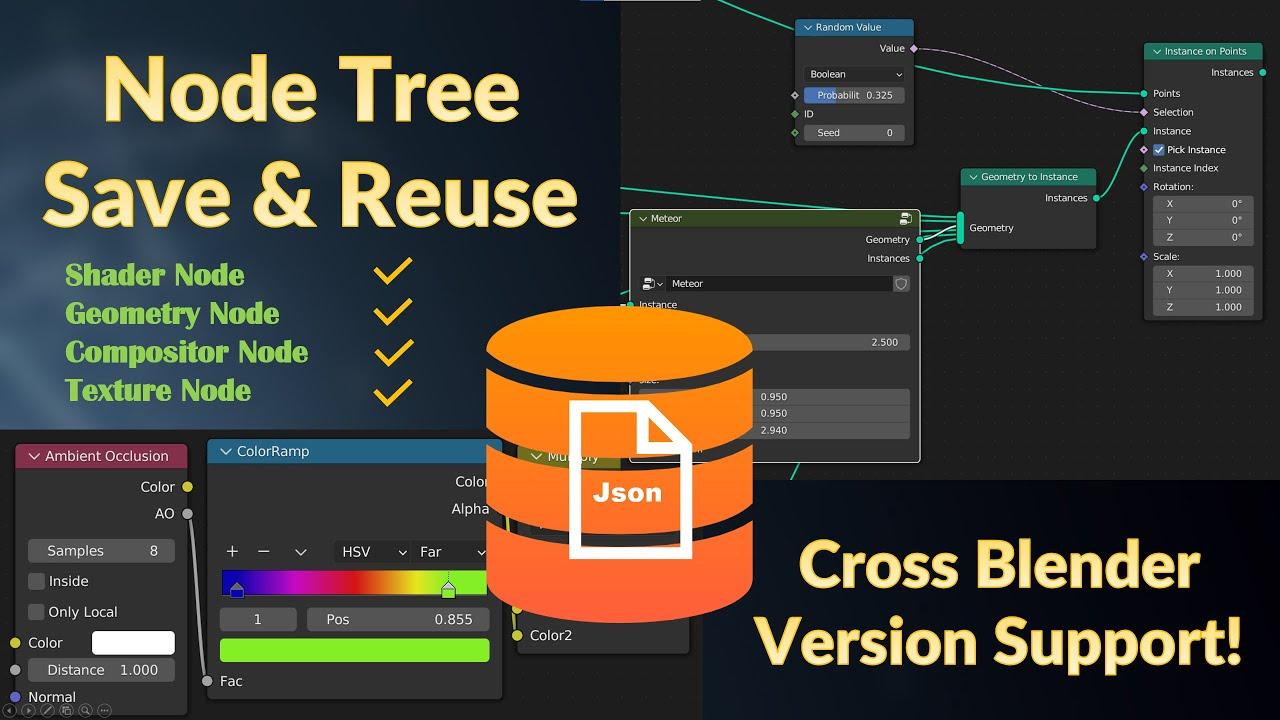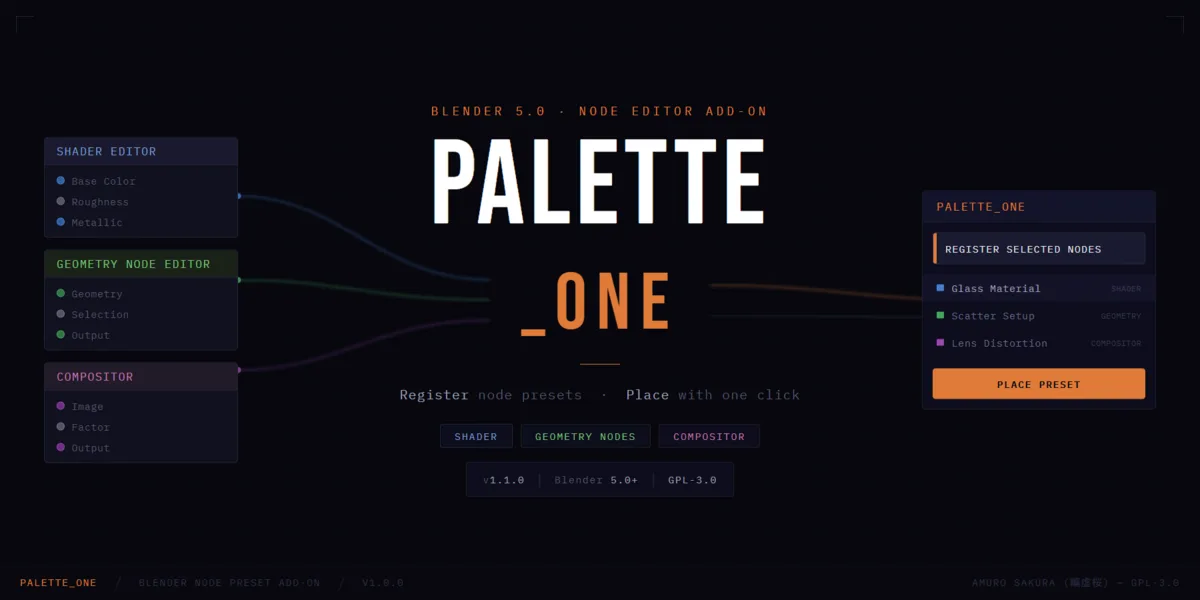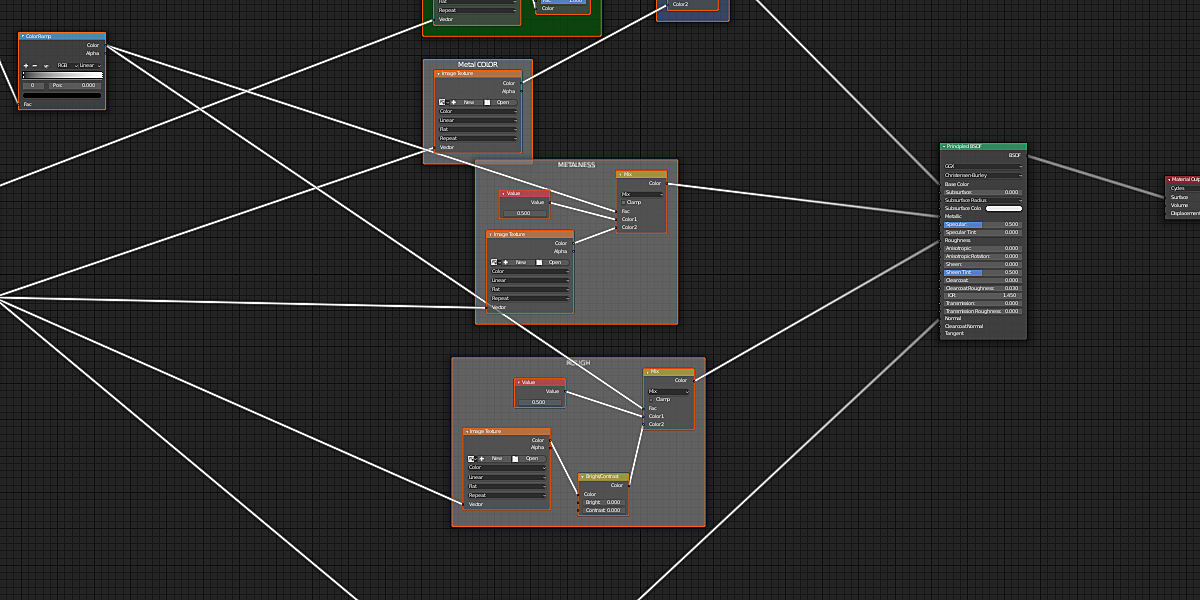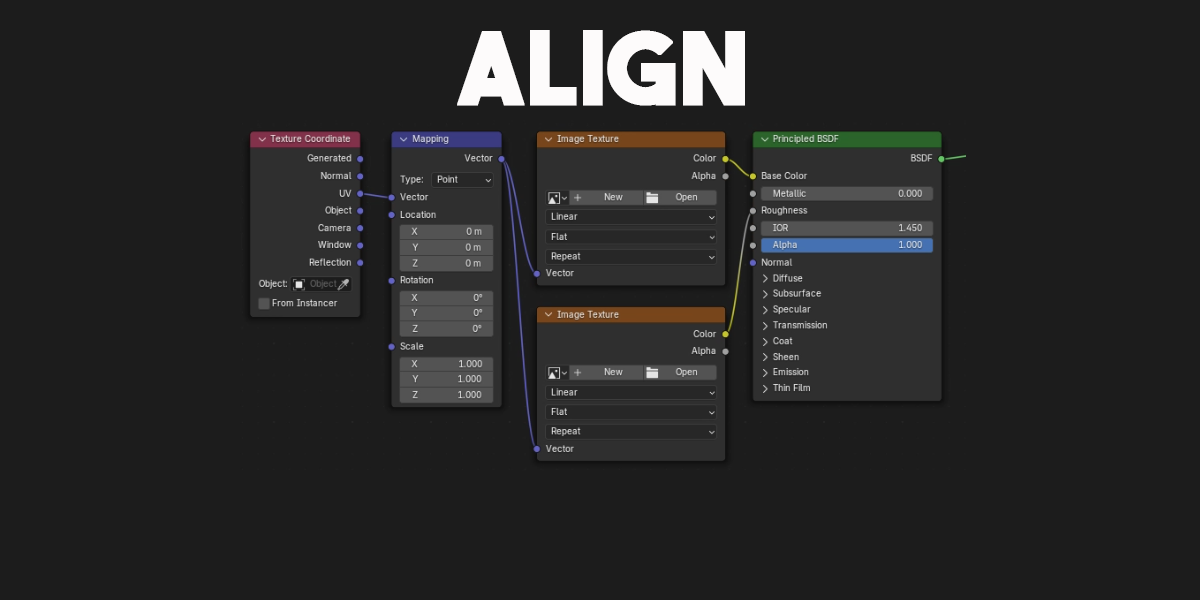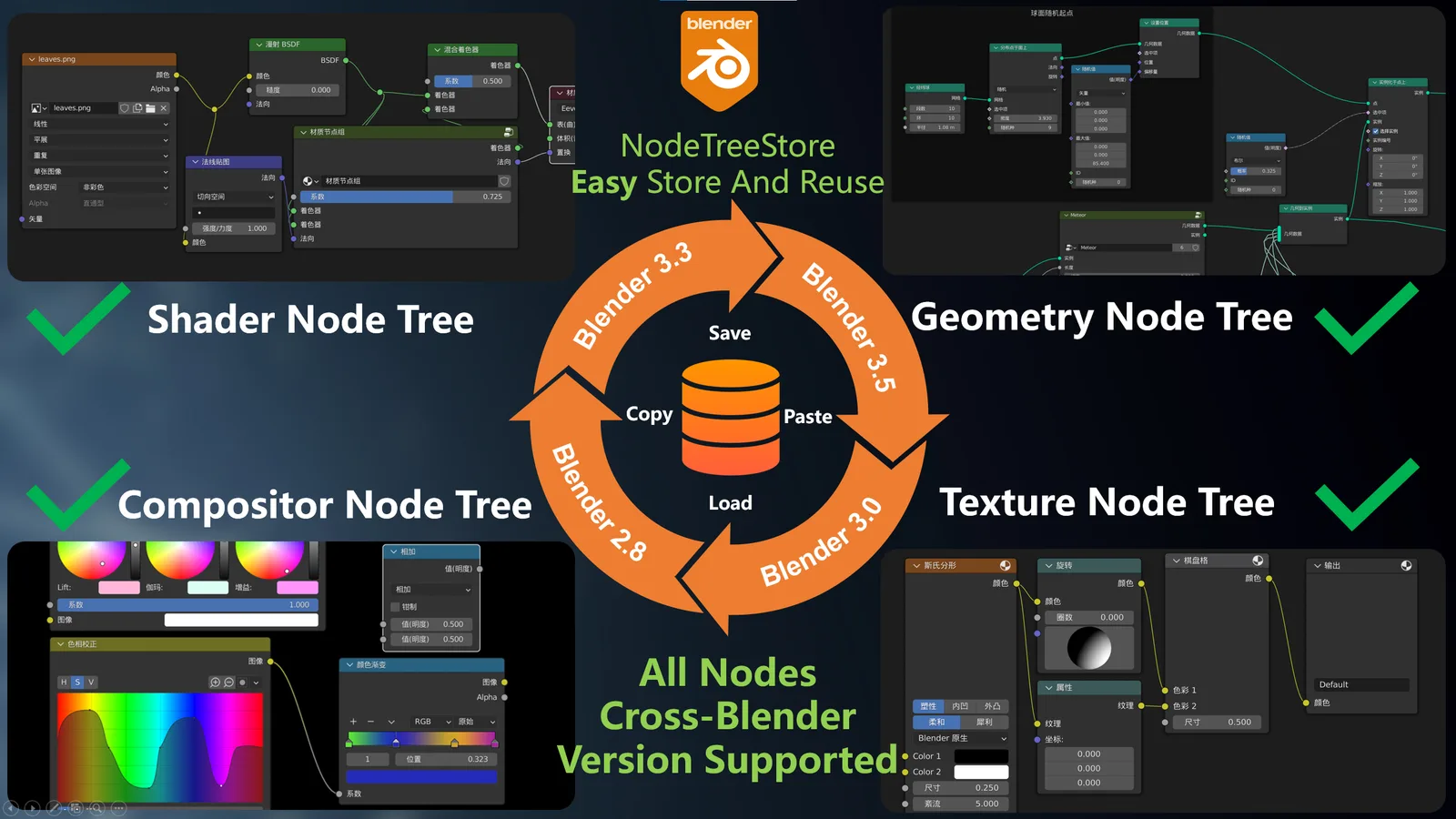
Nodetreestore is a Blender add-on for saving and reusing node tree presets across projects. It can load a saved setup into another project and adapt connections when a node interface changes, provided the required node types exist in the target version.
Node trees and their resources
The add-on supports ShaderNodes, GeometryNodes, CompositorNodes and TextureNodes. It can also save resources used by a node tree, including images and materials, plus object transforms. For Geometry Nodes, saving the GroupInputNode can preserve the modifier input interface and its default values.
Simulation Zone and Repeat Zone support was added in version 1.2.0 for Blender 4.1, 4.2 and 4.3. The product listing identifies version 2.2.0 as current and notes support for CompositorNodeOutputFile in Blender 5.0, along with Parent-Child Panels on the NodeGroup Interface.
Reusing node trees across Blender versions
The listing gives the add-on's Blender version range as 2.93 through 5.0. It separately describes reusing nodes of the same type across Blender versions from 2.8 onward, including when their interfaces differ. That cross-version note does not extend the listed add-on compatibility range to Blender 2.8.
When loading a tree, Nodetreestore restores connections and can adapt them to a changed interface if the required nodes exist in the target Blender version. A tree that contains unavailable node types can fail to load. The product FAQ also notes a special case: a Mix node saved in Blender 3.4 and loaded in Blender 3.3 can be replaced by a node group with the same functionality.
Saving and loading a preset
- Open the NodeTreeStore panel in a node editor and select the nodes to save.
- Choose Save and name the preset.
- Load the saved tree from the list into a node editor in another project, or use the add-on's copy-and-paste function to move it between Blender projects.
Set the add-on's store path in its preferences so it can read and write presets there. The product documentation says uninstalling the add-on does not delete its stored resources. The listing identifies the license as GPL. See the product FAQ for additional node availability and cross-version loading details.