Nodecompiler is a Blender add-on for comparing node trees and reusing equivalent data. It can link matching materials, shader node groups, and geometry node modifiers, and its cleanup tools can remove redundant nodes or reuse equivalent nodes within a tree.
Compare node trees and link equivalent data
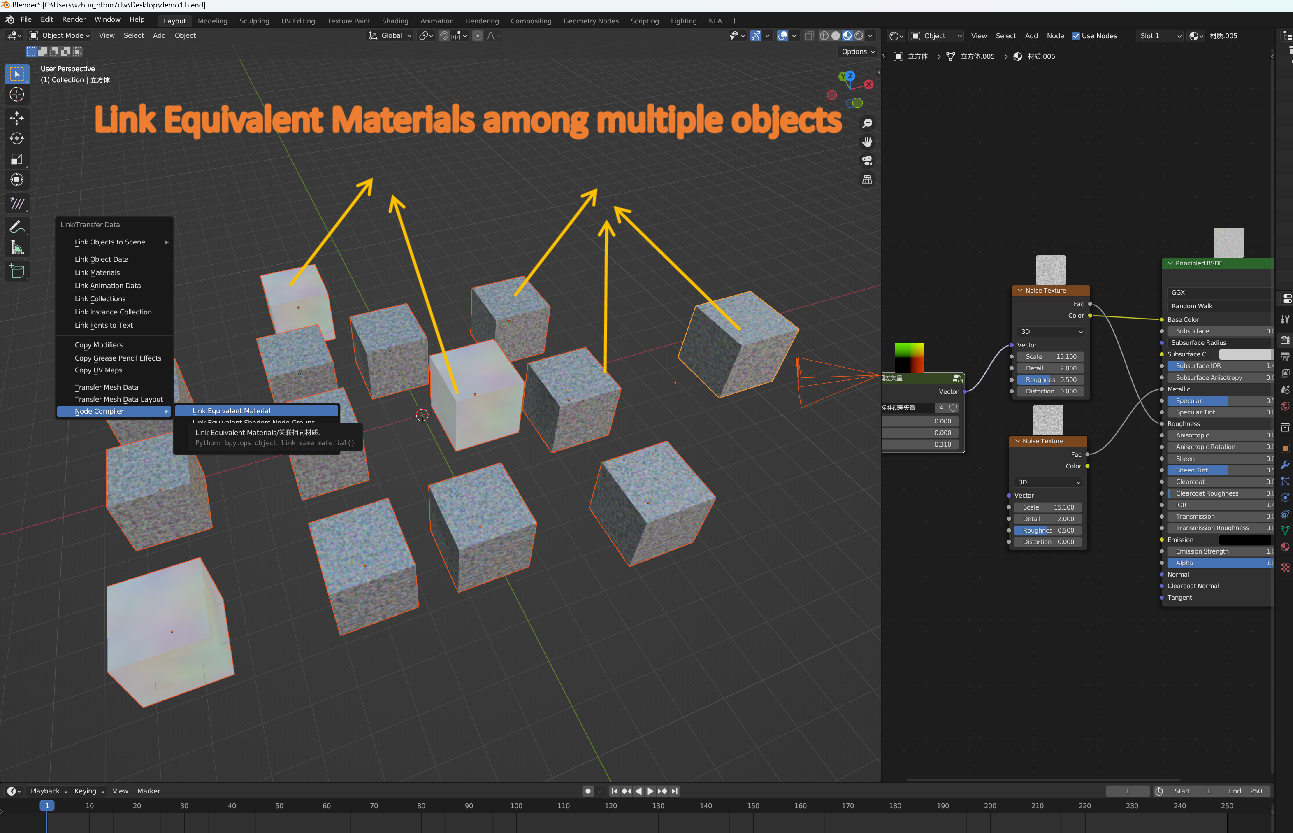
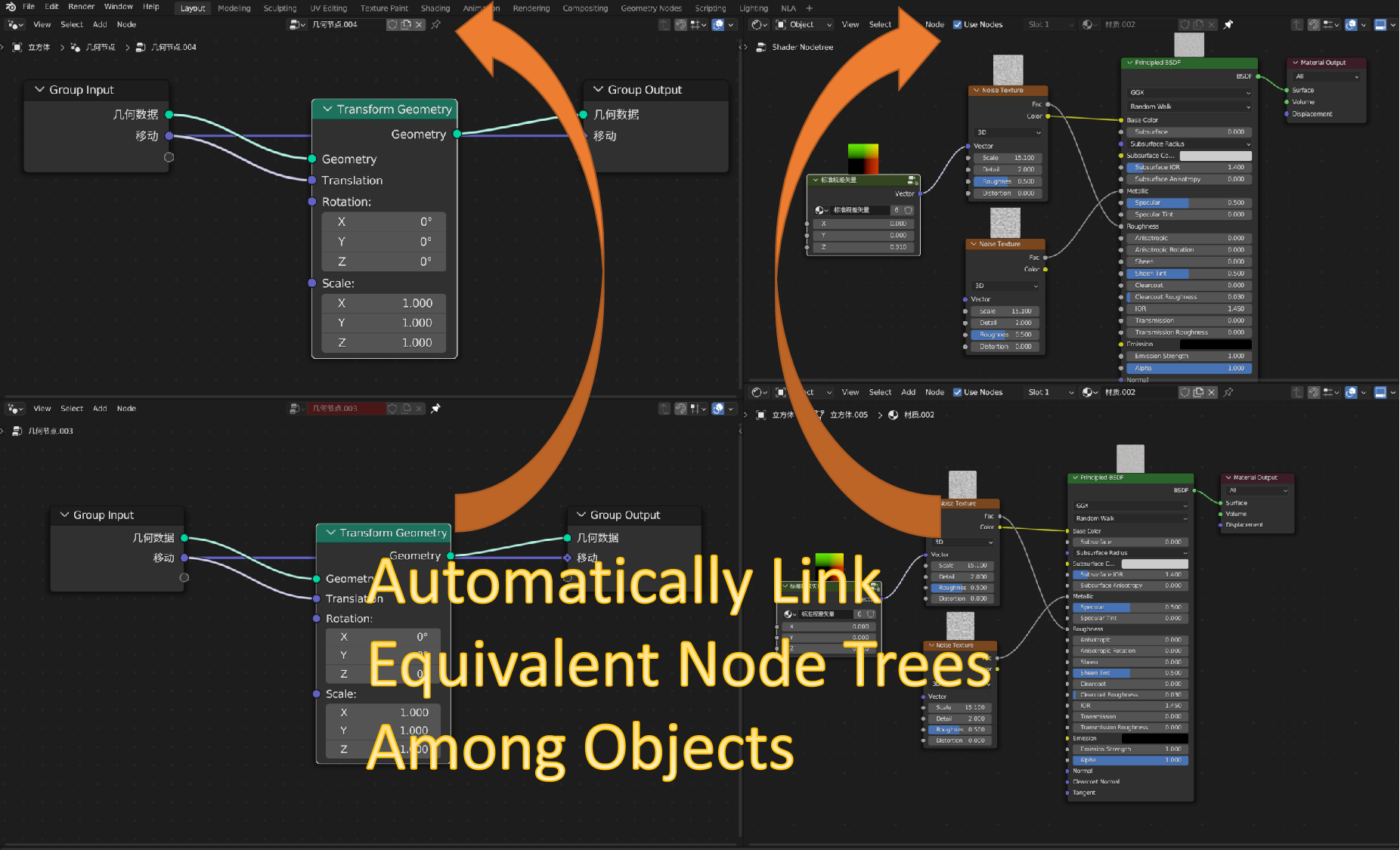
Nodecompiler compares node values and topology structure to determine whether trees are equivalent. Its documentation lists tools for linking equivalent materials across selected objects, linking shader node groups, and linking equivalent geometry node modifiers. The material tool checks the selected objects’ material slots; it can also link equivalent materials among multiple slots on one object.
For node-tree comparisons, the add-on has a precision preference. It rounds floating-point values to the chosen number of decimal places, and that setting also affects comparisons of vectors, colors, and other numerical attributes. Nodecompiler considers valid links and ignores links it identifies as invalid.
Clean up or compress a node tree
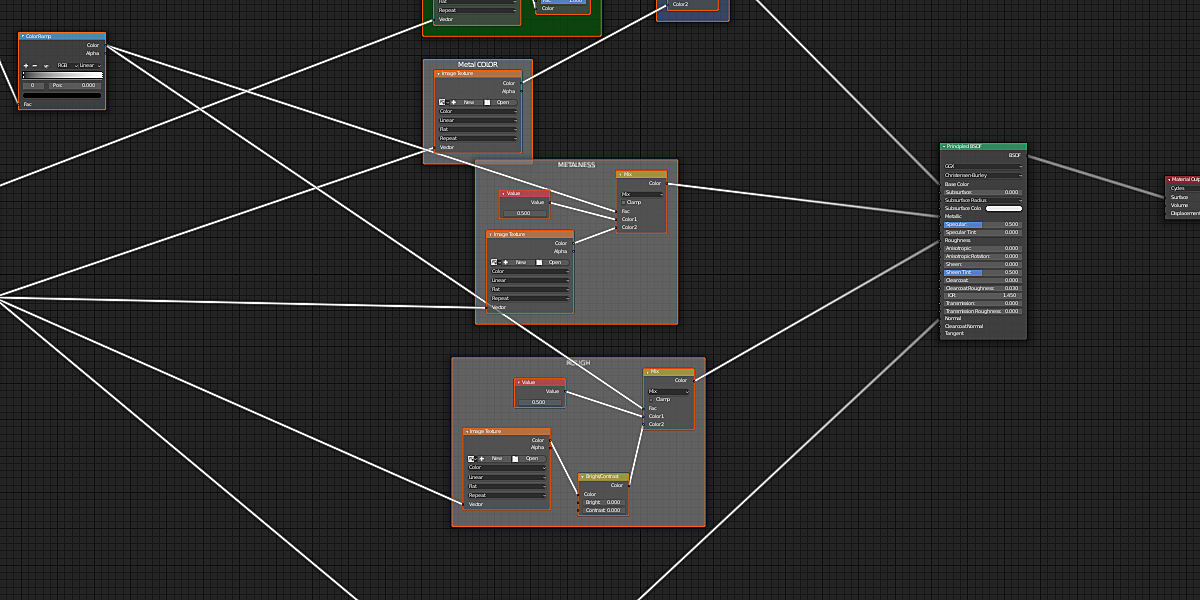
In the Node Editor, Nodecompiler’s cleanup tool removes nodes that are not connected, directly or indirectly, to an output. When equivalent nodes feed the same socket on a mix node, cleanup removes one branch and the mix node. The compression tool reuses equivalent nodes to make a tree more concise. The documentation describes compression as a readability aid; it says it does not improve rendering speed.
The cleanup and compression tools are documented for Shader, Geometry, Compositor, and Texture nodes. Batch cleanup commands are also listed for material node trees and geometry node modifiers on selected objects. The add-on includes a “Join by materials” operation: after linking equivalent materials, it can join selected objects whose material slots contain the same set of materials, regardless of slot order.
Blender versions, license, and documentation
The Superhive listing names Blender 2.93, 3.0 through 3.6, and 4.0 and 4.1; its documentation says the add-on supports Blender 2.93 and later. The listing identifies the license as GPL and credits Xinyu Zhu. For compatibility with a specific newer release, consult the documentation.
Nodecompiler’s documented menu paths place object-level linking and batch operations under the 3D Viewport’s Object menu in Object Mode. Node Editor tools, including cleanup and compression, are available from the Tool panel. The Nodecompiler documentation describes each operation and setting; the Superhive listing provides the product details and demo video.