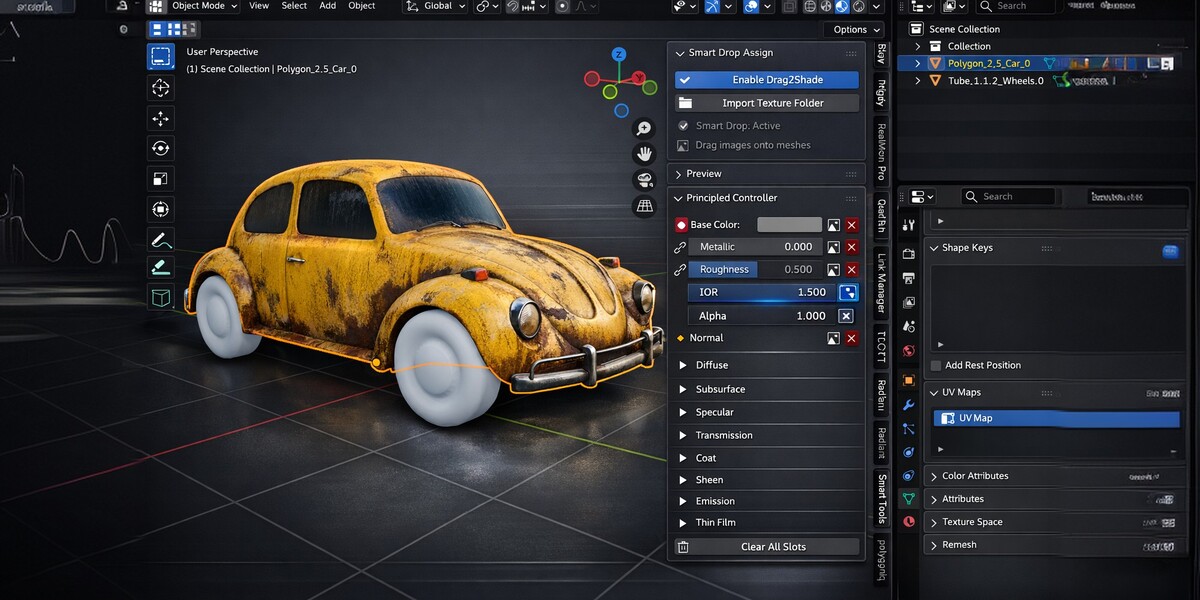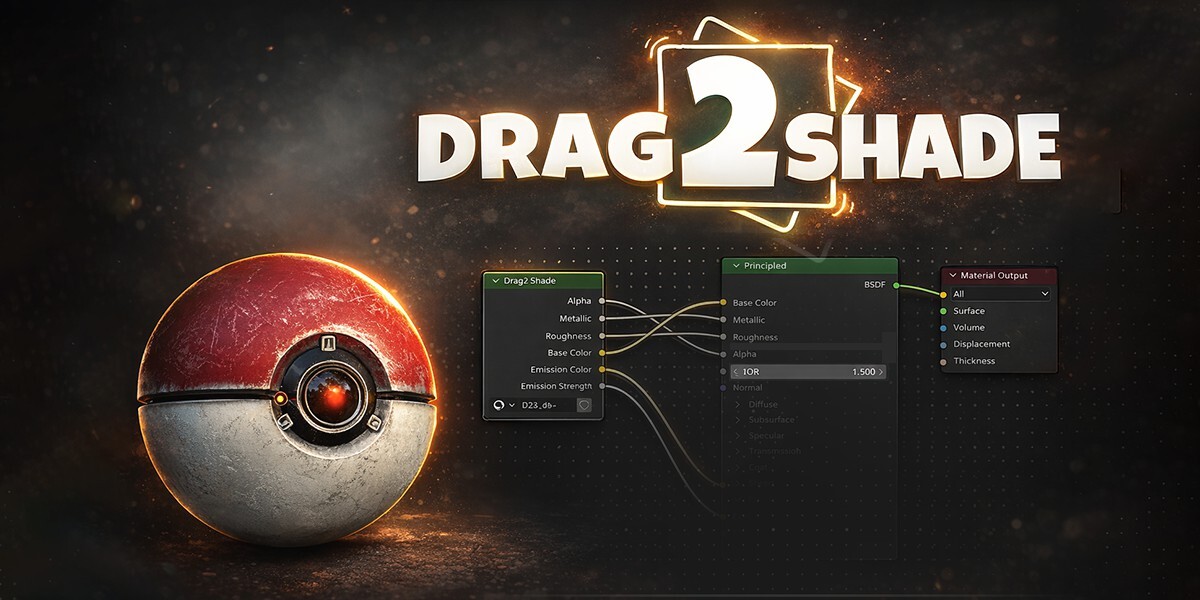
Drag2Shade is a Blender add-on from Flidoh Animations for assigning image textures to materials that use the Principled BSDF. Drop an image onto a mesh in the 3D Viewport or into the Shader Editor, and Drag2Shade identifies the map type and connects it within a node group. This saves the manual work of placing texture nodes and wiring common PBR maps. See the product listing for its feature details.
Adding textures and installing Drag2Shade
For a single image, drag it onto a mesh or into the Shader Editor. To set up a full PBR texture set, use Import Folder in the N-panel. The listing also describes Paste Image URL for fetching an image from a direct web address, and a Principled Controller panel with image pickers and URL fetching.
The supplied sources give conflicting Blender version requirements, so check which installation route applies to your release before installing. The product documentation's install-from-disk route is to open Blender's Edit > Preferences > Get Extensions, choose Install from Disk, select the extension ZIP, and enable it if it isn't already active.
Texture recognition and node groups
The product listing describes filename matching for maps such as Base Color, Metallic, Roughness, Normal, Ambient Occlusion, Alpha, Emission, Transmission, Specular, and Displacement. Its documentation adds that when no filename keyword matches, Drag2Shade can examine image data such as grayscale values, color distribution, and transparency. If a filename is ambiguous, the listing says a classifier popup lets you choose the slot.
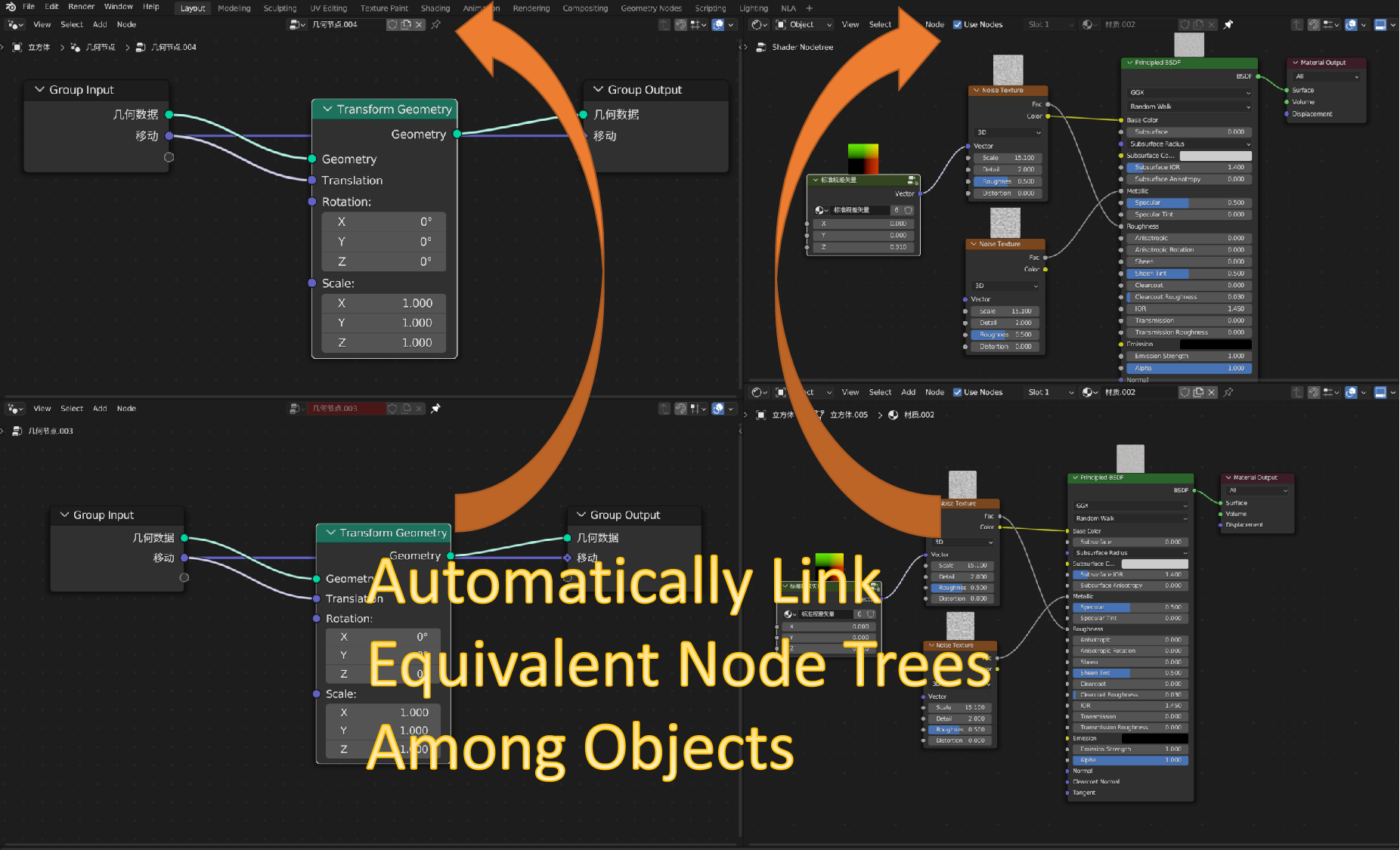
Drag2Shade groups textures inside a node group named for the object, such as D2S_ObjectName, to keep the material's main node tree more compact. Its FAQ says occupied slots are skipped automatically. Other node types may receive an image node, but Drag2Shade does not auto-connect that node to them.
Compatibility and fit
The product listing says Drag2Shade works with Cycles and EEVEE on materials using Principled BSDF, and specifies Windows. The supplied sources list different Blender requirements: the listing's details field gives Blender 4.1–5.0, its main description says Blender 4.2 or later for Extensions with legacy installation for 4.1 and below, the documentation says Blender 4.0 or later, and the product FAQ says Blender 5.0+ for the extension format. Consult the current documentation and product FAQ for the release you plan to use.
The product listing names character and environment artists working with high-resolution PBR sets; product visualisation artists who need to build materials quickly and consistently; archviz professionals handling large libraries of tileable textures; hobbyists and learners who want clean, production-grade node setups without manual wiring; and pipeline TDs who need tidy, repeatable material structures across every asset. AnyPlugins marks Drag2Shade as free to download in its July 2026 listing, while a Superhive product page snapshot displays $10 and identifies the license as GPL. The available records do not establish the current price. Check the current marketplace listing for its price and license terms.