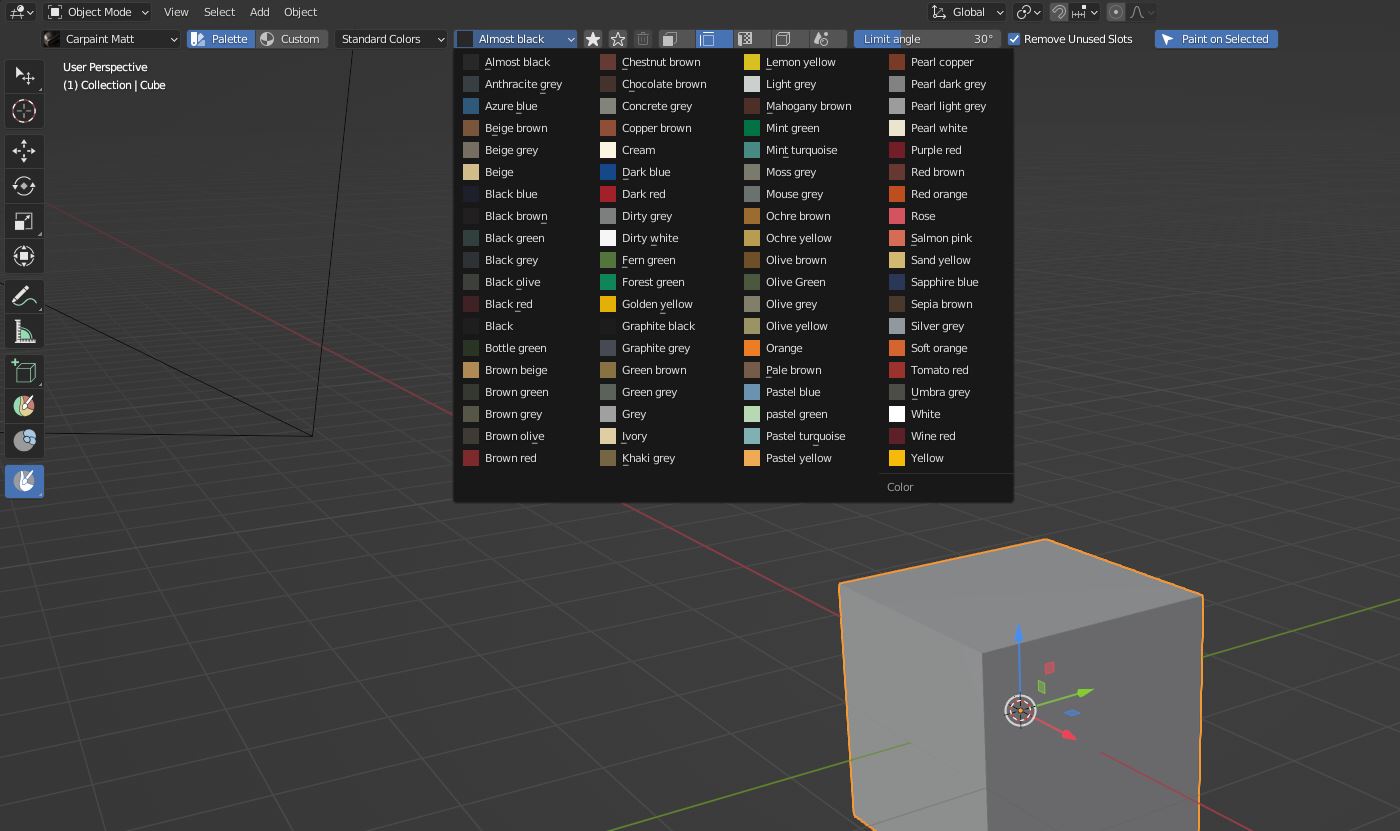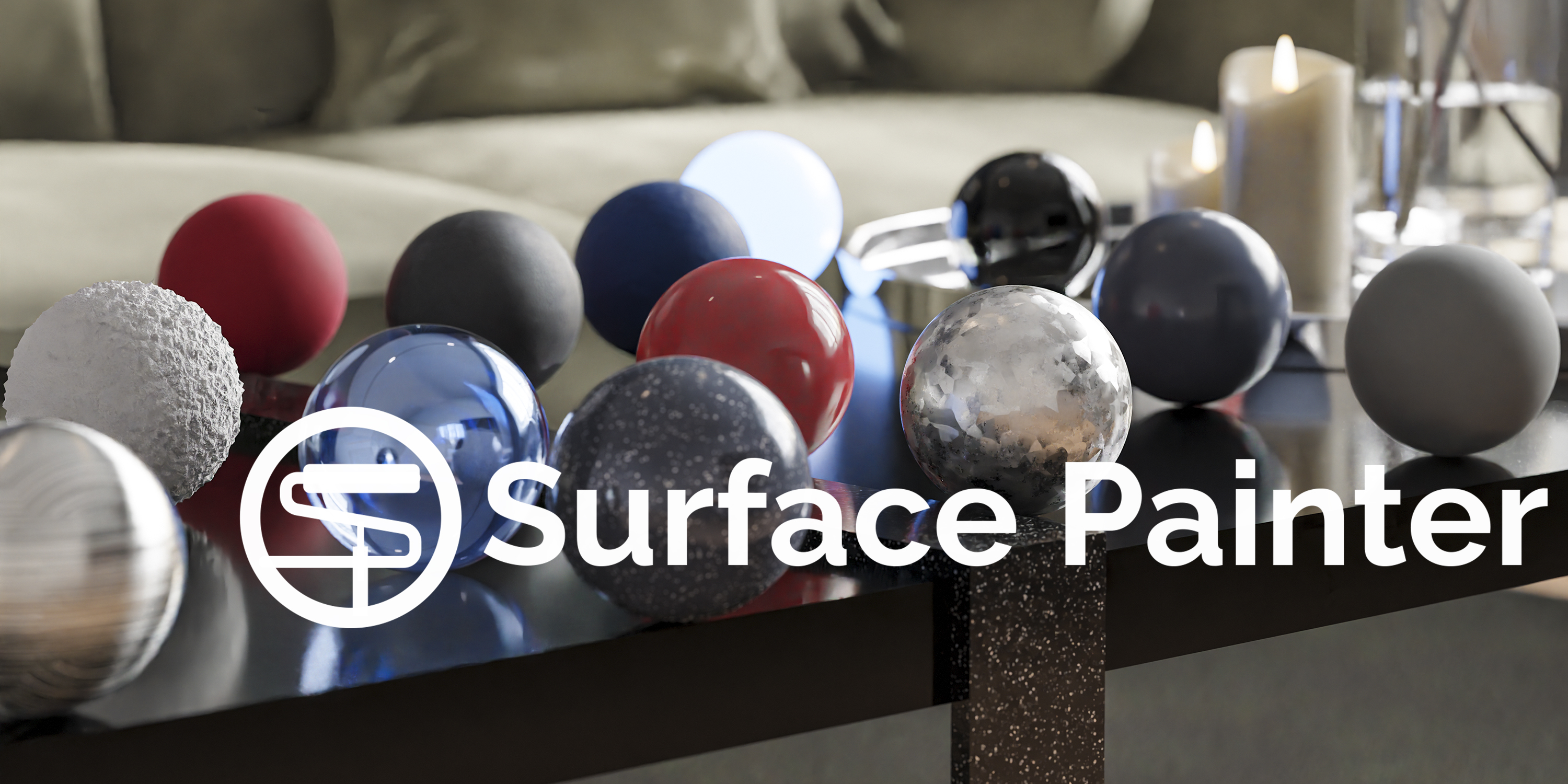
Surface Painter is a Blender add-on for applying colored materials without building each one by hand. Choose from the 27 currently listed procedural surfaces, select a palette or custom color, then paint with CTRL+LMB. It works in both Object and Edit mode.
Paint a face, edge-bounded area or object
The paint modes let you target one face, an area limited by sharp edges, or the entire object. The available surfaces include car paints, varnishes, wall plasters and metals. Choose the surface and color in the add-on, then click the destination spot on the object.
Reuse colors in materials
The default palette contains 75 colors, and you can choose custom colors and save favorites to the scene or to global favorites. The palettes are also available for color inputs in the Shader Editor: select a node, open the Nodes panel and choose one of its color inputs.
Adjust and create surfaces
Surface Painter builds its surfaces as node groups. You can adjust their settings from the add-on panel without opening the Shader Editor, and create and save your own surfaces.
Installation and compatibility
To install it, open Blender's Edit > Preferences > Add-ons, choose Install and select the downloaded archive. After installation, find the add-on under Tools. The documentation says to enable it with the brush icon in Object or Edit mode, or click P in Object mode. See the installation documentation.
The product description says Blender 3.0 or later, while the marketplace compatibility field lists Blender 4.1 through 5.0. Check the current product listing for the version you plan to use. The description also states that only Blender's default sRGB color space is supported. The marketplace lists the license as GPL.