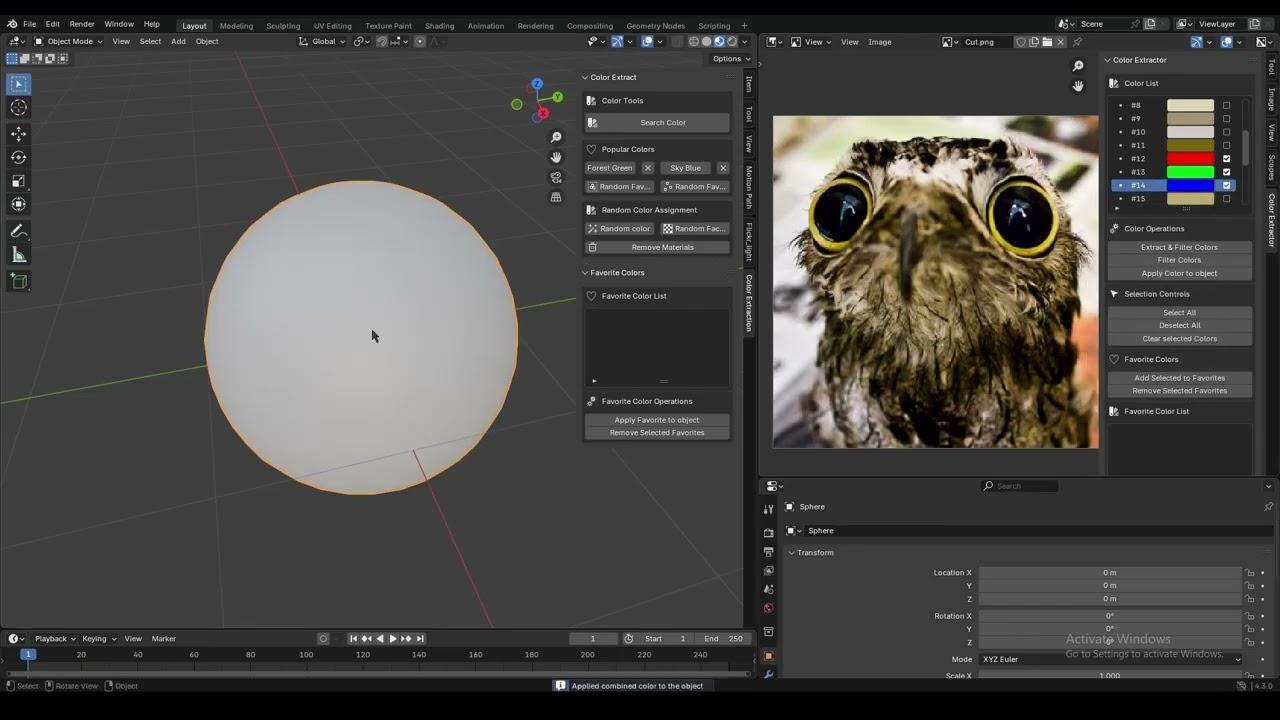
Color Extractor is a Blender add-on from Animation Store for collecting and using colors from images. It lets you pick colors with an eyedropper or run a one-click extraction, then manage the results in Blender. The Superhive product listing includes product images and a demo video.
Extract and organize image colors
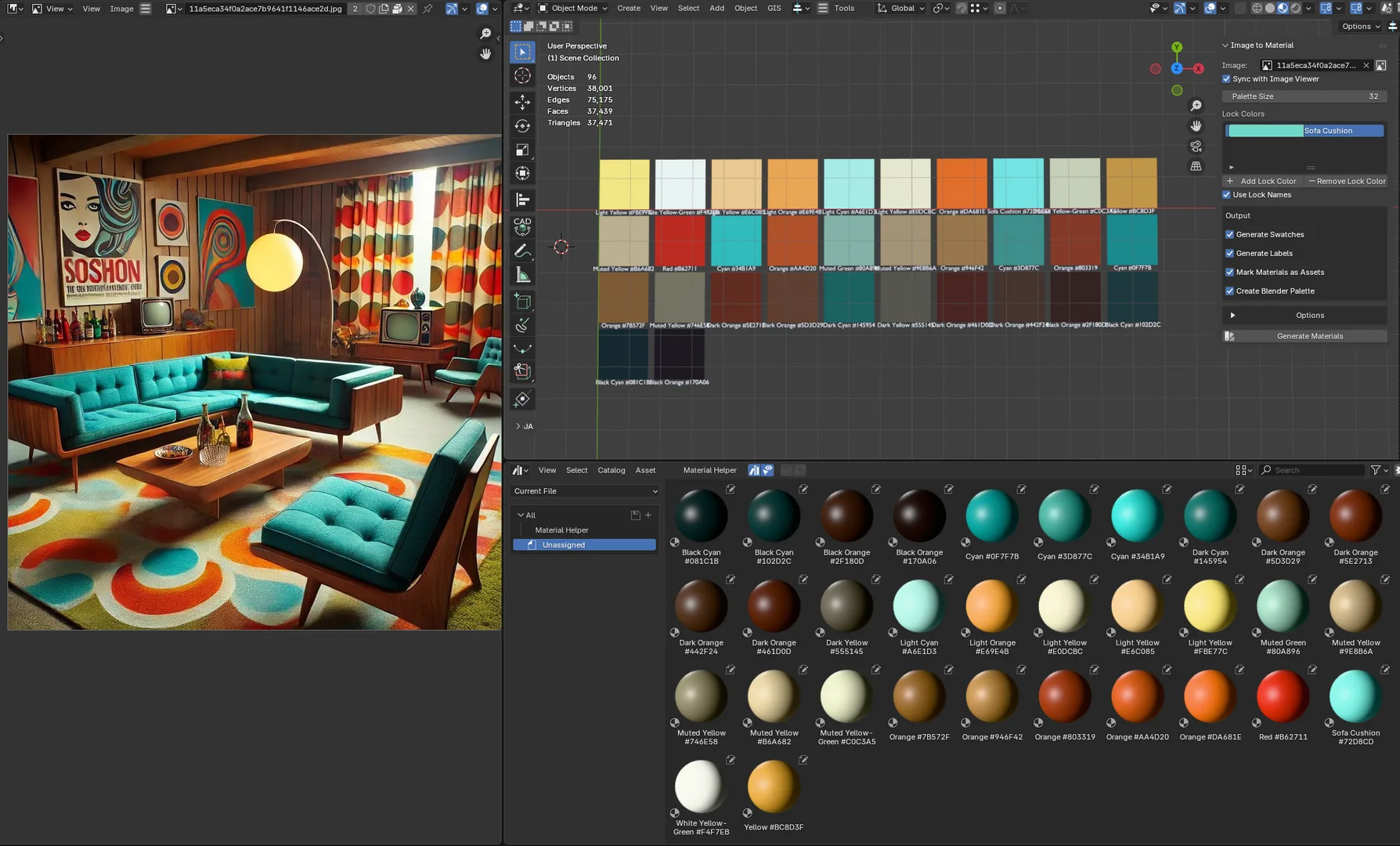
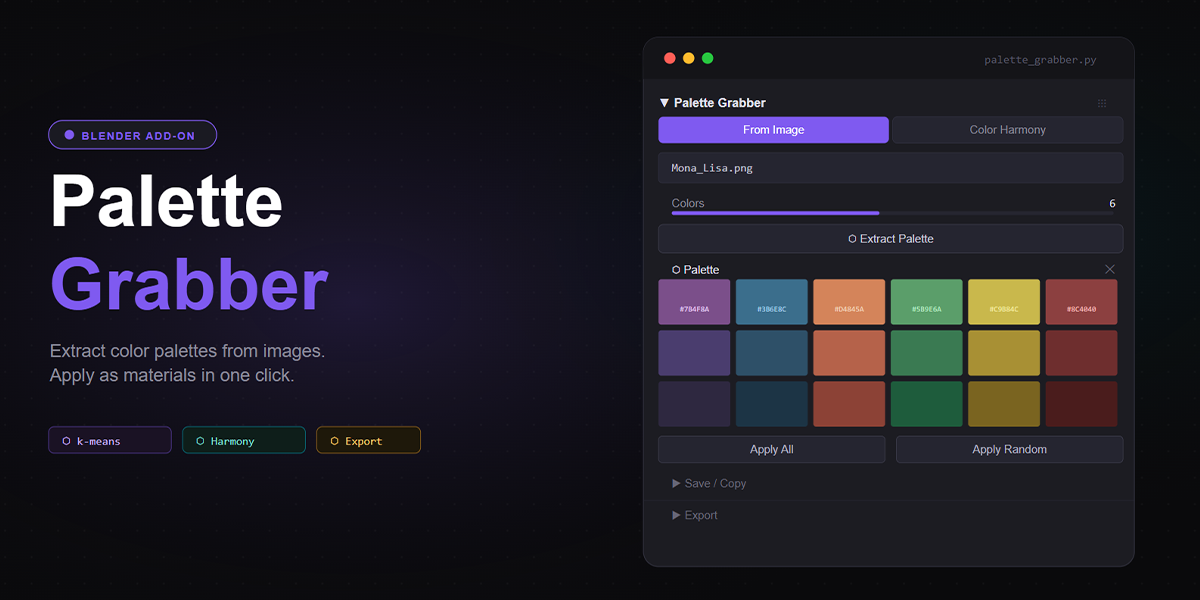
A one-click operation can extract all colors from an image, and the sampling strategy can be adjusted to gather unique colors. Results appear in a list with swatches and selection checkboxes. A threshold-based filter removes duplicate or similar colors, and a clear control removes unwanted entries.
This gives texture artists a way to gather colors from reference images while staying in Blender. The list also makes it easier to select a few colors for a particular material or palette instead of working with every extracted color at once.
Combine colors and apply them in a scene
Select multiple entries to combine them into one color. Color Extractor calculates the result by averaging their RGBA values. A separate favorites list lets you add, remove, and reuse colors. Selected colors can be applied as materials to the active object.
For quick variation, the add-on has one-click random color operations for selected objects and for selected faces in Edit Mode. These are separate from applying a chosen color: use the random operation when you want varied assignments, or select a palette color when you want a deliberate choice.
Find the panel and install the add-on
The Superhive listing places the panel at Properties > Scene > Color Extractor and also notes availability in the image editor and viewport.
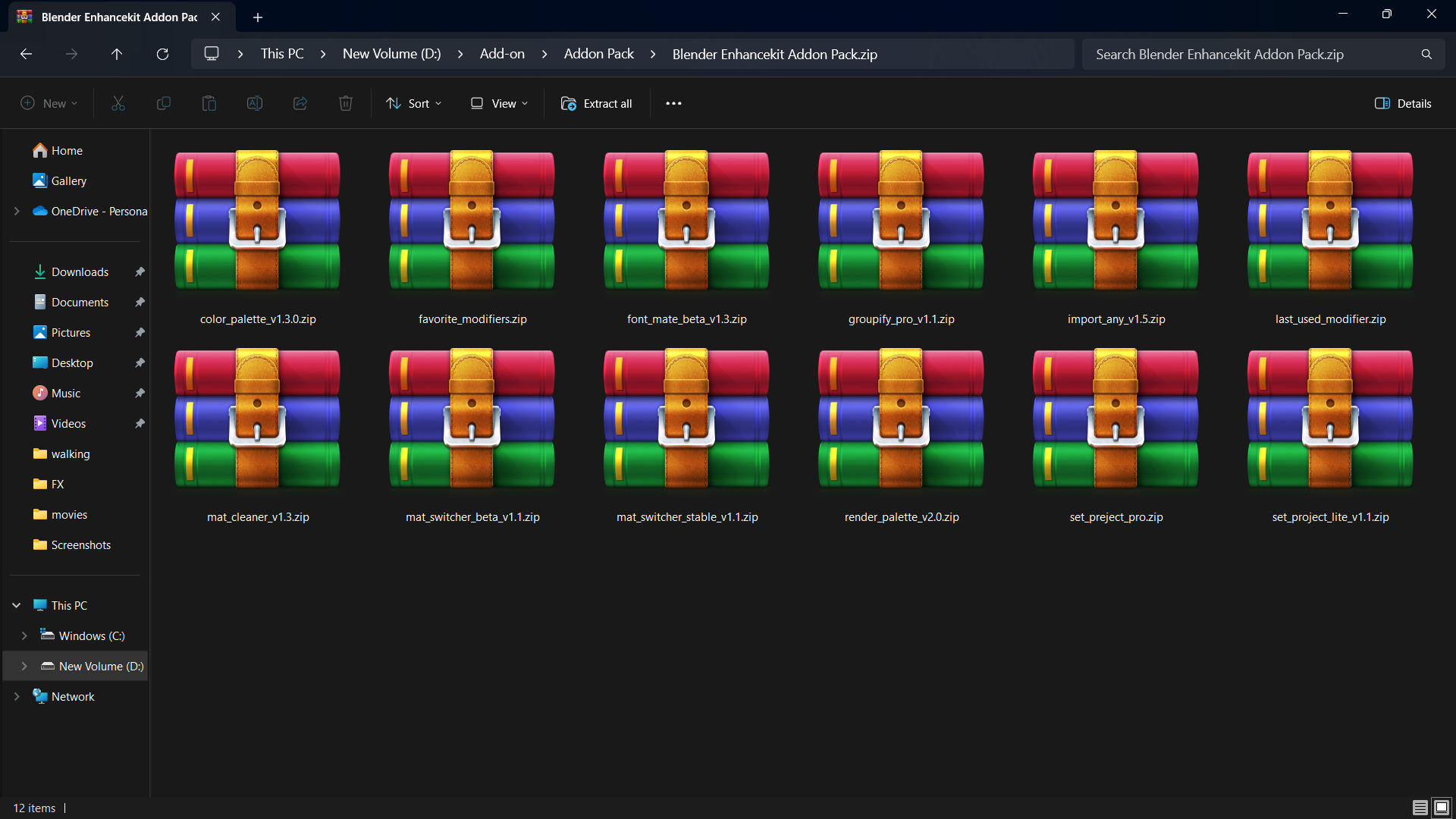
The listing identifies Blender 3.0–4.5 as the supported range. Before installing, check the product page for current compatibility and download details. Download the add-on file, then open Blender and go to Edit > Preferences > Add-ons. Choose Install and select the downloaded add-on file.