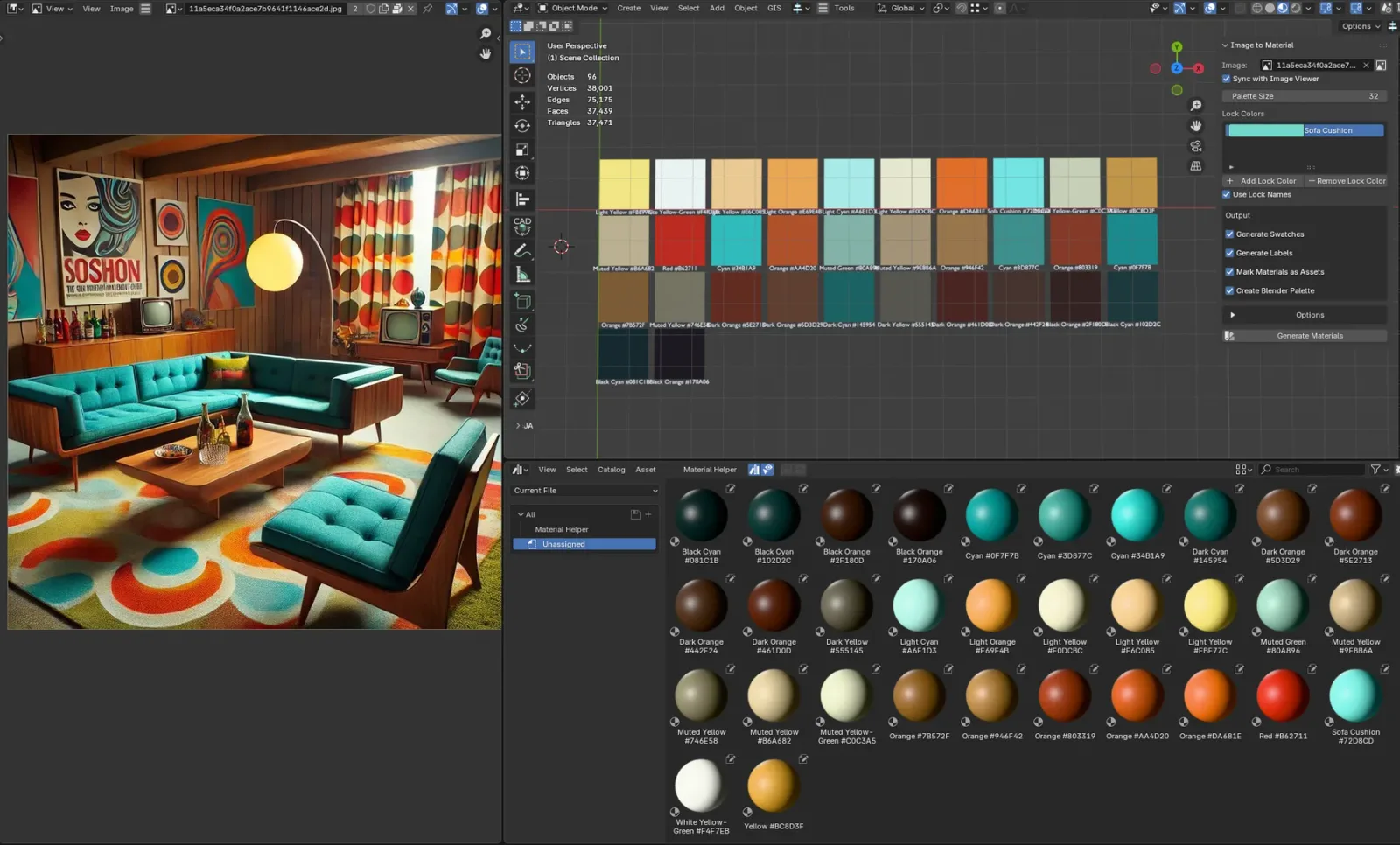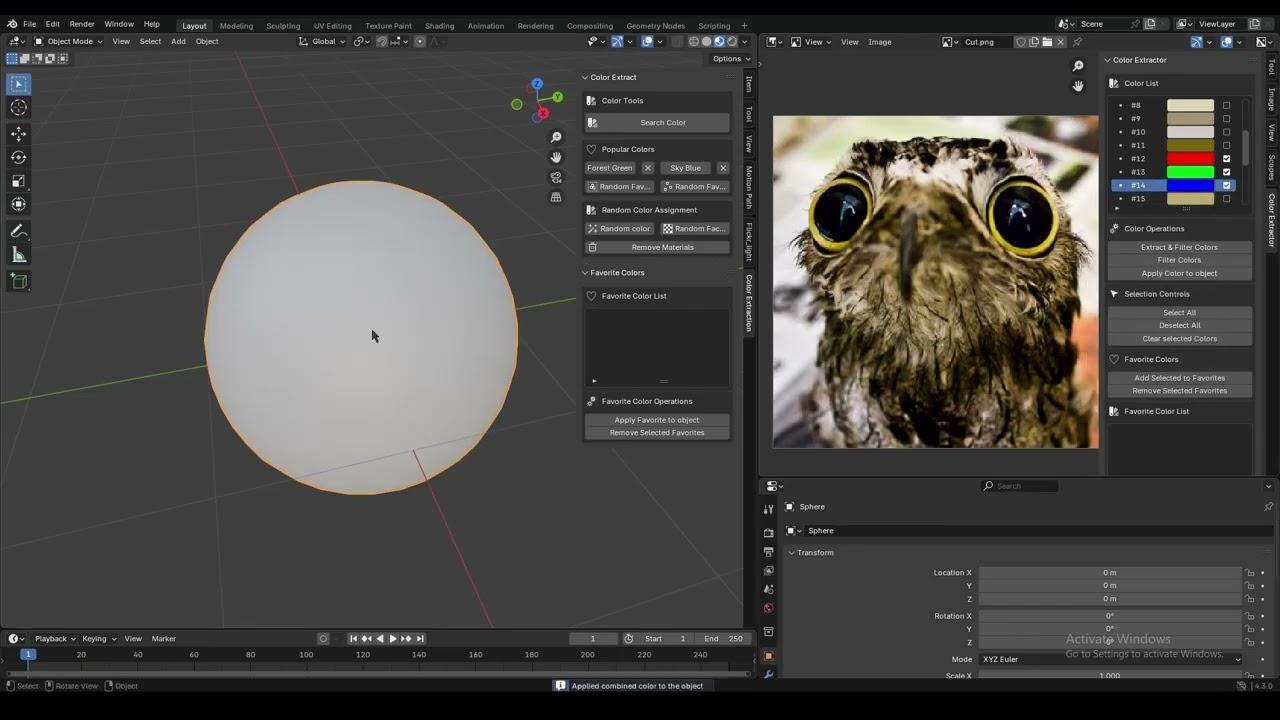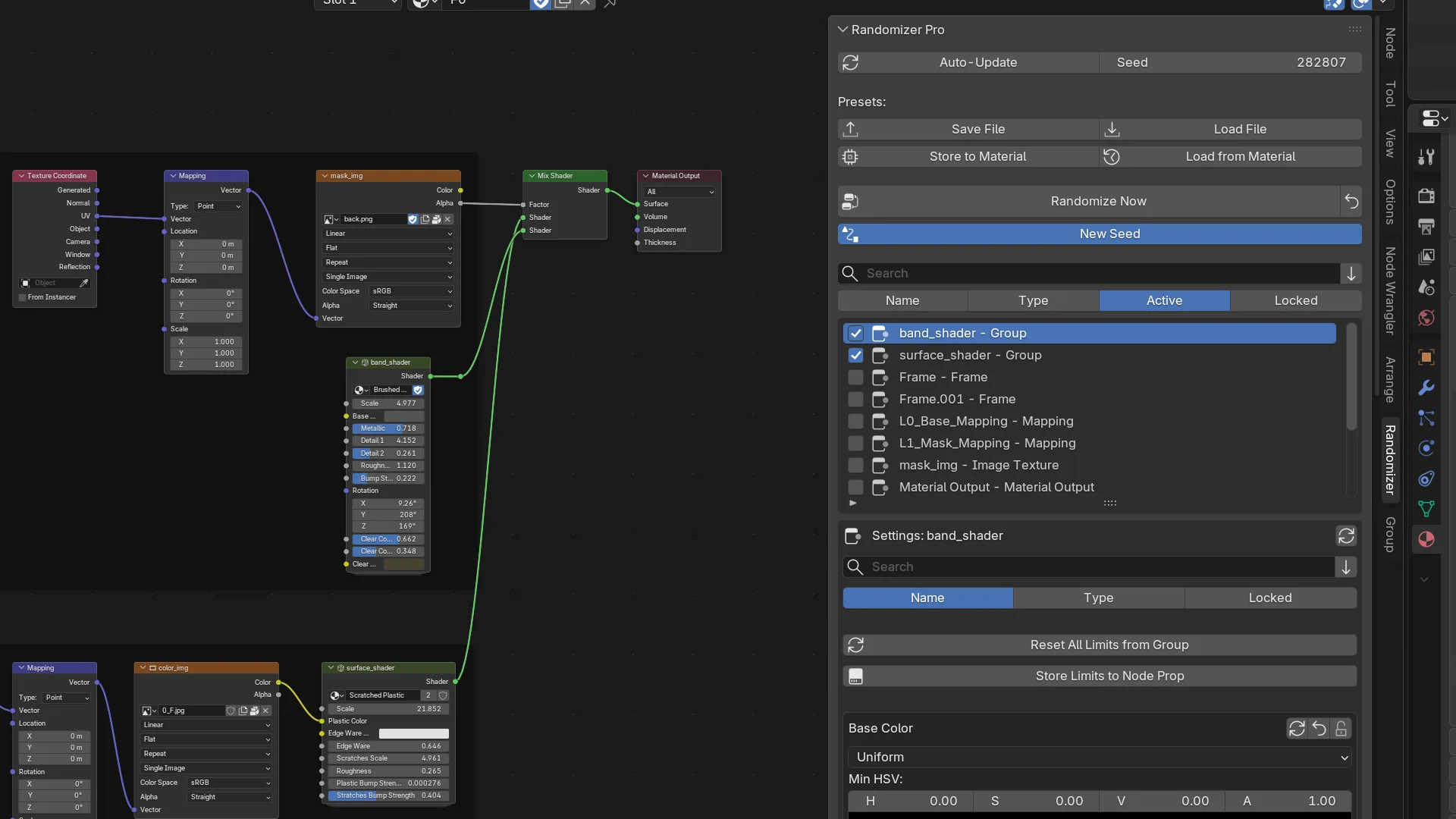
img2mat_pro is a Blender add-on that turns colors from a reference image into materials, swatches and palettes. The Blender Extensions listing describes it around image palettes, PMS matches and material callouts. It can fit look development and design review when color choices start from a mood board, artwork, render or another image.
From a reference image to Blender materials
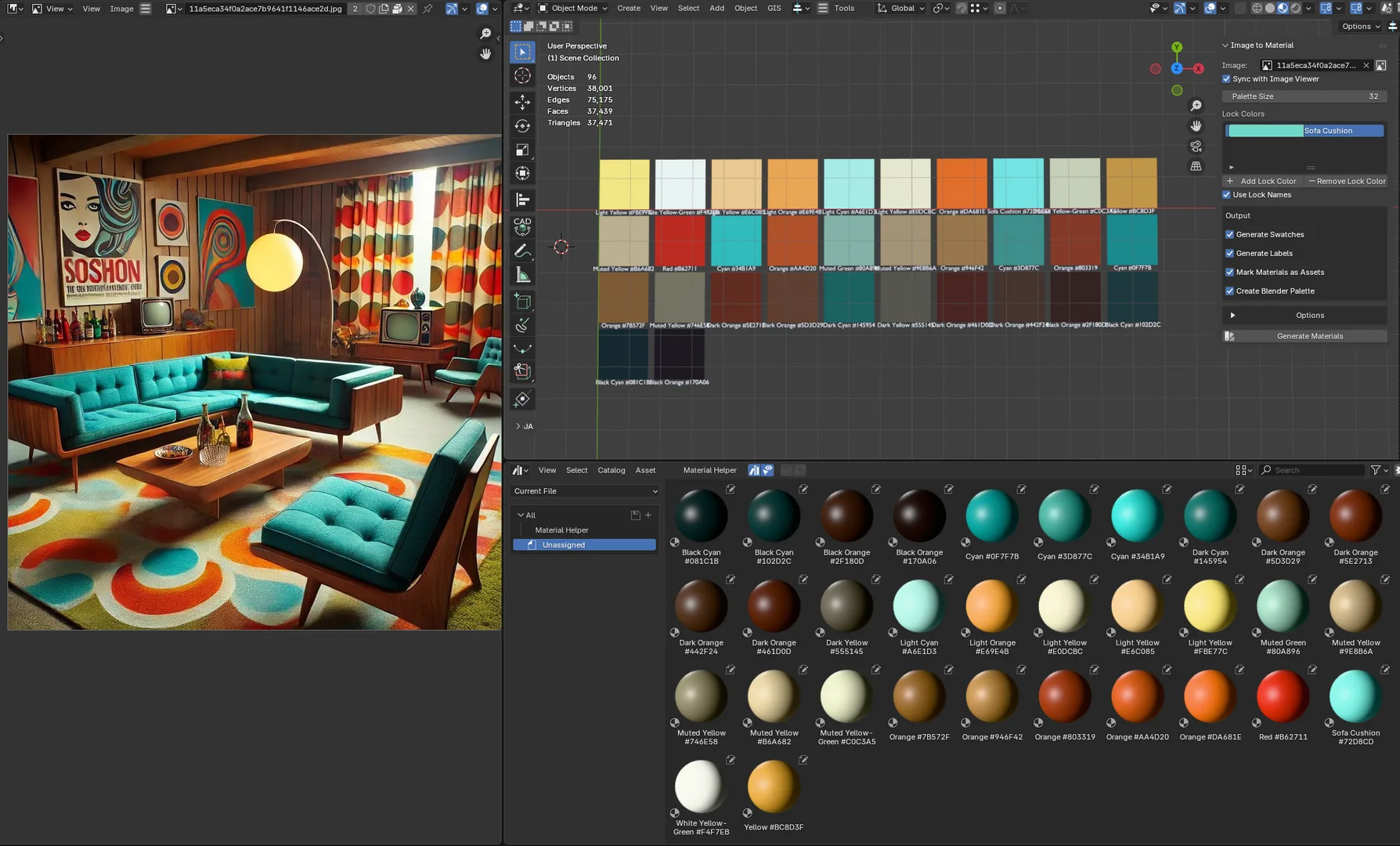
Load an image in Blender's Image Editor and enable Sync with Image Viewer in the add-on panel. Choose a palette size, add any colors you want to preserve, then select Generate Materials. The add-on creates Blender materials, swatches, labels, assets and palettes from the image colors. See the product overview for the described workflow and controls.
Sampling modes and color control
img2mat_pro includes K-Means and Poster Unique sampling methods. Its Notable Colors option balances overall palette coverage with visually distinct accents. Lock Colors lets you name a chosen color and carry it into generated materials and PMS output, which can help keep a specific brand or design color in the palette.
PMS matching and image callouts
For PMS or Pantone-style matching, import your own licensed Adobe Color Book (.acb) files through the add-on preferences. The add-on does not include proprietary color books; imported books are converted to local JSON files for reuse. You can match a full extracted palette or sample one color with Blender's color picker.
Callouts create an annotated board with the reference image, swatches, labels and lines pointing to approximate sampled areas. This gives reviewers visual context for where a swatch came from. The marked areas are approximate, so treat the board as a visual reference rather than an exact physical color measurement.
Compatibility and license
The Blender Extensions API record lists version 2.0.0, maintainer stevewarner, a minimum Blender version of 4.2.0 and the GNU GPL-3.0-or-later license. Check the official listing for current package details.