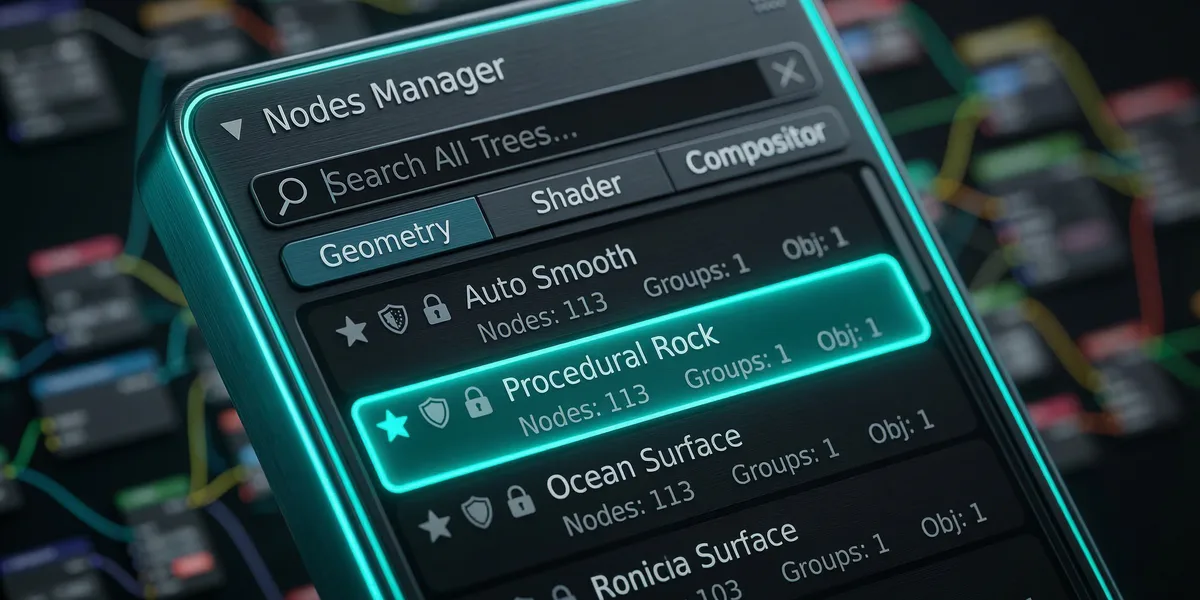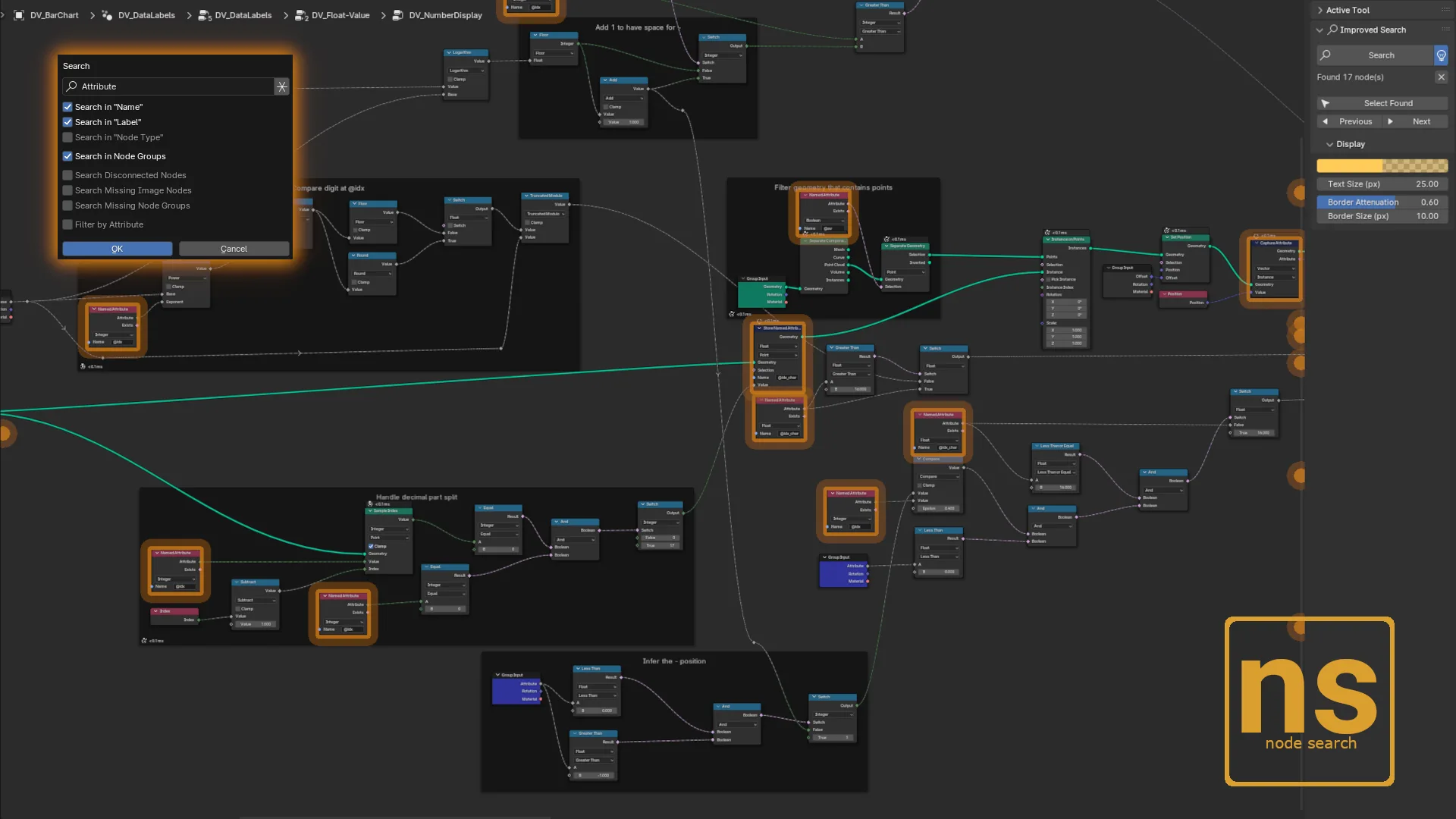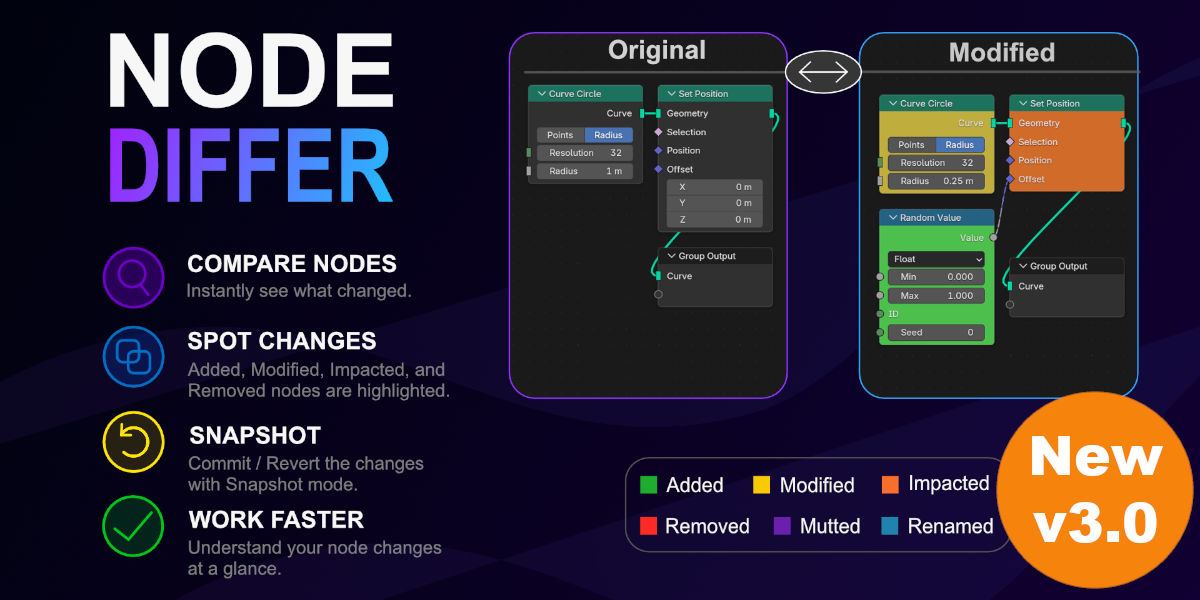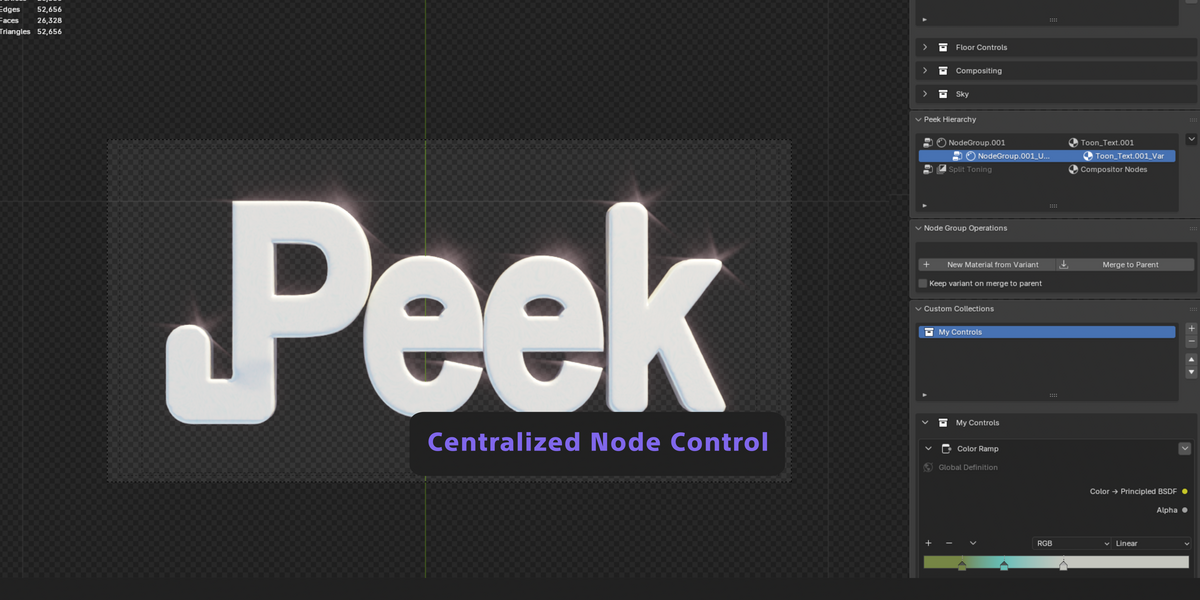
Peek A Node is a Blender add-on for viewing, organizing, and editing node parameters from the Sidebar. Its interface is available in the Node Editors and the 3D Viewport, so you can adjust exposed controls without switching workspaces. Keep using Blender's node editors to create nodes; Peek adds tools for managing them.
Organize nodes into collections
In the Shader Editor, right-click a node and choose Peek Options > New Global Collection. Name the collection, and the node appears in the Peek Sidebar panel. You can reorder collections as your setup changes. Nodes in a Global Collection stay bound to their source material; if you later add their parent node group to Peek Hierarchy, Peek prunes those nodes from Global Collections to prioritize the hierarchy view.
For a node group, right-click it and choose Peek Options > Peek Node Group; inside the group, right-click a node, choose Peek Options > New Collection, and name the collection. These collections let you choose which parameters appear in the Sidebar, giving a group a focused control panel without exposing every node. You can also rename a node's display label in Peek without changing its name in the Blender project.
Track groups and materials in a hierarchy
Peek Hierarchy shows node groups in relation to their root materials and child variants. Its context menu can apply the current material, including active Peek configurations and variants, to selected objects. It also distinguishes removing a group from Peek's view, which leaves project data intact, from permanently deleting the node group data, which removes that group from every material that references it.
Experiment with material variants
Create a Unique Variant from a root material to explore a separate material instance. When a variant is ready, Merge to Parent overwrites the root material with the variant's settings. By default, Peek deletes the variant after merging. The Keep Variant on Merge option preserves it as a separate, independent material on the object. New Material from Variant also creates an independent material from the selected variant.
Check compatibility and choose a version
The Superhive listing identifies Peek A Node as a Blender Extension compatible add-on, lists Blender 4.3 through 5.0, names Cycles and Eevee, and gives the license as GPL. The installation documentation specifies version 1.1.1 for Blender 4.3 through 4.5 and version 1.1.2 for Blender 5.0 and above. Check the documentation for the release you use, especially if it is newer than the listing's stated range.
Peek A Node suits projects where node parameters and material variations are cumbersome to manage in the graph alone. Its collections and hierarchy put selected controls in the Sidebar while Blender's editors remain available for building and editing node networks.