Pretty Nodes is a Blender add-on for organizing node trees in the Shader Editor, Compositor, and Geometry Nodes editor. Its sidebar panel groups tools for node colors, reroute chains, frame labels, and alignment.
Color, label, and align nodes
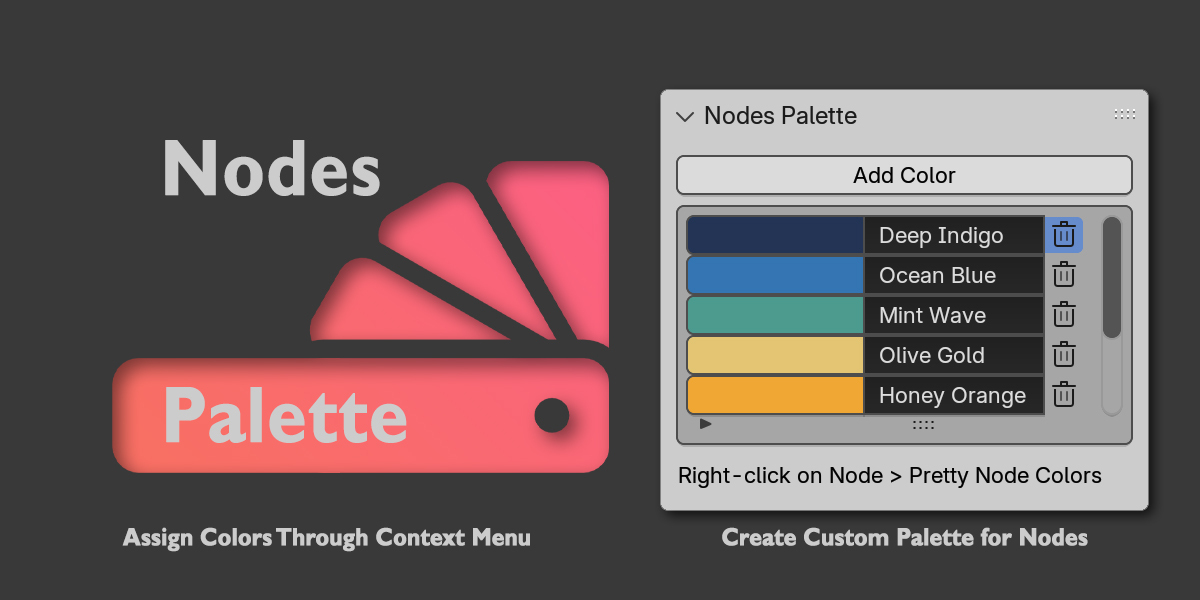
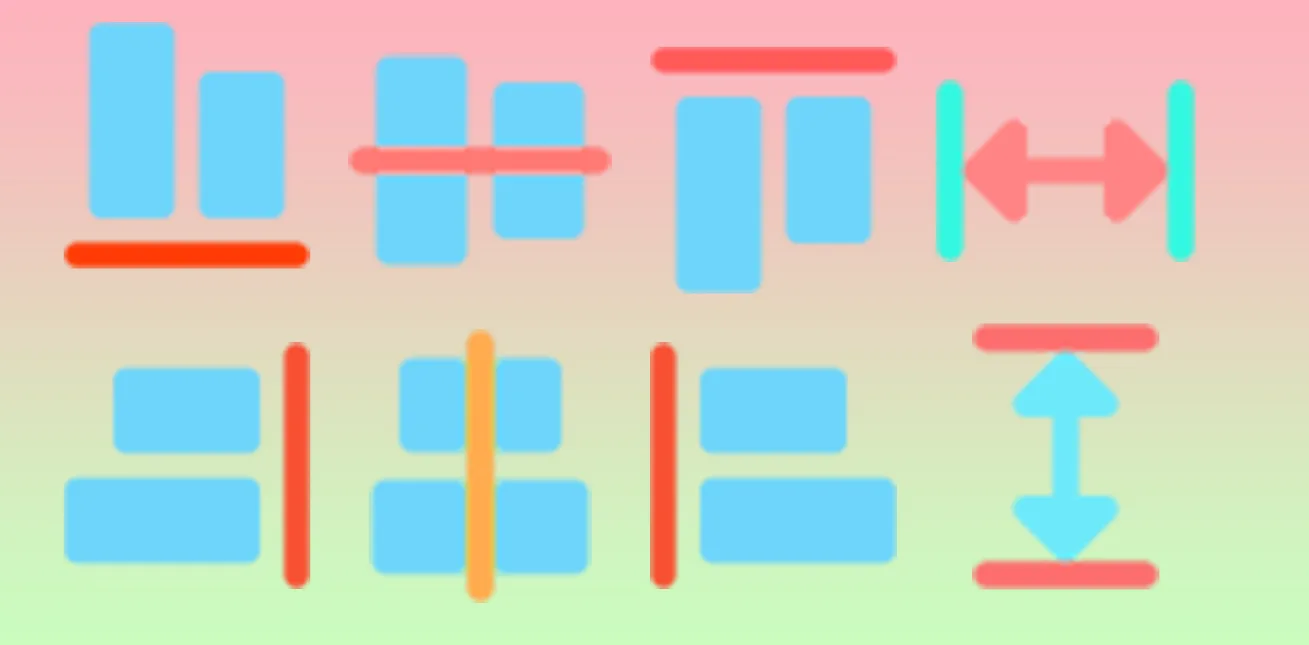
The custom color palette lets you add named colors and apply them to selected nodes through the Pretty Node Colors context menu. The palette persists between sessions. The Frame Helper changes label sizes on selected frames, all frames, or root frames, and includes quick frame selection. Node Aligner lines up selected nodes at the top, bottom, left, or right edge and lets you control the distance between them.
Work with reroute chains
Reroute Helper can connect selected reroutes in sequence, select and clean an orthogonal chain, and assign labels by root node. Labels can be added to every reroute in a chain or only its start and end.
The documented clean function removes reroute nodes only when they lie on the same coordinate axis and have no connections other than connections to other reroute nodes. Nodes that are not on the same line are left in place. To create a chain with sequentially selected reroutes, start the process, duplicate reroute nodes with Shift+D, move the new points orthogonally with the scroll wheel, then choose Link. To create an additional branch, stop and restart the process.
Find the panel and check compatibility
Open the Node Editor sidebar and choose Pretty Nodes. The panel is available in the Shader Editor, Compositor, and Geometry Nodes editor. The product listing identifies it as Blender Extension compatible and lists Blender 3.6 through 5.2. It is distributed under the GPL license.
Back up the color palette
Pretty Nodes stores its palette in palette.json inside the add-on directory. Before reinstalling or updating the add-on or Blender, make a backup copy of that file. The official documentation gives an example file path and describes the reroute tools.