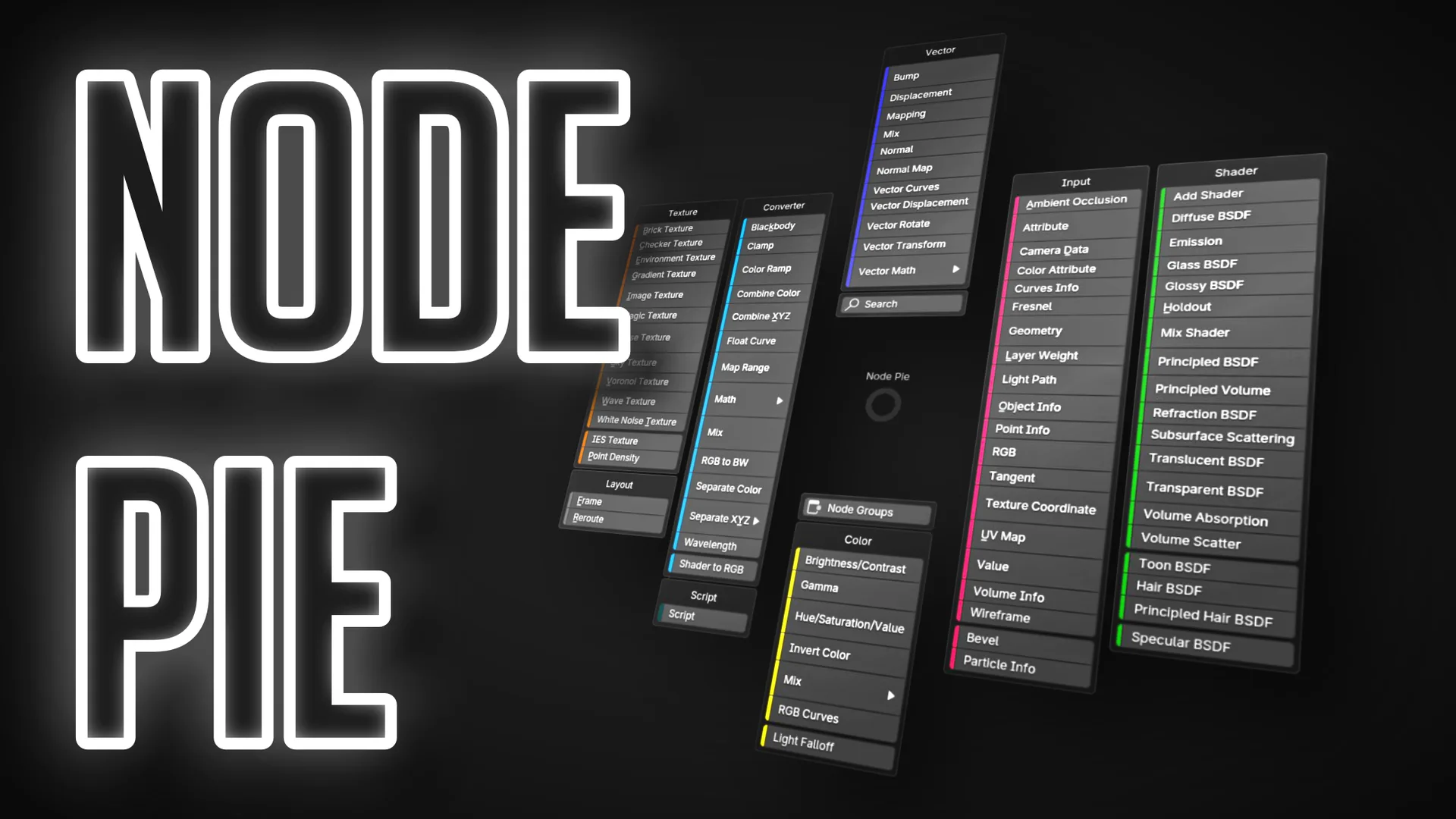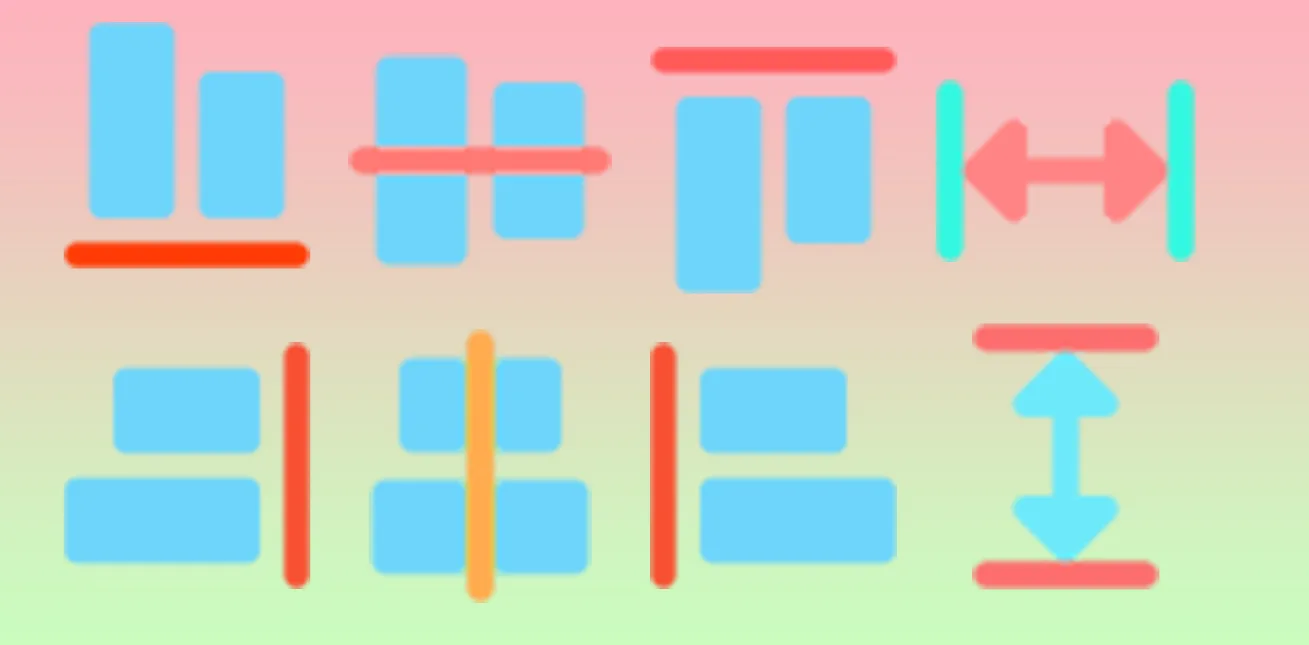
Node Align(节点对齐) is a Blender add-on by W_Cloud for arranging nodes and straightening their links. Its pie menu opens with Shift+Q or Ctrl+Q. Version 3.2.6 lists Blender 4.2.0 as its minimum version and GPL-3.0-or-later as its license. See the Blender Extensions listing and its official catalog record.
Alignment and distribution options
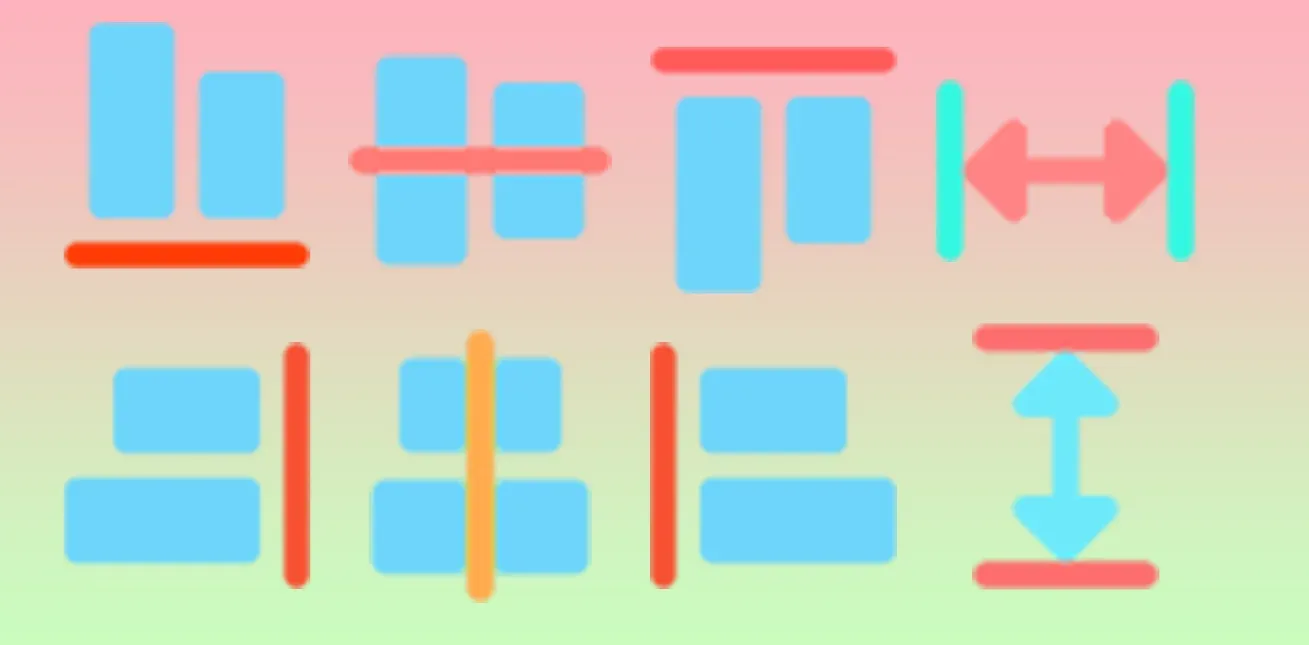
- Align nodes by their left, right, top, or bottom edges, or match their width or height.
- Distribute nodes vertically, horizontally, or along both axes, with even spacing based on node height or width.
- Arrange nodes on relative or absolute grids, choose rows or columns, and set custom spacing.
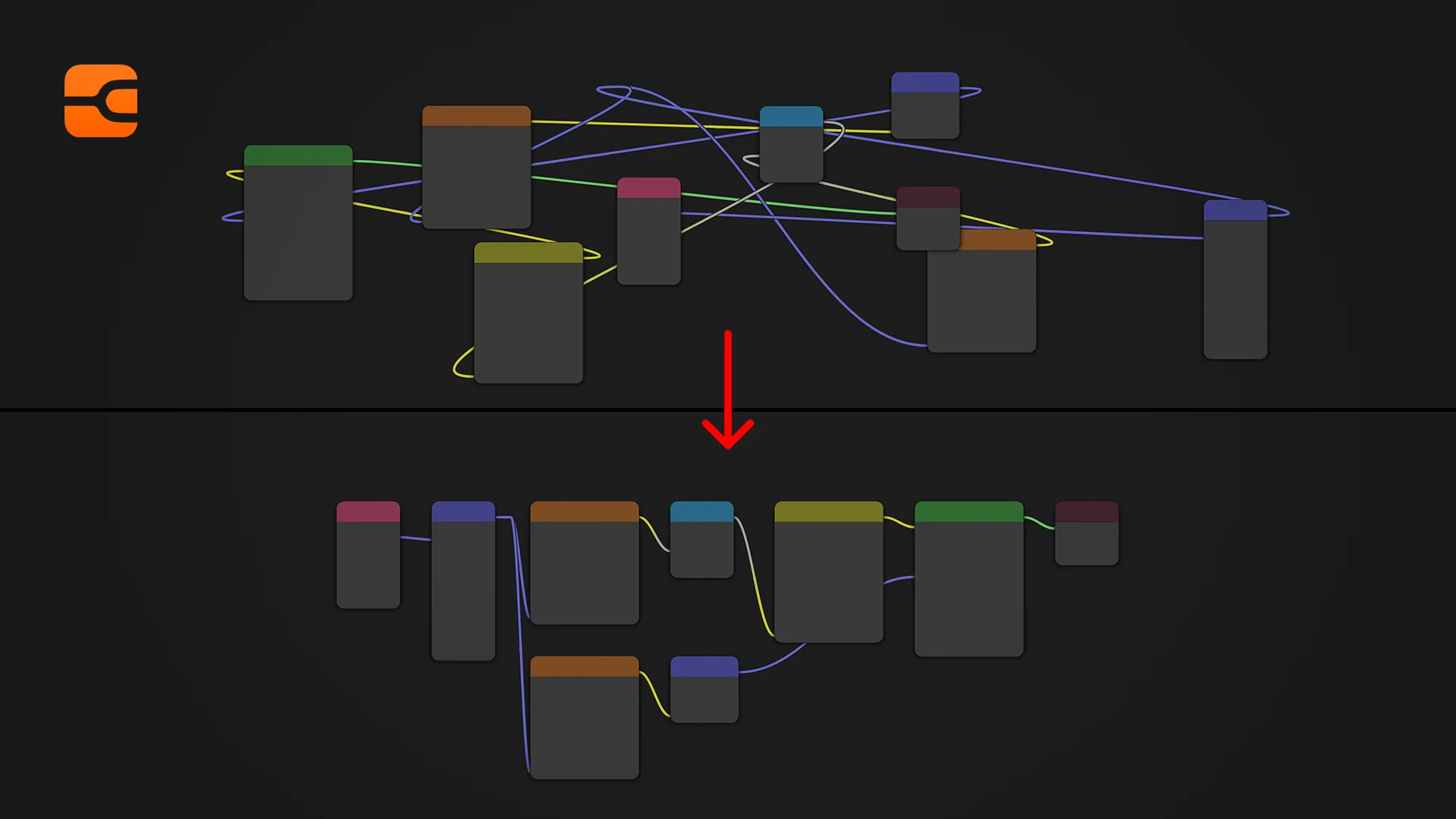
- Straighten links to tidy the connections between nodes.
Choosing a layout operation
Use edge alignment to bring nodes to a common boundary, or match their size when consistent widths or heights will make the graph easier to scan. Distribution adjusts spacing along an axis; grid options organize nodes into rows or columns. Straightening links can help clean up connections after moving nodes.
Node Align can align nodes together with a frame, but it cannot align a frame by itself.