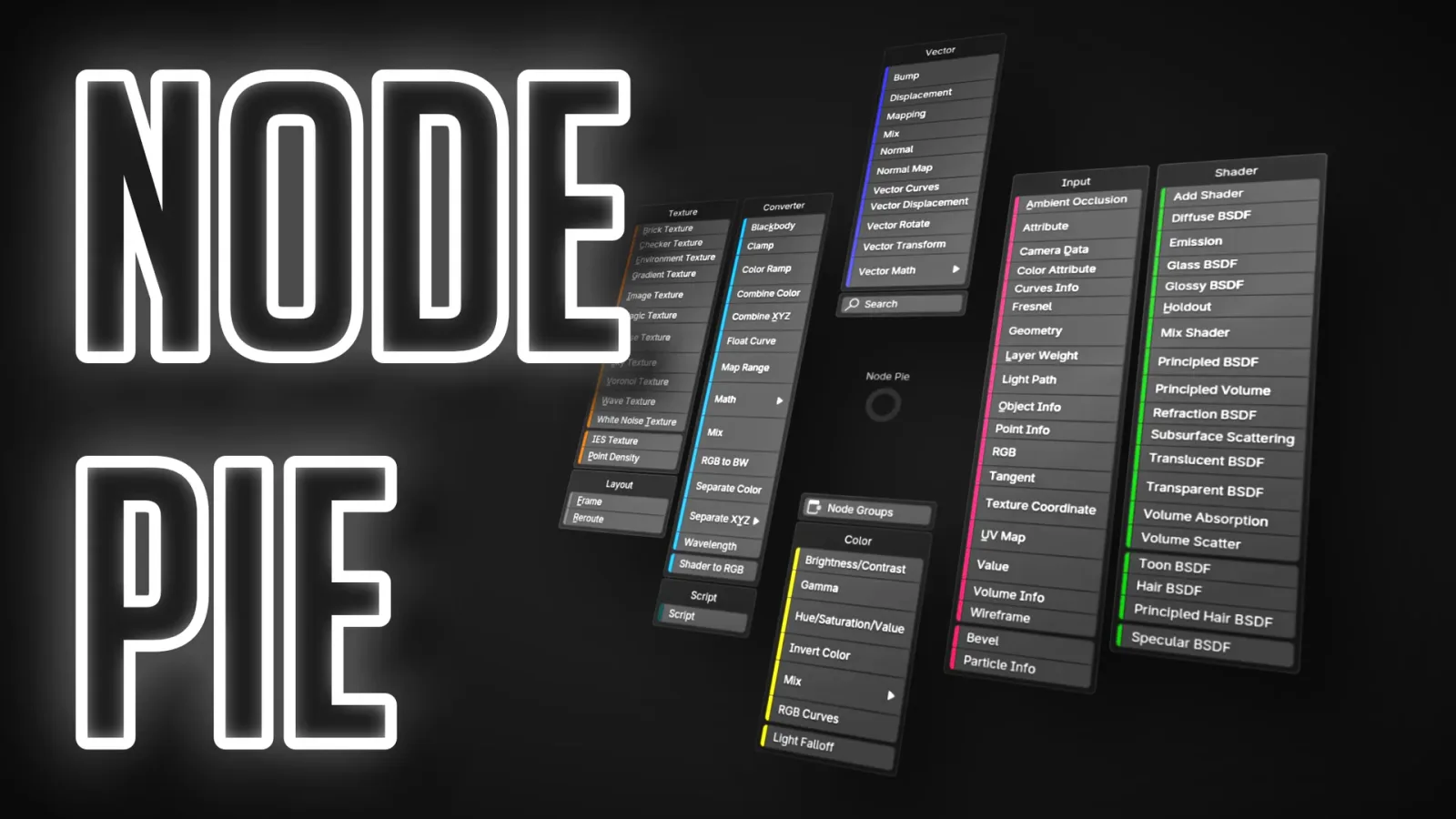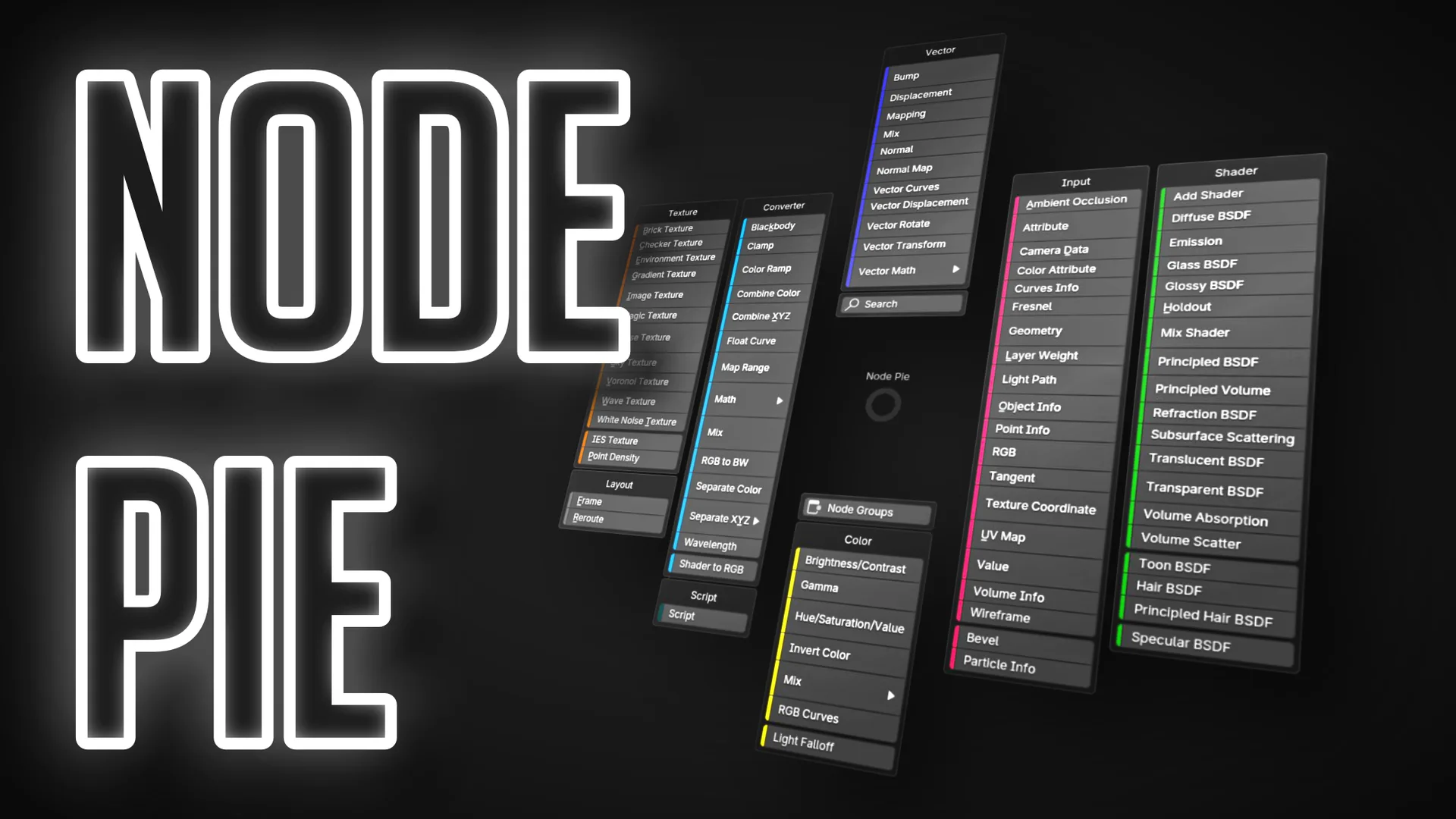
Node Pie is a Blender add-on by Strike_Digital that opens a pie menu for adding nodes in the node editor. The Blender Extensions record lists version 1.2.57 and Blender 4.2.0 as the minimum supported version.
Adding, connecting, and inserting nodes
Node Pie uses different gestures for placing a node, connecting it, or inserting it into an existing link:
- Hold
Ctrlwhile clicking in the node editor to open the menu. - Hold
Ctrlwhile dragging from a socket to open the menu and connect the node you choose. - Hold
CtrlandAltwhile dragging over a link to open the menu and insert the node you choose into that link. Incompatible node types are dimmed while dragging.
Editors and settings
The product listing describes support for node groups and Blender’s node editors, including shader, geometry and compositing editors, as well as custom node editors added by Python add-ons. Key bindings are customizable. Node Pie also has an optional feature that enlarges buttons for nodes you use more often. The Blender Extensions record lists permission to read and write configuration files.
License
The Blender Extensions catalogue lists Node Pie under the GNU General Public License version 3.0 or later. Check the extension listing for release and compatibility details before installing.