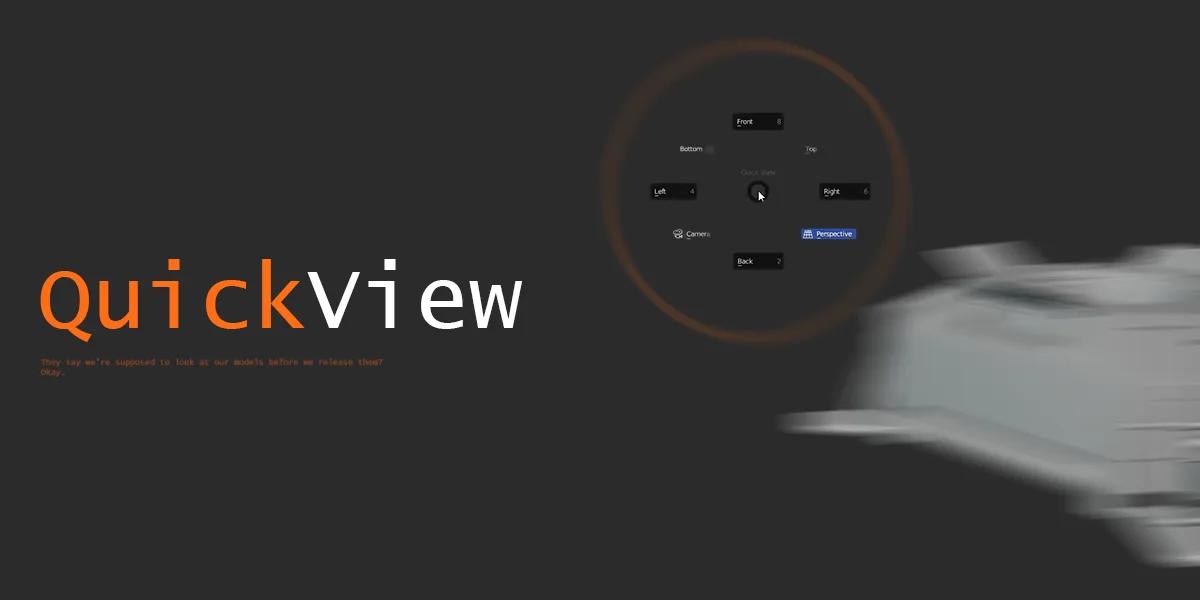
Quick View is a Blender add-on for changing viewport orientation without using the numpad. Its PIE menu opens standard views, while interactive orientation lets you look around an object or scene. The controls are aimed at users with TKL keyboards or number keys already assigned to other add-ons.
Choose a standard viewport view
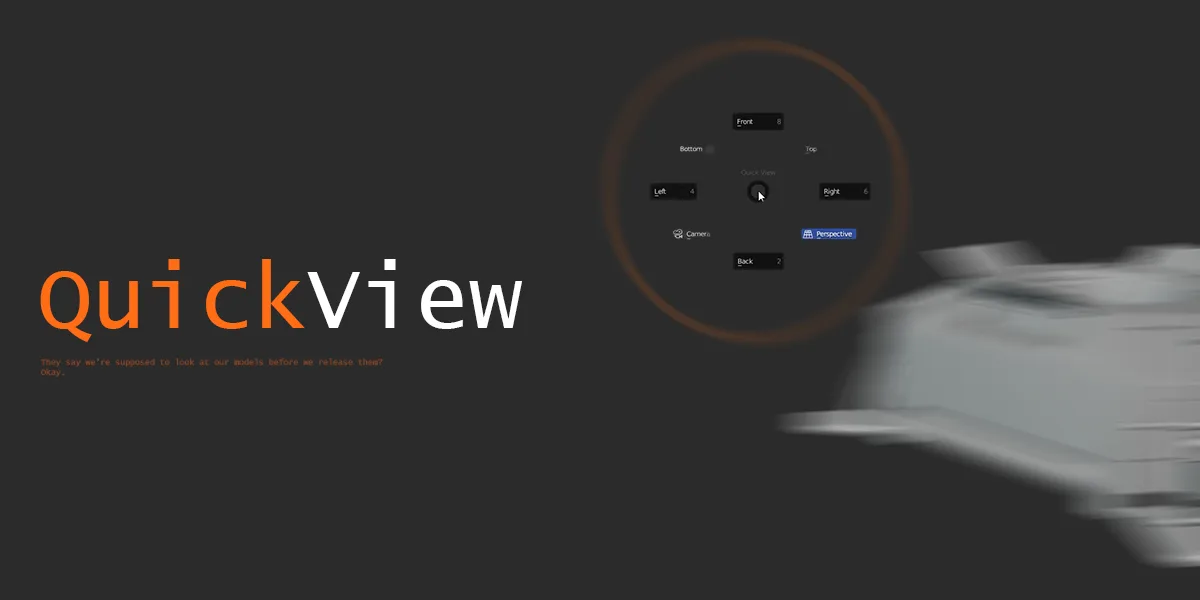
Press V in Object Mode or Edit Mode to open the PIE menu. It includes Front, Right, Back, Left, Bottom, Top, and Camera or Perspective views.
Explore views interactively
Press Shift + V in Object Mode or Edit Mode to start interactive orientation. Move the mouse past the configured threshold to switch to the corresponding orientation; below the threshold, Quick View returns to the default orientation selected in settings. Press P during this mode to toggle perspective, and use the left mouse button, right mouse button, or Esc to exit. You can pan, zoom, and rotate the view while the mode is active.
Set projection and keybindings
Settings let you choose perspective or orthographic as the default projection, enable Return to Perspective to switch to perspective after interactive orientation when the default projection is orthographic, and toggle Auto Perspective; disabling it keeps the current projection while you move the view during interactive orientation. The add-on’s rotation, panning, and zooming actions use your assigned Blender keybindings. You can also change Quick View’s keybindings if they conflict with another add-on. Version 1.0.3 adds projection options; its changelog says camera rotation should now be correct regardless of the object’s current rotation.
Version and license details
The listing identifies Quick View as version 1.0.3 and lists Blender 3.3, 3.4, 3.5, 3.6, 4.0, and 4.1. It identifies the license as GPL. Any Plugins lists the add-on as free; check the developer’s listing for current download and license details.