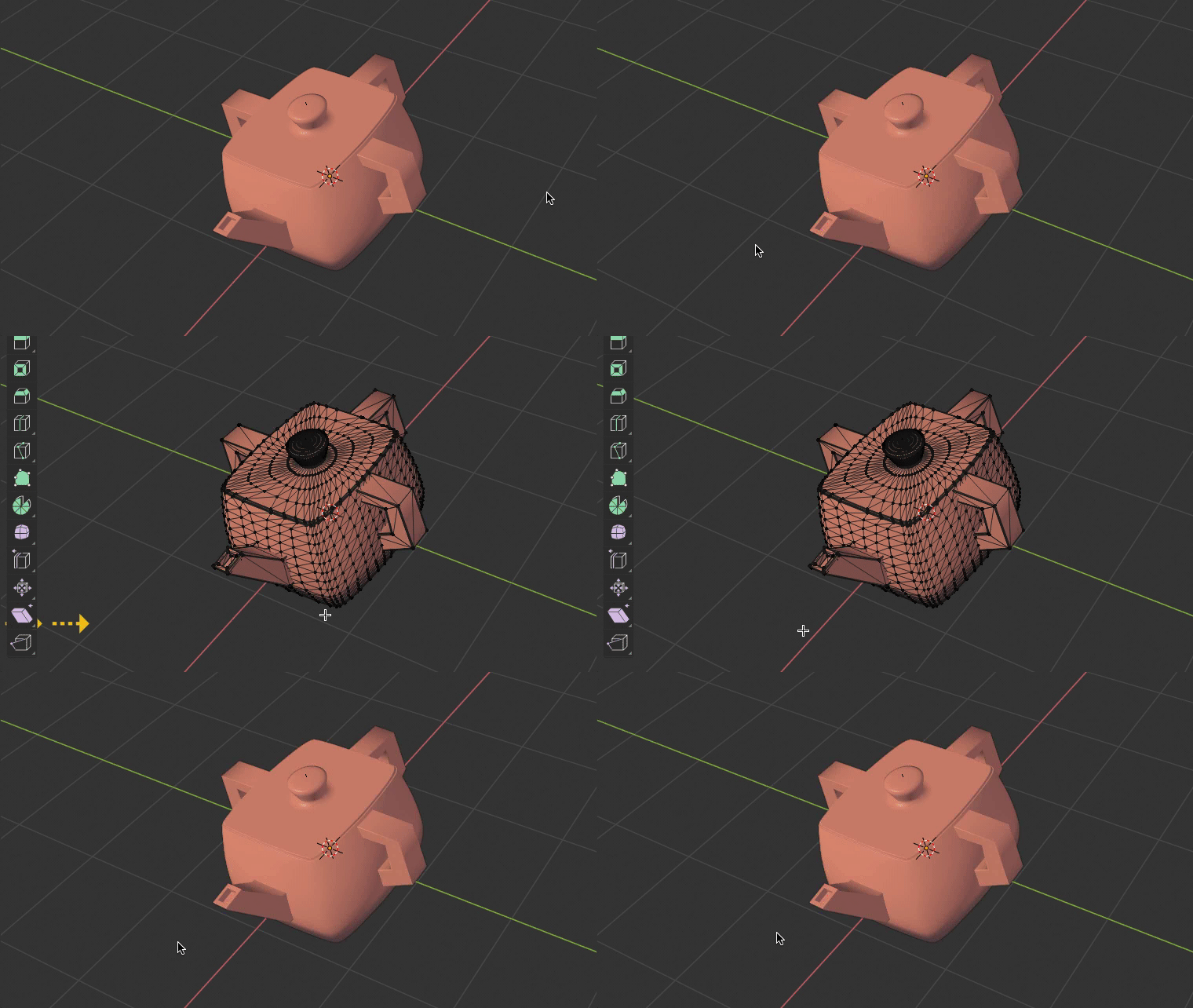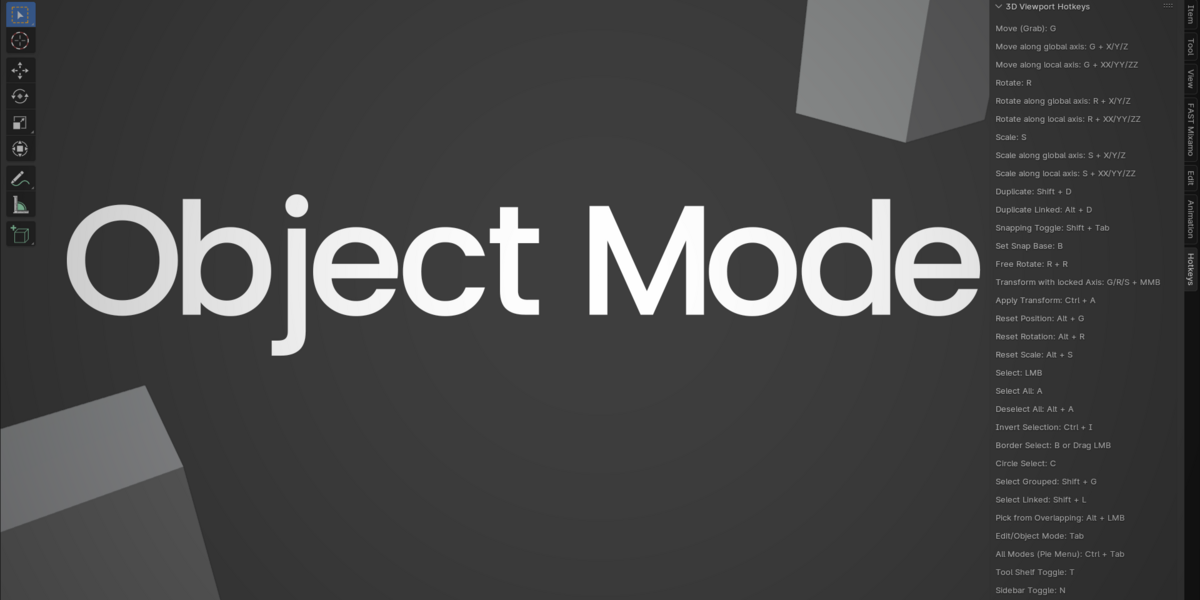
Hotkeys is a Blender add-on by CG Toon Studio for managing keyboard shortcuts across all Blender workspaces. The publisher describes it as suitable for beginners and experienced artists, and says documentation is included.
Manage shortcuts across workspaces
The product listing does not provide a complete shortcut map or explain how individual assignments are configured. Check the Hotkeys documentation for setup details, and use the publisher’s demo and tutorial video for a product walkthrough.
Compatibility and version 2.0
The marketplace lists compatibility with Blender 3.0 through 4.3, including releases 3.1 to 3.6 and 4.0 to 4.3. The version 2.0 changelog specifically confirms Blender 4.0.x through 4.3. It also records a Sample Color shortcut change to Ctrl + X on S for Blender 4.3, along with general improvements and minor bug fixes. Check the publisher’s version history for details relevant to your Blender release.
Documentation, license, and updates
The publisher says Hotkeys includes documentation and lifetime free updates. Its listing identifies the license as MIT, while the AnyPlugins catalog marks the add-on as free. Check the current publisher listing and license terms before downloading, since price and terms can change.