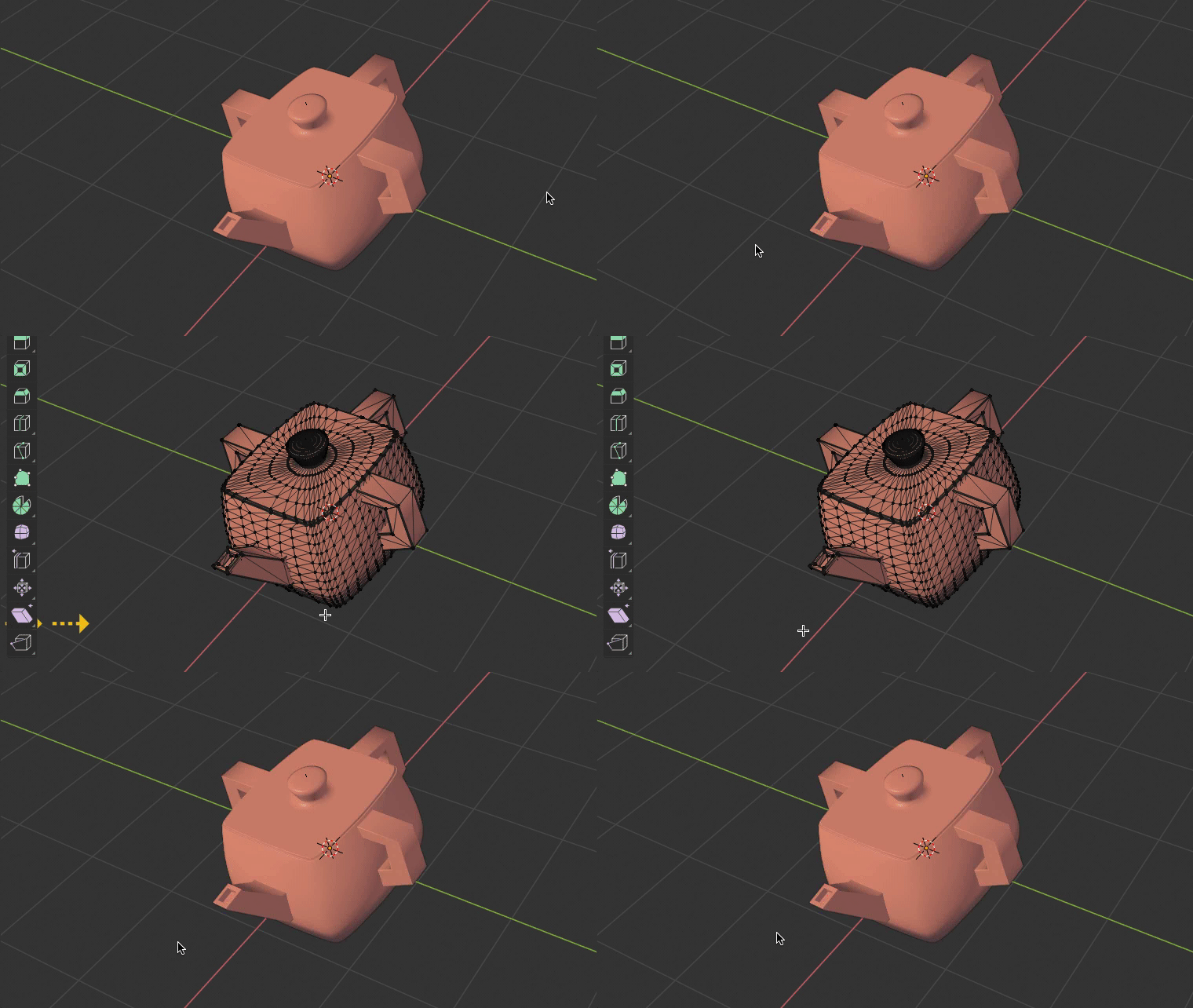
Gesture Ops is a Blender add-on by Pixel Egg Studio that runs assigned operators from patterns drawn with the mouse in the 3D View. It gives you a mouse gesture for selected operations that you might otherwise trigger with a keyboard shortcut.
Assign an operator to a gesture
To set up a pattern, find the Blender operator you want to use, right-click it and choose Copy Python Command. Paste that command into Gesture Ops preferences. The product documentation describes the setup and notes that you can paste with Command+V on macOS or Ctrl+V on Windows.
To draw a gesture, left-click in the 3D View, drag from left to right, then release the button. Repeat to add another line to the pattern. Gesture Ops runs the operator assigned to that pattern.
Preferences and compatibility
The add-on preferences include modes as an option. The changelog lists this in version 0.0.5 and lists ALT modifier support, called Option on macOS, in version 0.0.4.
Superhive's compatibility field lists Blender versions 2.79, 2.8, 2.81, 2.82, 2.83, 2.9, 2.91, 2.92, 2.93, 3.0, 3.1, 3.2, 3.3, 3.4, 3.5, 3.6, 4.0, 4.1 and 4.2. The FAQ separately says the add-on supports 2.79b and 2.80, while the compatibility field lists additional versions. Check the current product listing for your Blender version before installing.
Installation and license
The documentation says to install the downloaded ZIP from Blender's Add-ons preferences with Install Add-on from File, enable the add-on, then save preferences. Its instructions use the menu paths File > User Preferences > Add-ons, or Edit > Preferences > Add-ons for Blender 2.80. The product listing identifies the license as GPL.