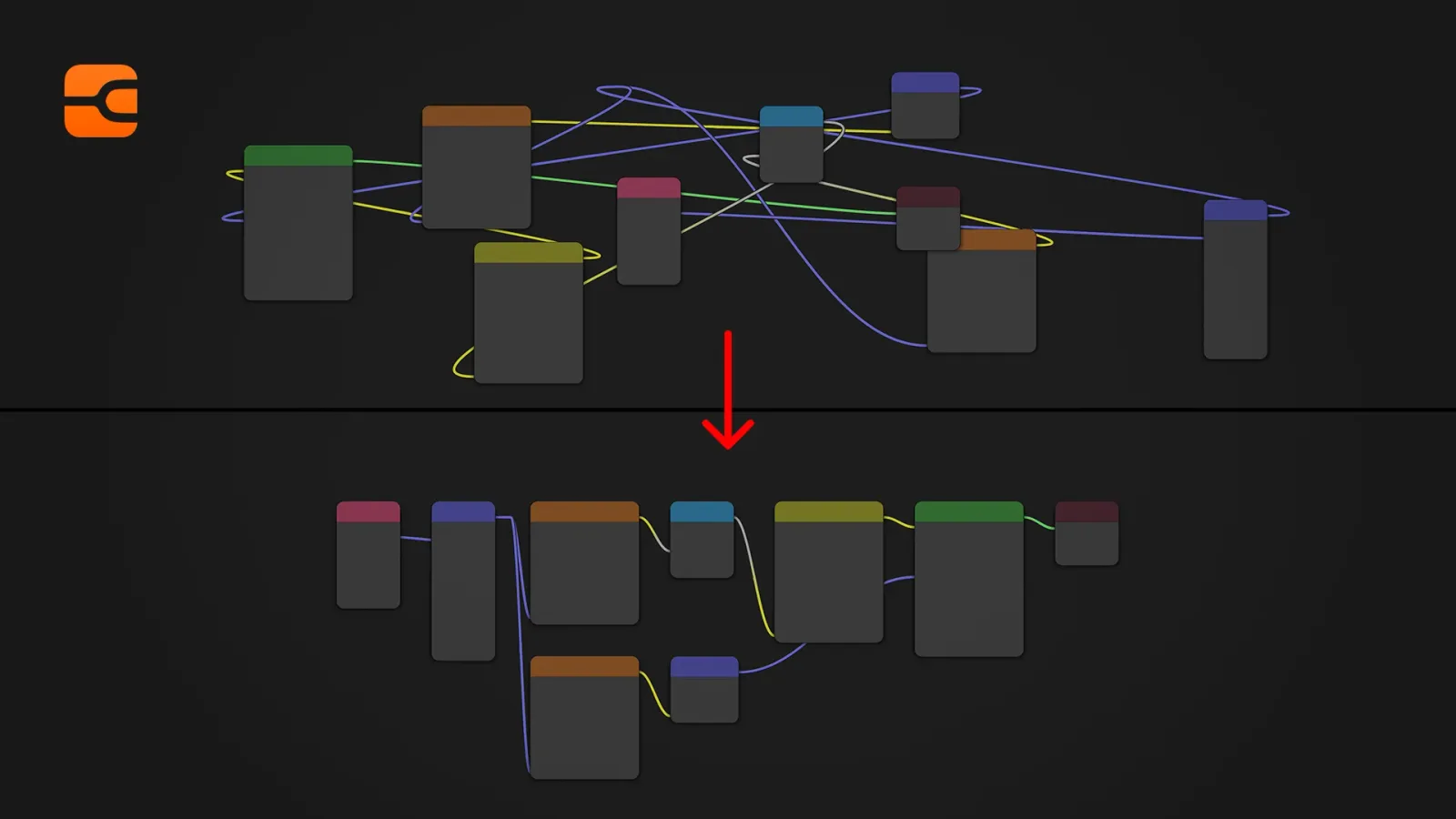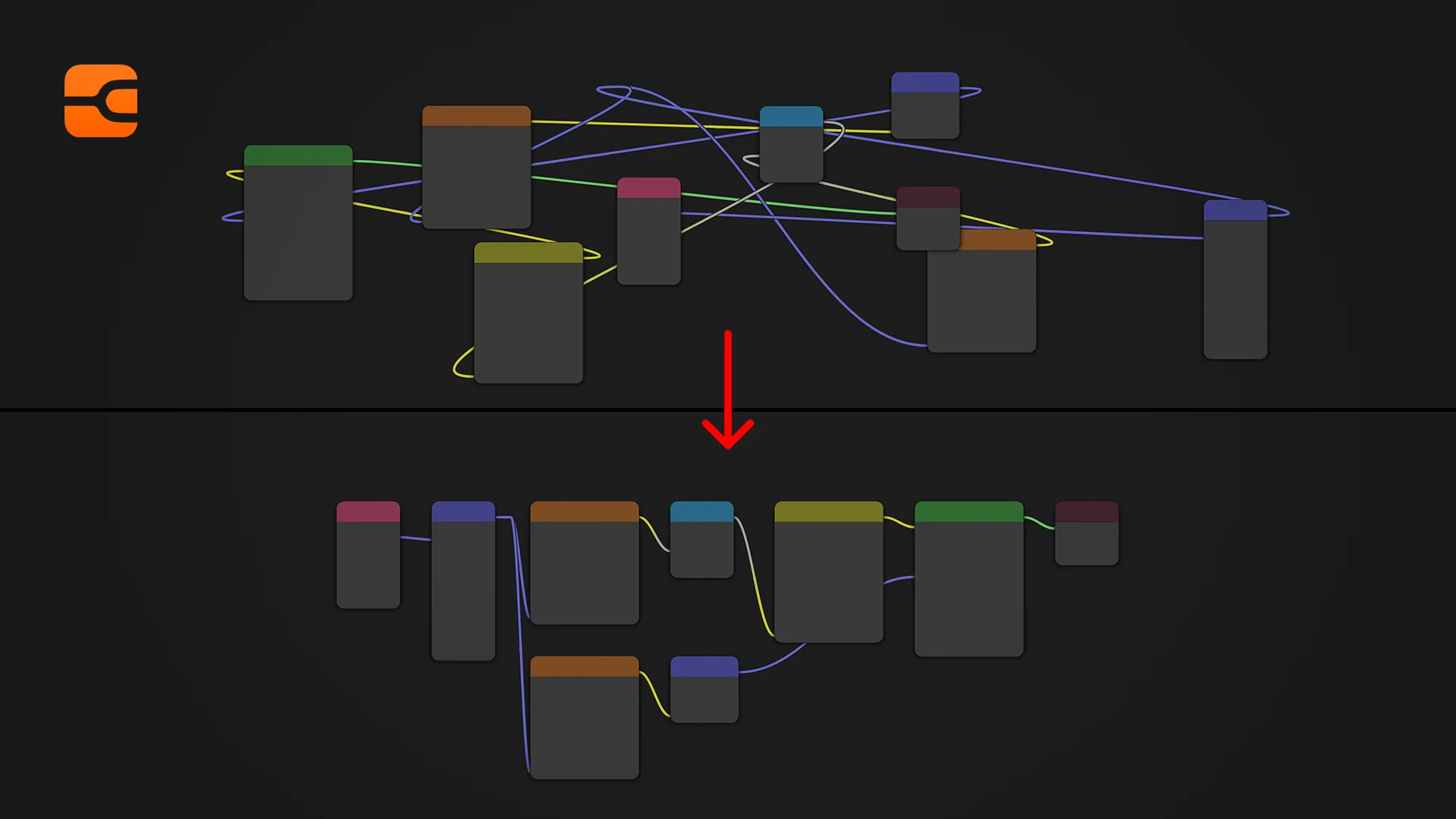
Node Arrange is a Blender add-on that automatically arranges node trees with one click. Its layout settings are adjustable.
Arrange nodes from the Node Editor
After installation, open the Node Editor sidebar and choose Arrange. The listed shortcuts include Ctrl+Shift+A to arrange selected nodes, or Cmd+Shift+A on macOS. Alt+G recenters the selected nodes.
Check Blender compatibility
The Blender Extensions catalog lists Blender 4.2.0 as the minimum version. For current release details, see the Node Arrange extension page. Blender's Install from Disk instructions explain how to add an extension from a downloaded file.