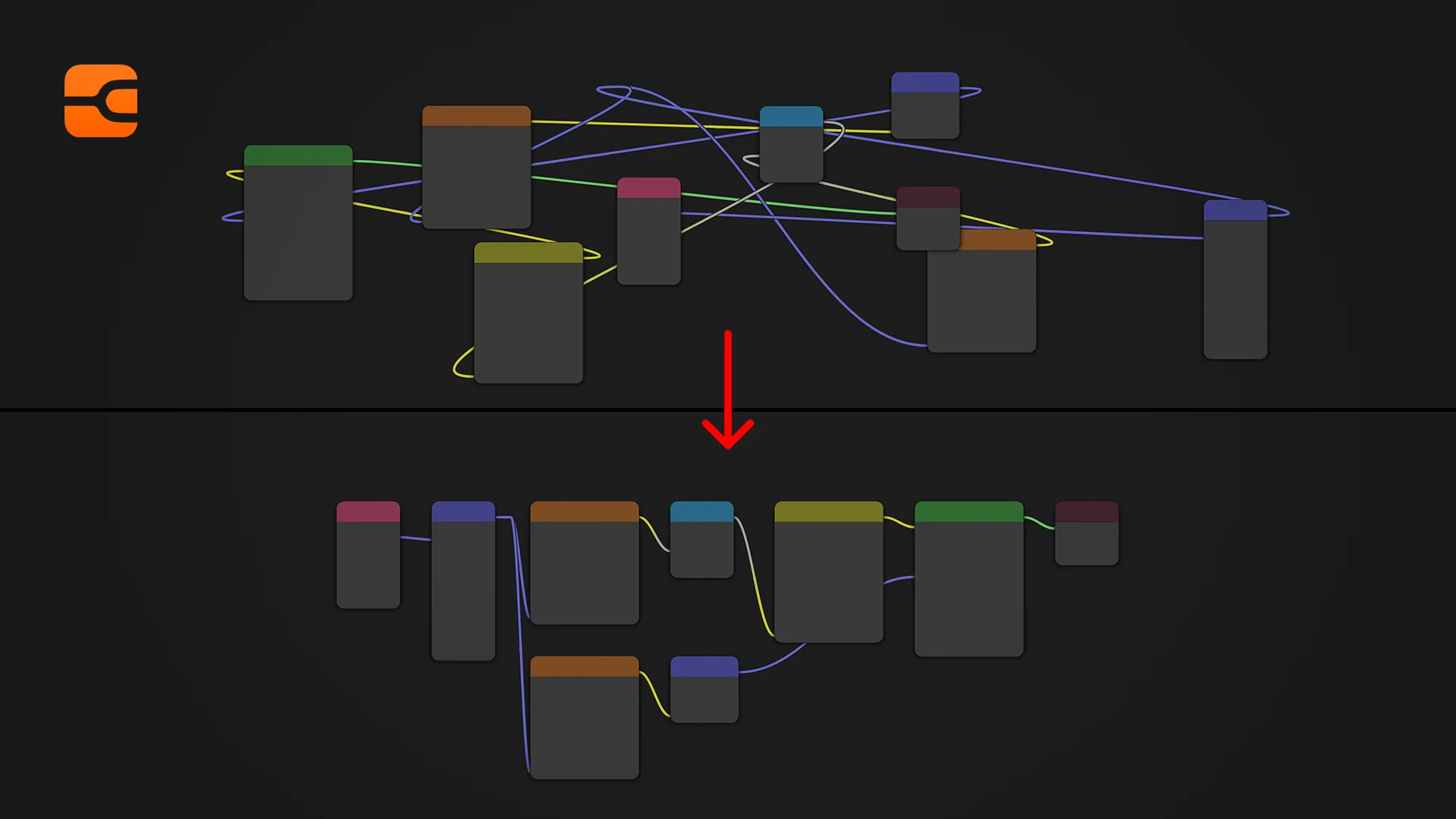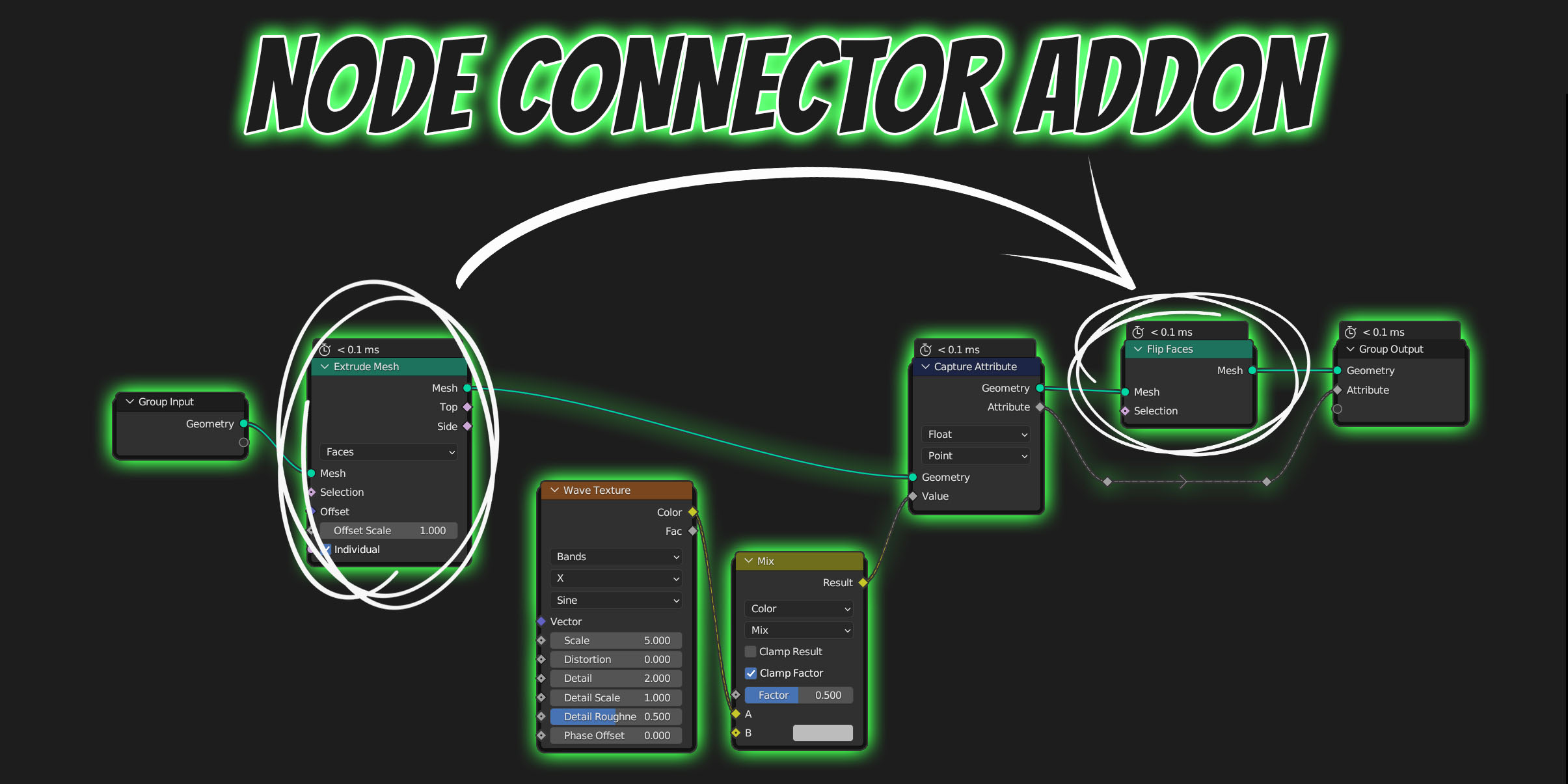
Node Connector Add-On by Blender Bash connects an active node to saved Target Nodes in a Blender node tree. Set between one and five targets, then connect to any of them regardless of their position or distance in the tree. This suits workflows where you repeatedly link a node to the same destinations.
Choose and connect target nodes
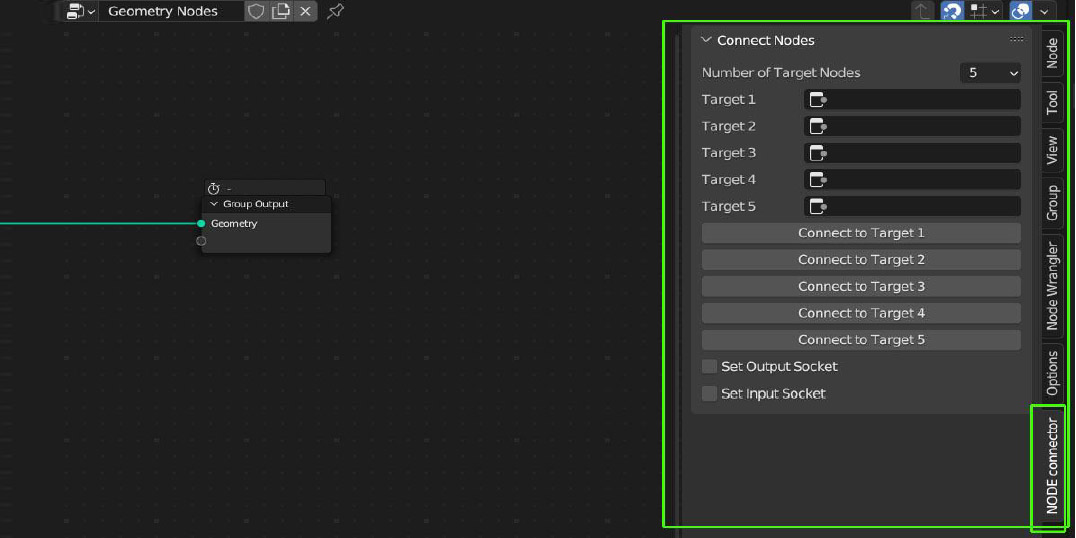
Set each Target Node in the side N panel by choosing from a dropdown list of nodes in the tree. You can then use the corresponding Connect to Target button. The add-on also provides these actions from the active node’s right-click menu, under Node Connector.
- In the N panel, choose a target from its dropdown and press the matching connect button.
- In the right-click menu, choose Set as Target or Connect to Target.
- Assign a shortcut in Blender Preferences if you want to trigger a connection from the keyboard.
Control which sockets connect
By default, Node Connector links the active node’s first output socket to the target node’s first input socket. Two checkboxes let you change the socket indices used. The product listing illustrates a connection from output socket 3 on a Cylinder node to input socket 1 on an Extrude Mesh node.
Group nodes and start nodes
The add-on works inside custom group nodes. Version 2.1.1 added an option to select Start nodes instead of using the active node, giving you another way to choose the node a connection begins from.
Compatibility and documentation
Superhive lists Blender versions 3.6 through 5.2 and notes that version 2.1.1 was updated for Blender 4.5 and higher. The listing identifies the license as GPL. Check the product listing for current details and its documentation page for the instruction manual.