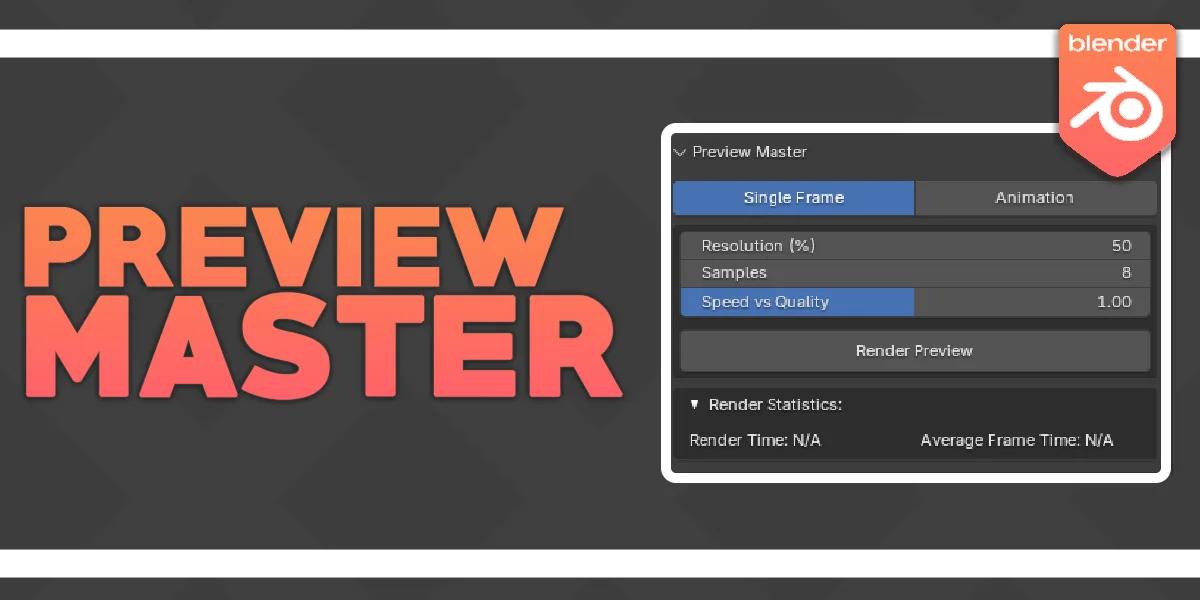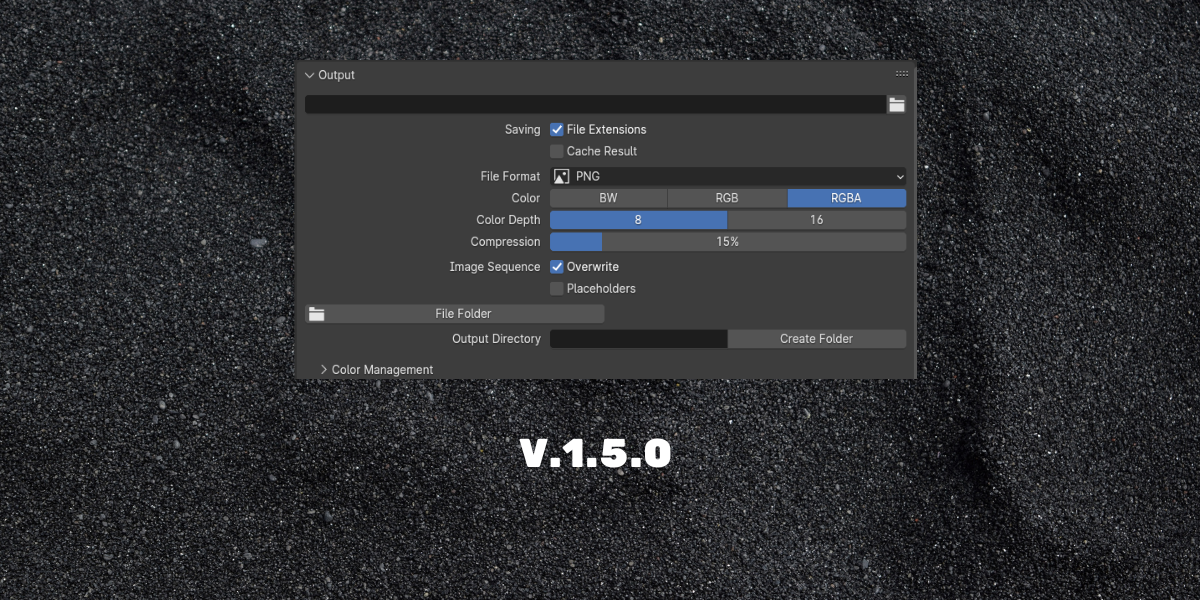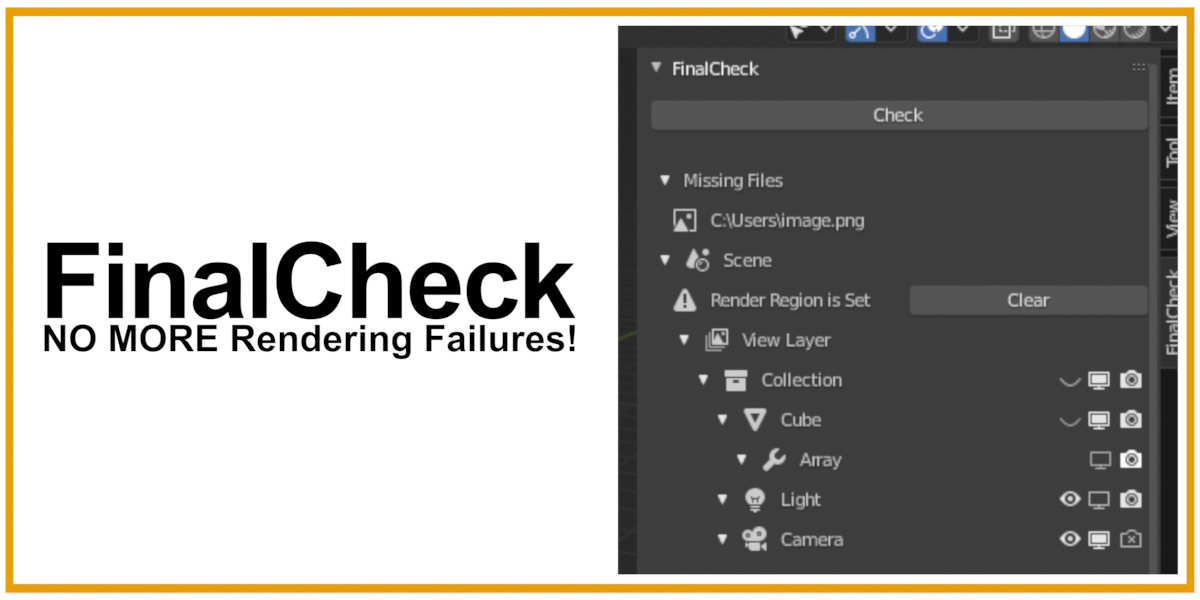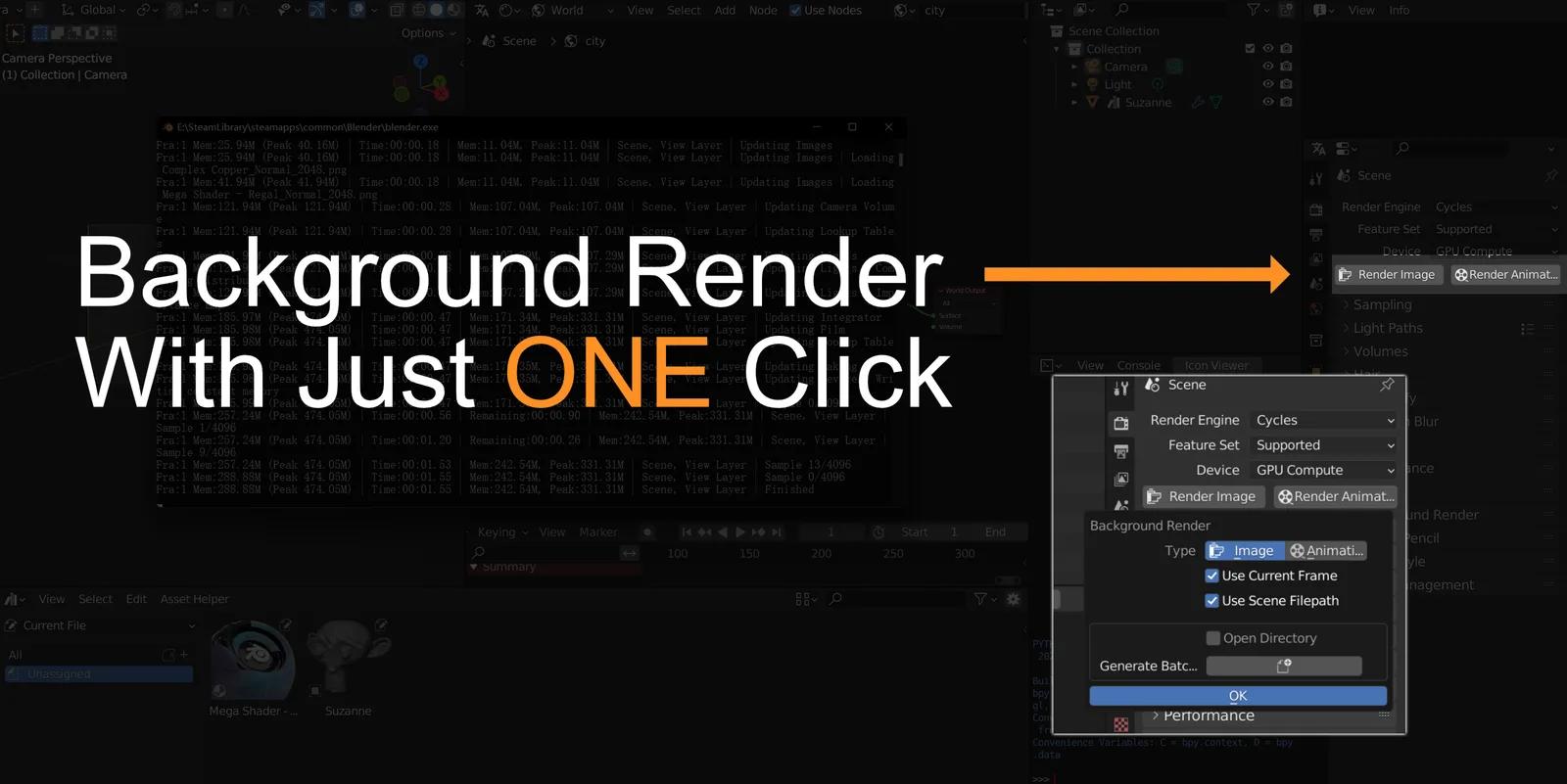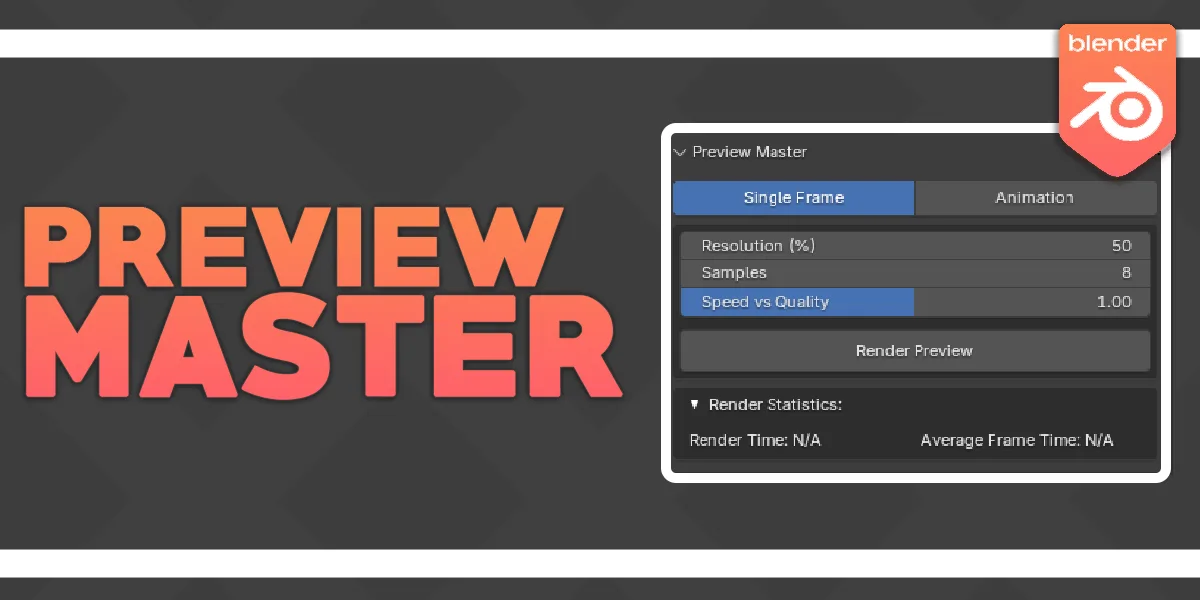
Preview Master is a Blender add-on for checking scene progress with adjustable preview renders. Its panel lets you change resolution, sample count, and render quality without changing your final render settings.
Adjust preview renders
Use the preview controls to balance image quality and render speed while you work. Preview Master supports both single-frame and animation renders, then opens the appropriate viewer for the selected output.
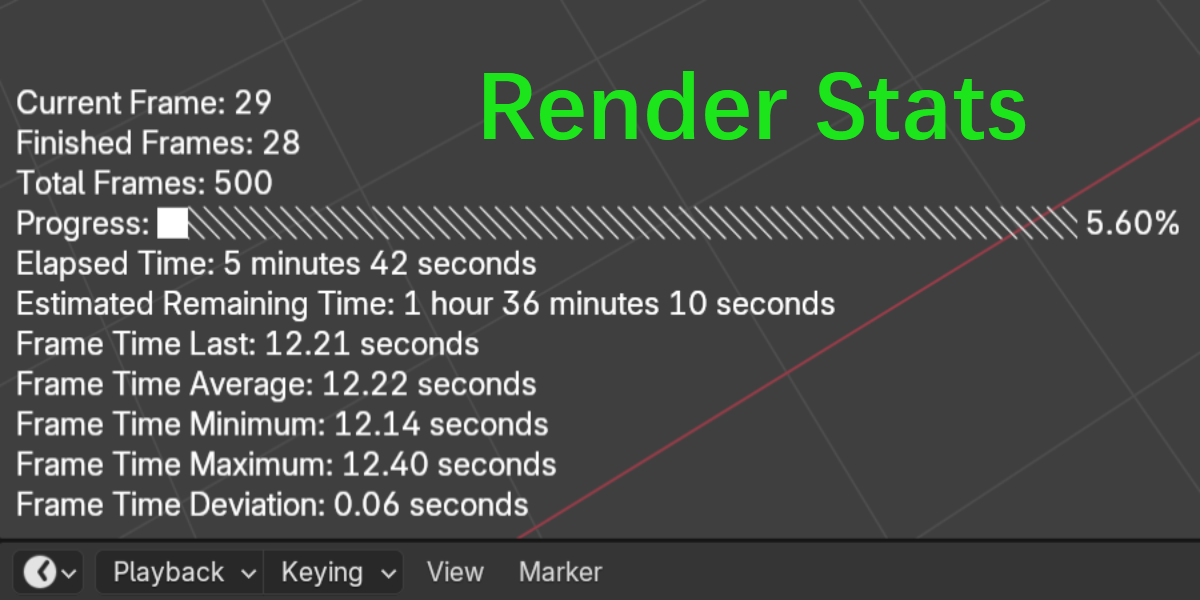
See render timing
The add-on displays total render time and average frame time. Total render time shows the preview's duration, while average frame time shows the mean time per frame.
Compatibility and installation
The Superhive listing identifies Preview Master as a Blender 4.3 compatible add-on under the GPL license. Its documentation says to download the previewmaster-[version].zip file, then open Blender's Edit > Preferences > Get Extensions. Open the Extensions Settings arrow next to the Repositories dropdown, choose Install from disk, select the ZIP file, wait for it to register, and restart Blender. Check the developer listing for compatibility details if you use a different Blender version.
See the Preview Master listing for current product details and the installation documentation.