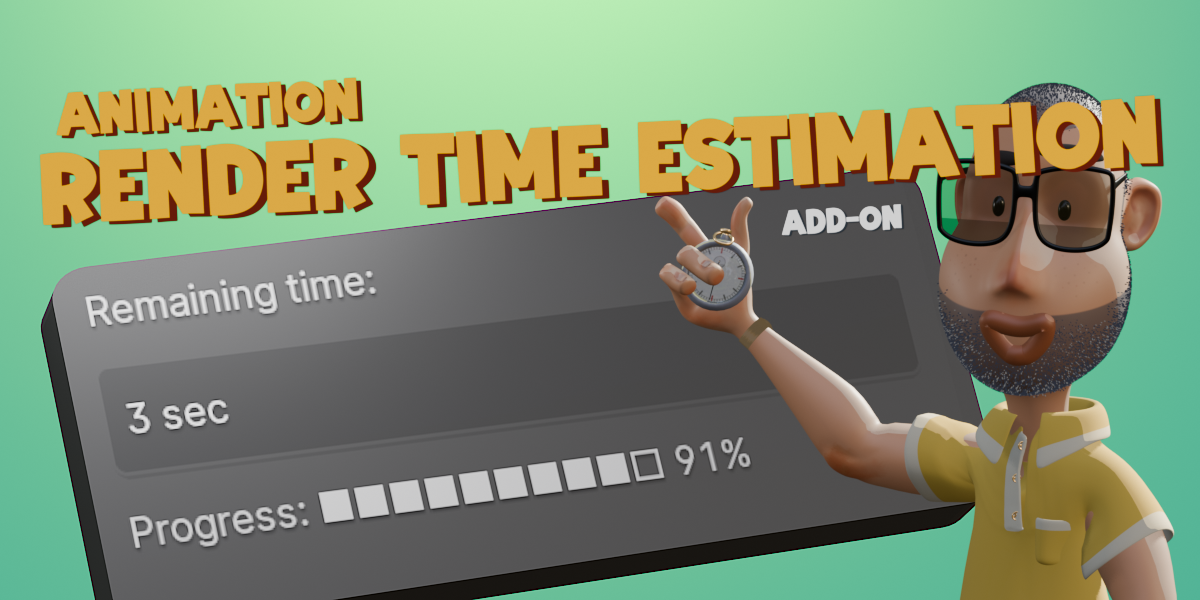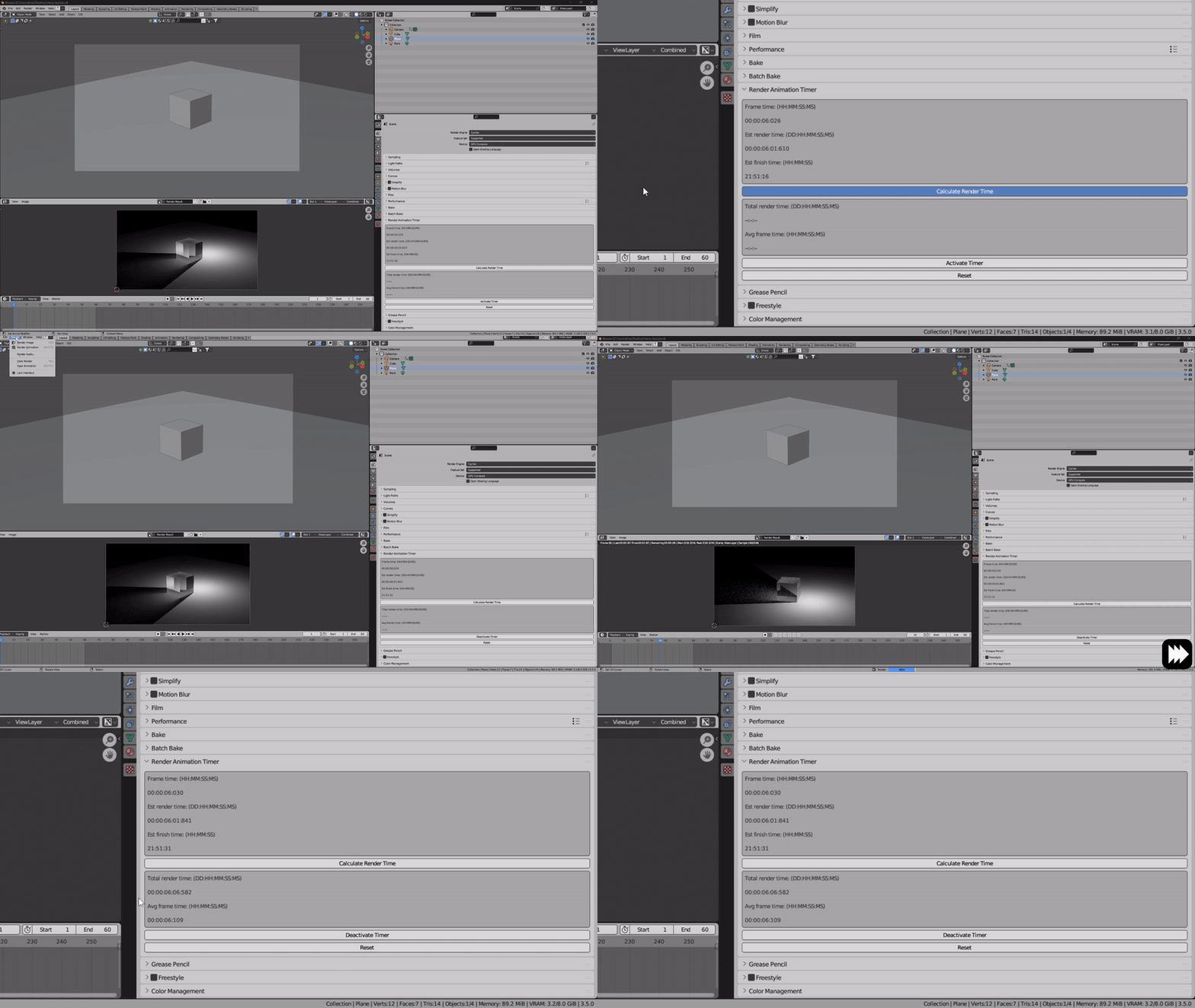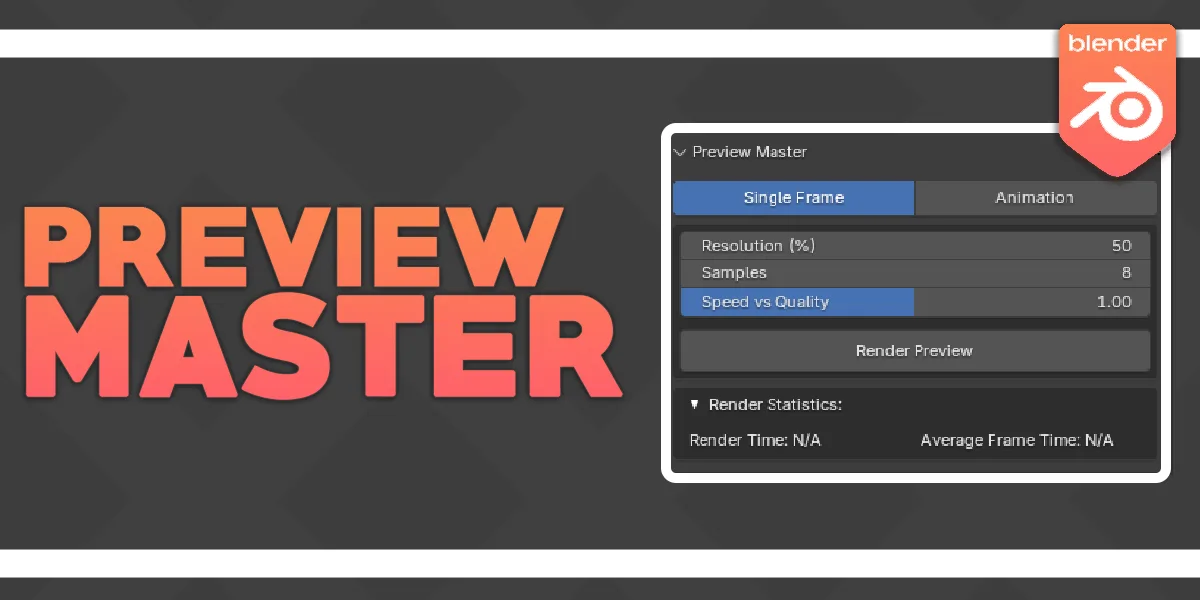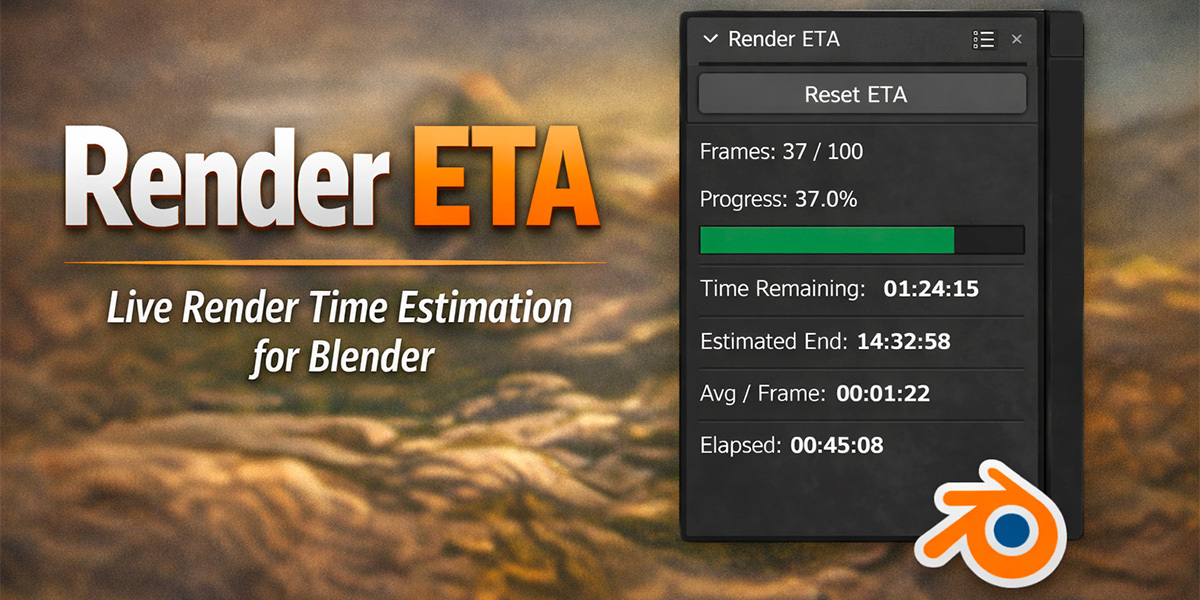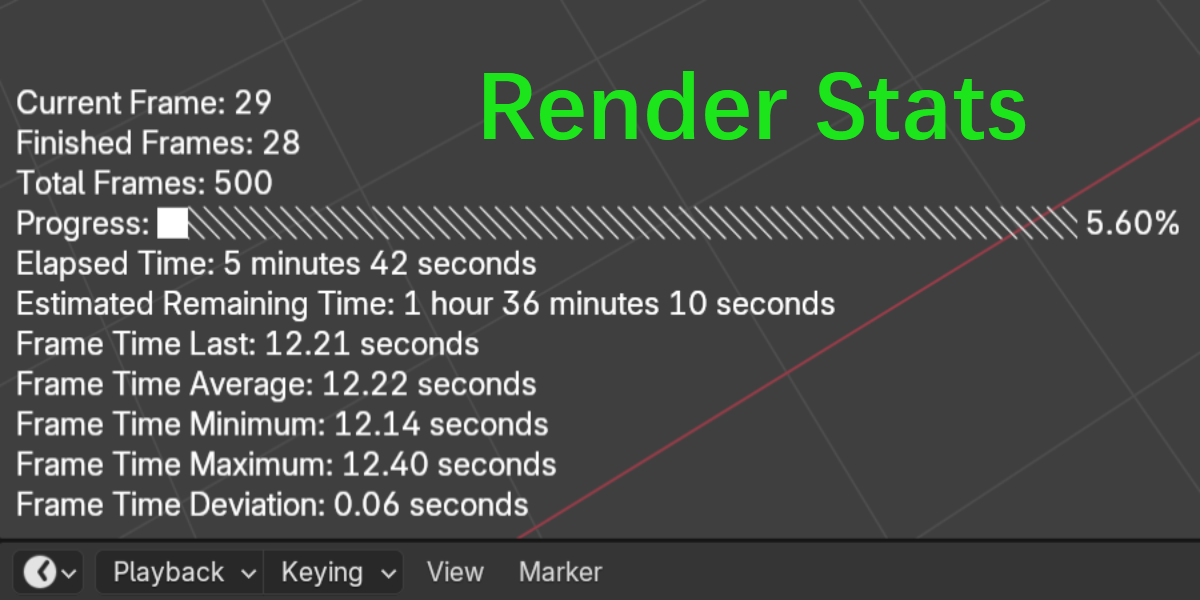
Render Stats is a Blender add-on by Soyoyo that displays rendering statistics in the 3D Viewport during image and animation renders. It shows animation progress, elapsed time, and estimated remaining time. The Superhive product page lists its compatibility and license details.
Estimate an animation render
For a quick estimate, render a still image. To sample an animation, start rendering and cancel after 3 to 5 frames; the product documentation describes this as a more accurate evaluation. Render Stats estimates total time by adding elapsed time to estimated remaining time. The estimate is more accurate when frame times vary less. Scene complexity and other computer activity can affect frame times.
When the display updates
The statistics refresh after each frame finishes, rather than continuously while a frame is rendering. Values can stay unchanged during a long frame. The progress bar's appearance also differs slightly between Blender 3.x and 4.x.
Copy or export a report
When a render finishes or is cancelled, the add-on can copy a summary to the clipboard. This option can be turned off. For detailed results, export a CSV file from the N Panel. A spreadsheet or other table viewer is easier to read than a plain text editor.
Display controls and compatibility
Preferences let you adjust the display position, line spacing, and font size. Some of these settings also appear under the RStats tab in the N Panel. The product listing specifies Blender 3.6 through 5.0, Blender Extension compatibility, and the Blender-Internal, Cycles, and Eevee render engines. It lists the add-on under the GPL license.